Functions for Master-Making
Cutting the Top Margin of the Original and Printing [Top Margin]
84
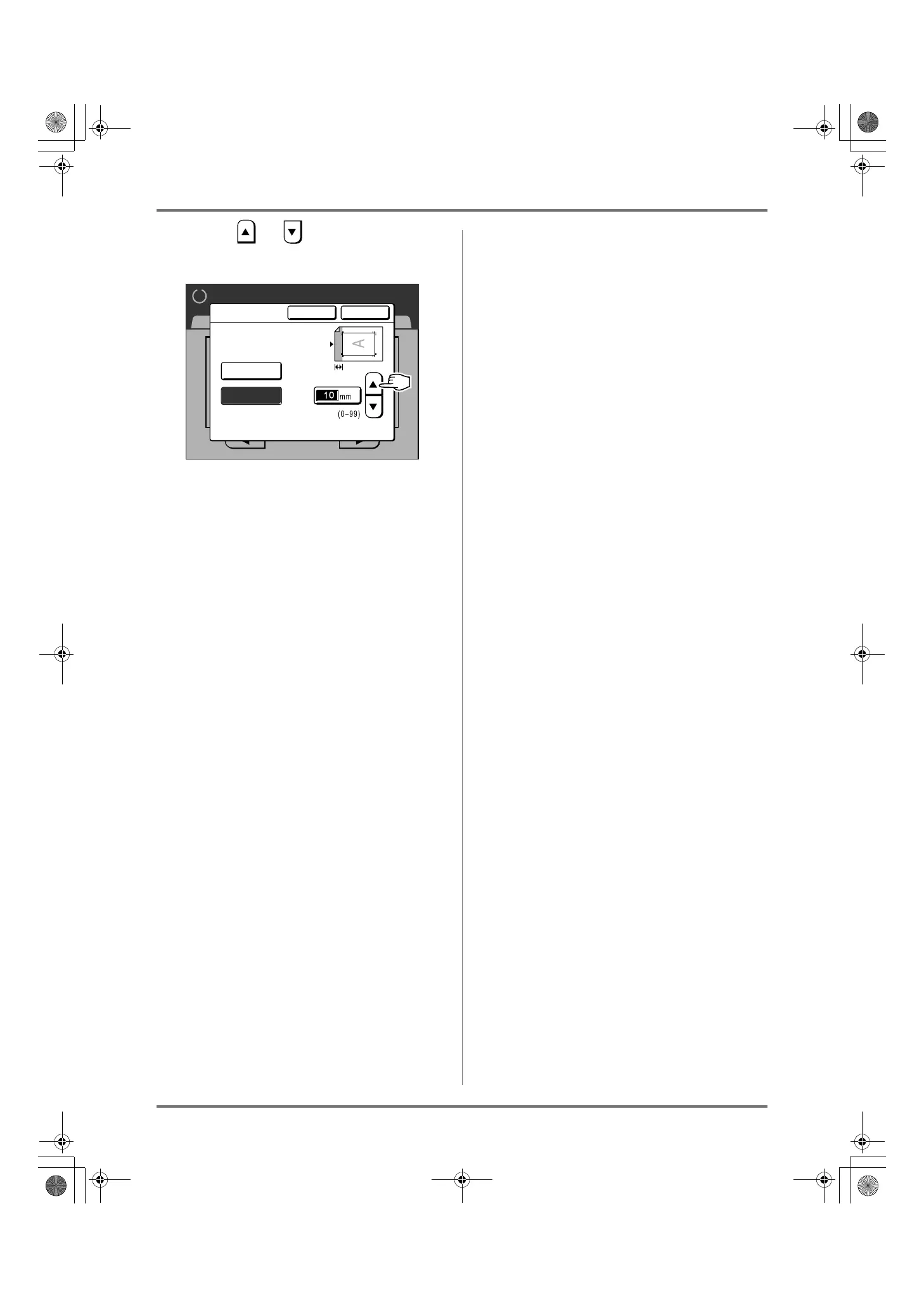
5
Touch or to specify the cut
width.
You can set from 0 to 99 mm (0.0" to 3.9").
Note:
• Print Quantity Keys can also be used to enter
numbers.
6
Touch [OK].
Returns to the Functions screen.
“Top Margin” setting is updated.
Ready to Make Master
Basic Selections Functions Admin.
2/4
P
.
Cancel OK
Top Margin
(Numeric keypad is available for input)
The top margin of
originals can be cut
by a specified range
OFF
ON
REG-ML_EN.book Page 84 Wednesday, September 21, 2011 5:19 PM


 To Next Page
 Loading...



