General use and navigation
Power on and speaker volume
The VHF radio has a dual-function on/off wheel knob for
power on/off and volume control.
• To power on the VHF radio press the on/off
wheel knob.
• To power off the VHF radio, press and
hold the on/off wheel knob and follow the
instructions in the display.
• To adjust the speaker volume, turn the volume wheel
knob (clockwise = louder, counter clockwise = softer,
until muted). When adjusted to the muted level,
is shown in the display.
Working channel, settings and dim
function
The selector wheel knob has several functions:
• To select the working channel, turn the selector
wheel knob.
• To browse and select settings, turn the selector wheel
knob and press for accept.
• To dim the backlight in the display until it is appropriate
for the current situation, i.e. to give comfortable night
vision, press, hold and turn the selector wheel knob
(clockwise= more light).
Adjusting the squelch
With the Squelch control you can manually adjust and
suppress noise in order to optimize the quality of the
received radio communication.
• When hearing noise or an unwanted signal, turn
the squelch button clockwise until the speaker
is muted.
Channel 16
To switch from any channel to channel 16,
press the red 16/C key.
Replay button
Hold the replay button to listen to previously
received transmissions.
DSC distress alert button
Lift the protective flap and hold the DSC
button to send a DSC distress message.
Hi and low power
To switch between high and low power, press the ‘HI/LO’
soft key.
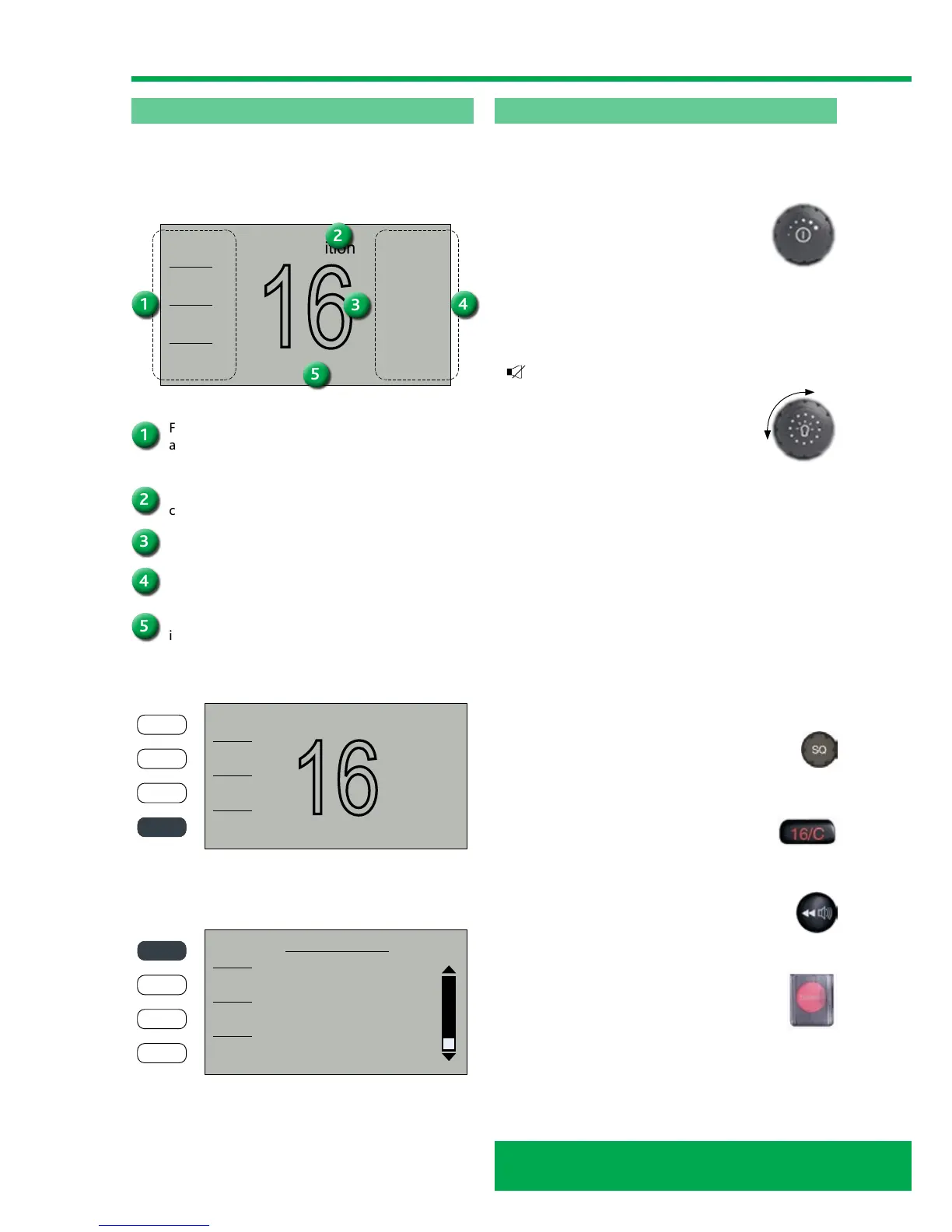
SAILOR 6215 VHF DSC display
The picture shows the display after start-up. The display
holds various fields of information, depending on the
currently selected function.
Functions you can select with the soft keys. If there
are more than 4 functions in the list press the soft
key MORE to display further functions.
Action line containing information relevant for the
currently selected function.
Current working channel.
Status and other values for the current state or
VHF channel.
Service line containing current temporary
information relevant for the current channel
or function.



 To Next Page