2F-85 & 2F-140 - Instruction Manual
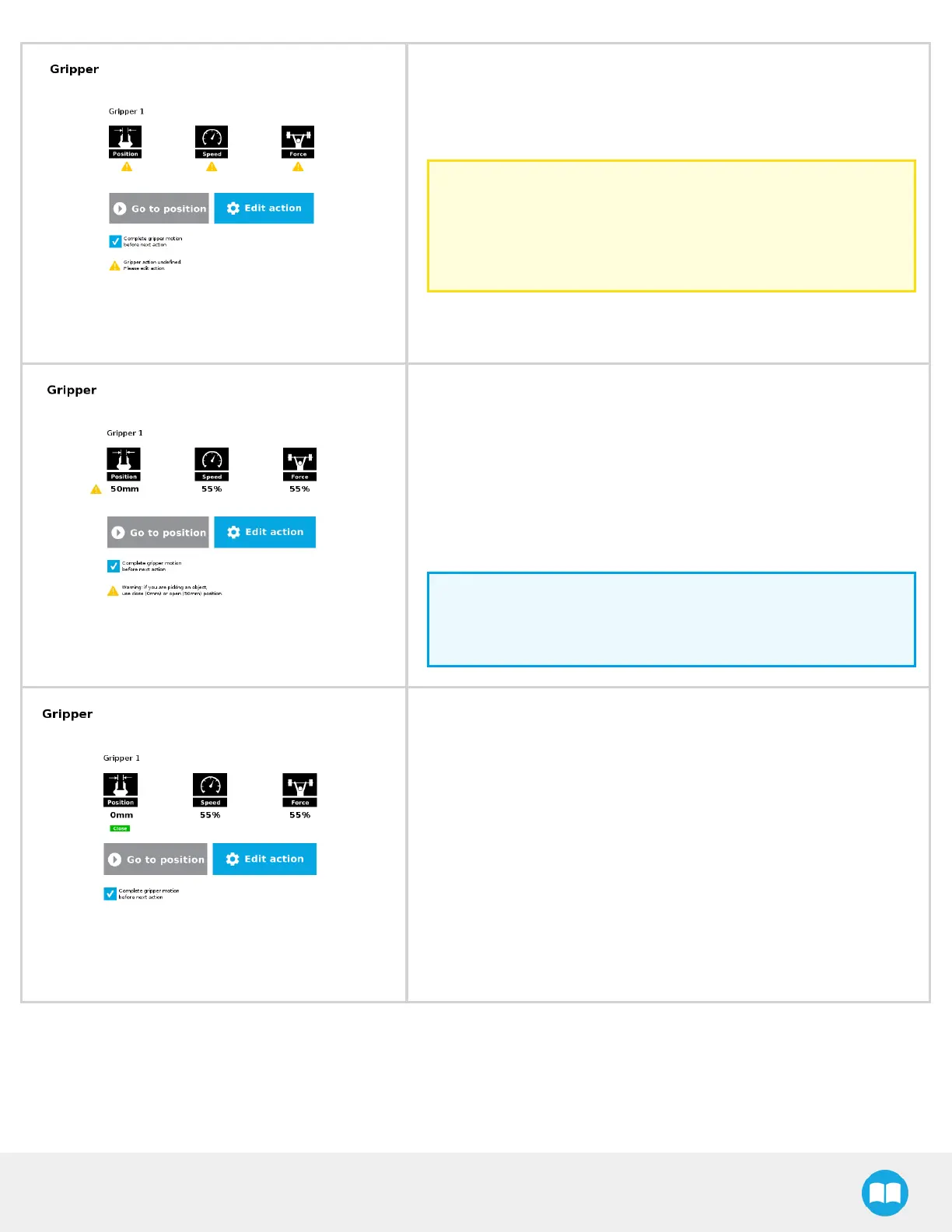
When the node isnot defined, the Command window showswarning
messages. Tap Edit action to modify the gripper’s action.
Caution
Tap the Go to position button prior to editing the action.
Whereasthe command window displaysthe command that the
gripper should execute in thisparticular node, the Edit action
screen displays the current gripper position.
When the node requests the gripper to close/open, the Command
window warns that a partial opening/closing should not be performed
for picking an object.
l
For positioning and partial movement of the gripper, moving to a spe-
cific position (between the fully open and fully close positions)
is suitable.
l
To pick an object, use the close (or open) actionsalong with the object
detection feature (please refer to the Edit action screen section).
Info
When the action is set for multiple grippers, the header lists
the selected grippers (e.g. Grippers 1,2,3,4)
When the gripper action is set to close, a green "Close" icon appears.
When the gripper action is set to open, a green "Open" icon appears.



 To Next Page