2F-85 & 2F-140 - Instruction Manual
Icon
Functionality
Name
Description
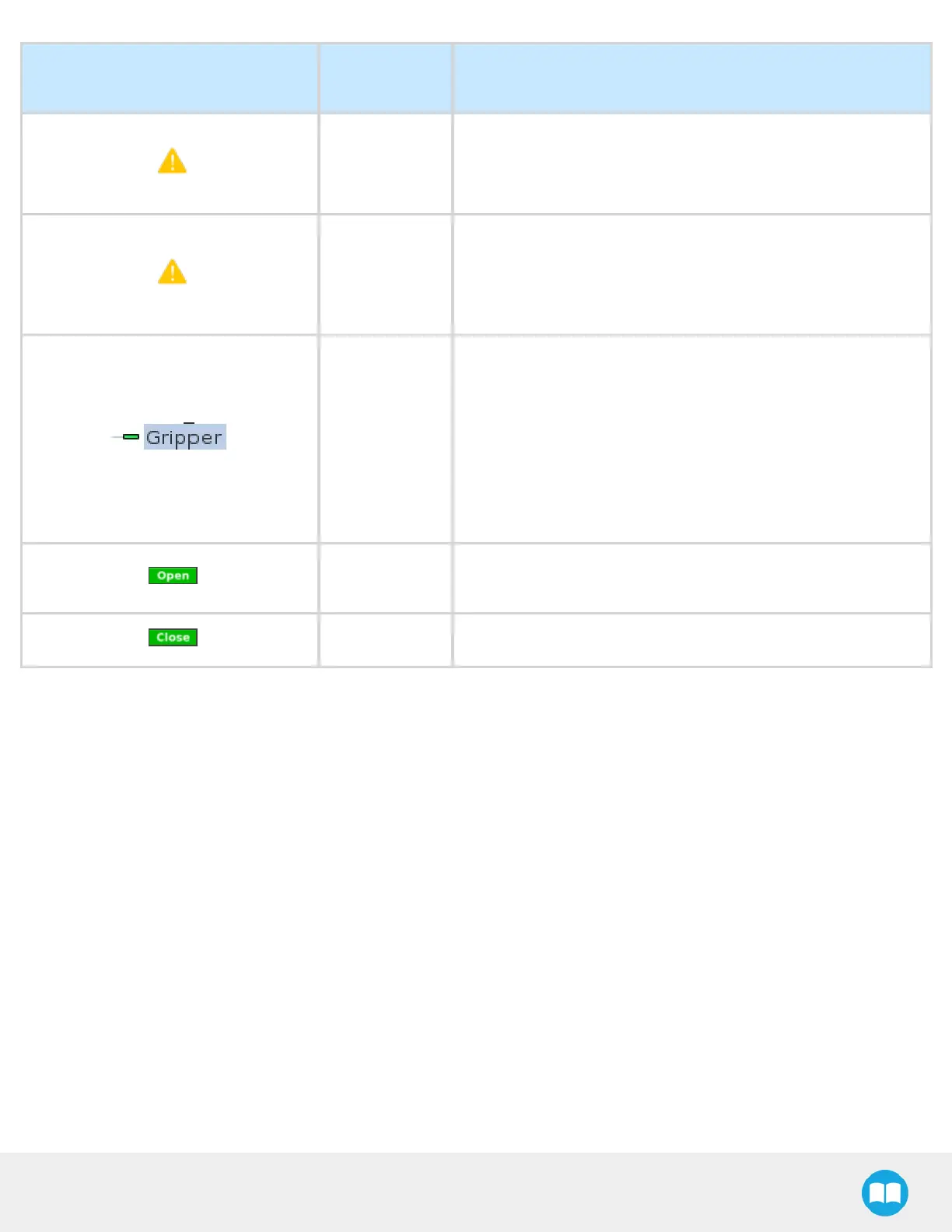
Gripper action
undefined
“ Gripper action undefined! Please edit action.”
When creating a new node, all action parameters are undefined.
Tap the edit action button to define parameters.
Object picking
warning
“ Warning, if you are picking an object, use close (100%) or open
(0%) position.”
It is highly recommended to only use 0%or 100%position when
trying to pick an object.
Node name
Node name is automatically set to:
l
Gripper Open, when position = 0%or fully open value as
defined in the Calibration wizard
l
Gripper Close, when position = 100%or fully closed value as
defined in the Calibration wizard.
l
Gripper Move x%/mm/in, when position isbetween the fully
open and fully closed values.
Open request
When position requested is 0%, or the fully opened value defined
in the Calibration wizard.
Close request When position request is 100%.



 To Next Page