2F-85 & 2F-140 - Instruction Manual
4.9.7. Gripper Toolbar
The Gripper Toolbar is generally used to test and jog the gripper, meaning it hasno effect on the programming of the robot.
Info
The Gripper URCap package containsthe Gripper Toolbar. Therefore, the toolbar is automatically installed with the
URCap package.
Overview
Prior to using the Gripper Toolbar, the user needsto go to the Gripper Dashboard and tick the ShowGripper Toolbar box. Please
refer to the Gripper Dashboard section.
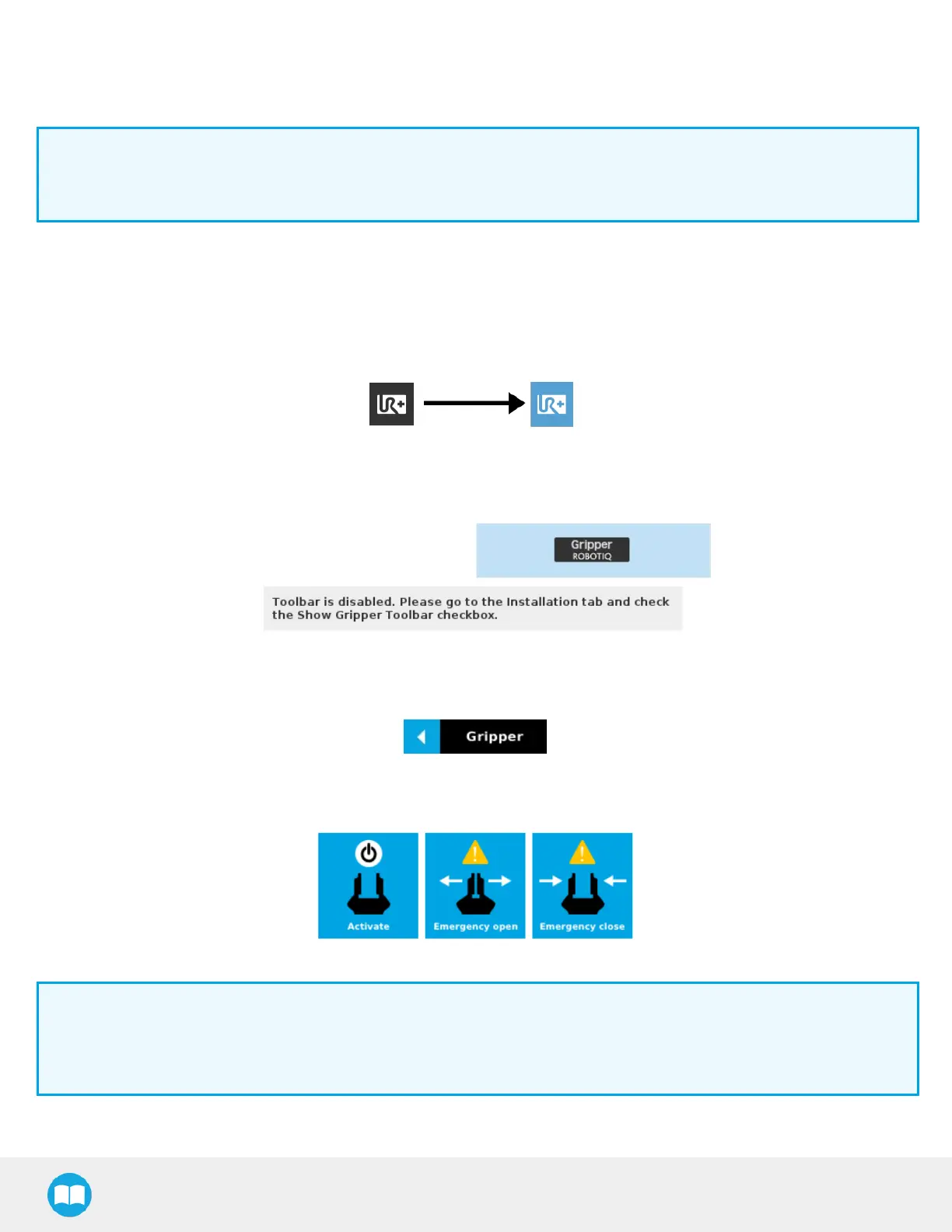
Following the proper installation of the Gripper URCap, the user can tap the UR+ button at the top of the screen to expand the
Gripper Toolbar.
Fig. 4-26: UR+ button to expand the gripper toolbar
If the user hasomitted to tick the Show Gripper Toolbar box in the Gripper Dashboard, tapping the UR+ button will display this
message:
Fig. 4-27: Disabled Gripper Toolbar
On CB-Series, right after the installation of the Gripper URCap, a collapsed Gripper Toolbar will display at the top of the screen.
Fig. 4-28: Gripper Toolbar (collapsed)
An expanded Gripper Toolbar prior to the activation of the gripper lookslike the figure below:
Fig. 4-29: Gripper Toolbar Before Activation
Info
The Emergencyopen and Emergencyclose buttonsallow the user to open and close the gripper even if it isnot
activated.
The emergency commands use very low speed and force settings.
l
Tap the Activate button to enable the gripper
96



 To Next Page