Robustel GoRugged R3000 Lite User Guide
RT_UG_R3000 Lite_v.1.4.1 15.11.2016 55 / 135
Confidential
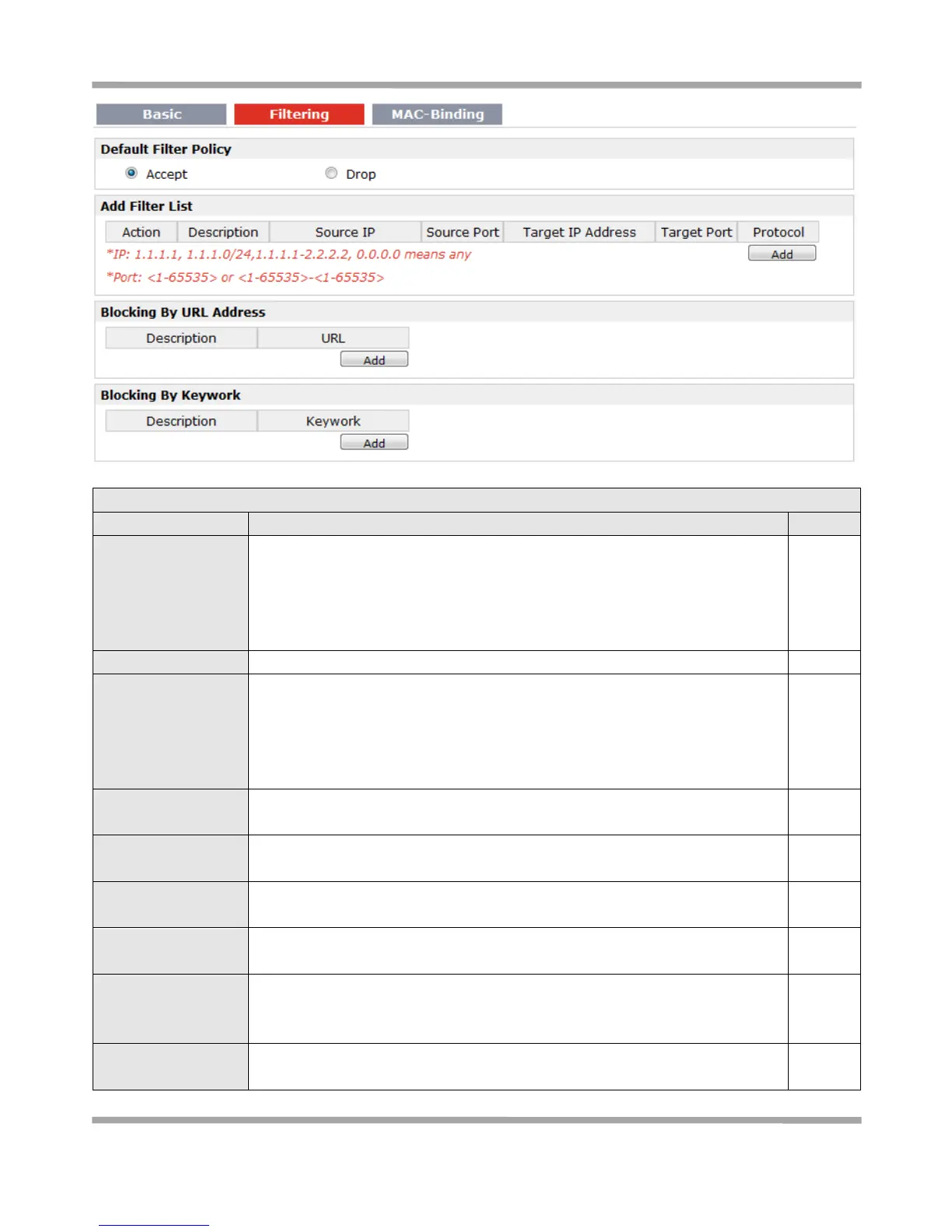
Select from “Accept” and “Drop”.
Accept: Router will accept all the data traffic except the hosts which were
added in the drop list.
Drop: Router will drop all the data traffic except the hosts which were added in
the accept list.
Click “Add” to add a filter list.
Select from “Accept” and “Drop”.
Accept: Router will reject all the connecting requests except the hosts which fit
this filter rule.
Drop: Router will only accept the connecting requests from the hosts which fit
this filter rule.
Defines if access is allowed from one or a range of IP addresses which are
defined by Source IP Address, or every IP addresses.
Defines if access is allowed from one or a range of port which is defined by
Source Port.
Defines if access is allowed to one or a range of IP addresses which are defined
by Target IP Address, or every IP addresses.
Defines if access is allowed tone or a range of port which is defined by Target
Port.
Select from “TCP”, “UDP”, “TCP&UDP”, “ICMP” or “ALL”.
If you don’t know what kinds of protocol of your application, we recommend
you select “ALL”.
Click “Add” to add a URL list.











 To Next Page