Controller functions
RES-445 Page 49
The cycle counter is reset to 0 if the "ENTER" key is
pressed or if the maximum count of 999.999.999 cycles
is exceeded.
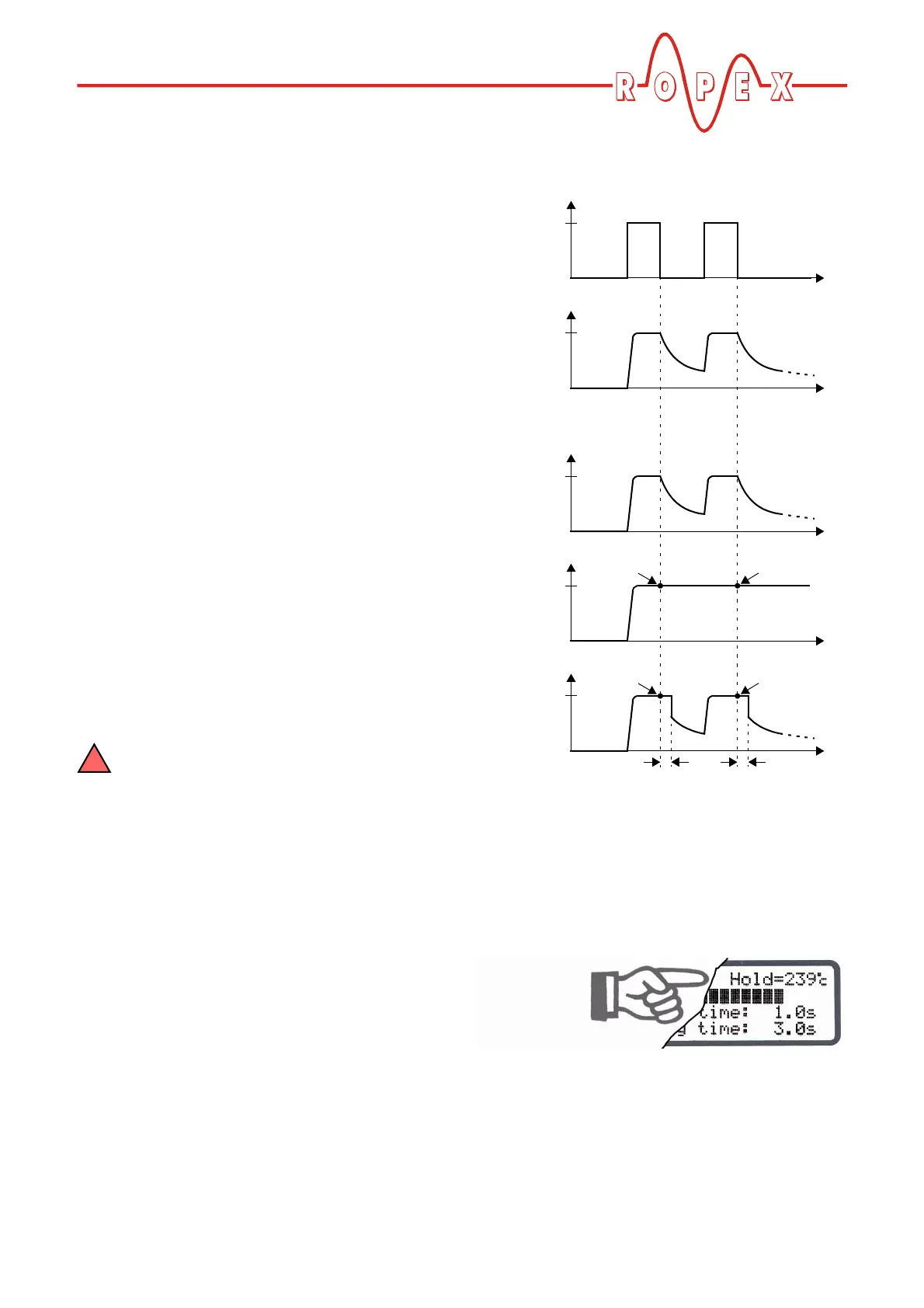
10.14 Hold mode
The behavior of the digital indication of the ACTUAL
temperature in the home position can be changed with
step 106 [6] in the Settings menu. The following set-
tings are possible:
1. "OFF" (Factory setting)
If the main menu is visible on the display, the real
ACTUAL temperature is always indicated.
2. "ON"
If the display is in the home position, the ACTUAL
temperature that was valid at the end of the last
heatsealing phase is always indicated as a digital
value. When the controller is switched on, the real
ACTUAL temperature is indicated until the end of
the first heating phase.
3. "2 s"
(Software revision 005 or higher)
It causes the current ACTUAL temperature to be
displayed as a digital value for an additional
2 seconds at the end of a heatsealing phase. This
temperature is then indicated again in real time until
the end of the next heating phase.
Hold mode only affects the digital value on
the display. The ACTUAL temperature in real
time is always indicated, regardless of the setting,
by the dynamic bar and the actual value output.
The various hold modes are shown below:
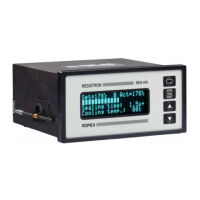
The word "Hold" appears on the display if a tempera-
ture value is indicated in hold mode. It disappears for
approximately 100ms whenever the hold value is
updated.
ACTUAL
temp.
START
signal
24VDC
T
t
t
0
0
Hold OFF
T
t
0
ACTUAL indication
Hold ON
T
t
0
Hold 2 s
T
t
0
Hold Hold
Hold Hold
End of
heating phase
2 s 2 s


 To Next Page