23/05/2019Roundshot VR Drive Instruction Manual – Firmware Version 2.023 101
5. Workflow
5.1 Nodal point
When creating a new program with the Wizard, you can apply the following procedure for
finding the correct nodal point:
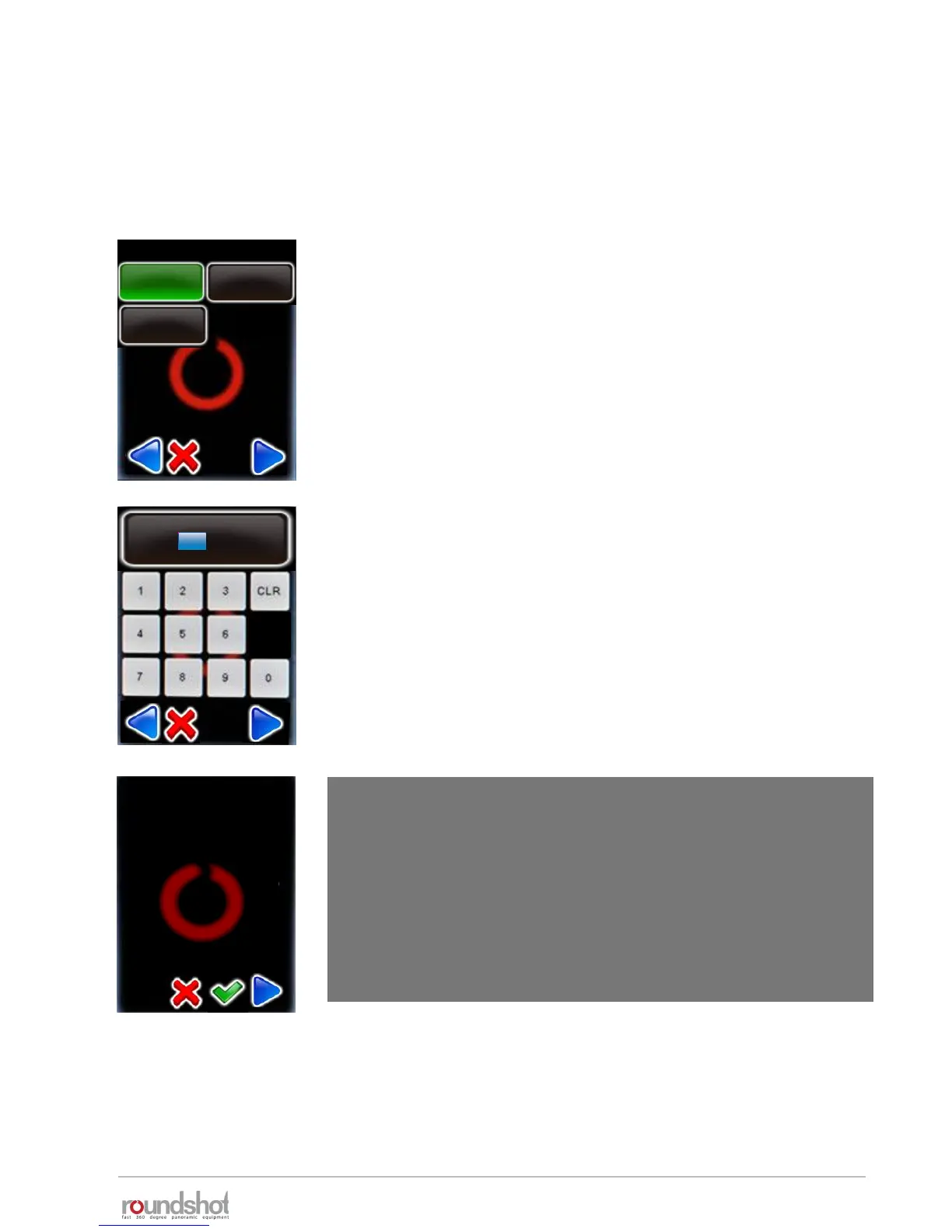
Select the camera that you would like to use for the new
program from your favourites list.
Confirm with “next”.
If the desired camera is not in the list, exit the Wizard by clicking
“X” and add the camera in the “program edit/settings” menu.
Please refer to section 4.3 for details.
Enter the focal length of the camera lens.
This value must correspond with the exact setting on the lens.
It is used – together with the camera sensor size – to
automatically calculate the number of rows and images.
Confirm with “next”.
focal length
mm
35
[0..999]
my cameras / page 1
Canon
5D
Nikon
D3
PhaseOne
P65+
The VR Drive will now ask the user whether it should move the
camera 90° downwards for setting the centre point of rotation
(A value).
If you already know the A-value, choose “cancel” and enter the
A-value in the following window.
warning
tilt camera 90° down for
setting A-value?



 To Next Page