23/05/2019Roundshot VR Drive Instruction Manual – Firmware Version 2.023 68
4.2 Editing in timelapse and video modes
The image release mode parameter allows to select the way the
images will be released in timelapse mode. The choices are:
• Seconds to release the images every… seconds
• Position to release the images every… degrees
X
0
Y
0
[-999.9..999.9]
[-90.0..90.0]
start
0/0°
Image release
mode
seconds
Image release
mode
position
Please note that the “Hardware” and “image release mode” cannot be edited in this menu
as these variables creates an entirely different image release or movement behavior. It is
possible to select the correct value during the creation of a new program in the wizard.
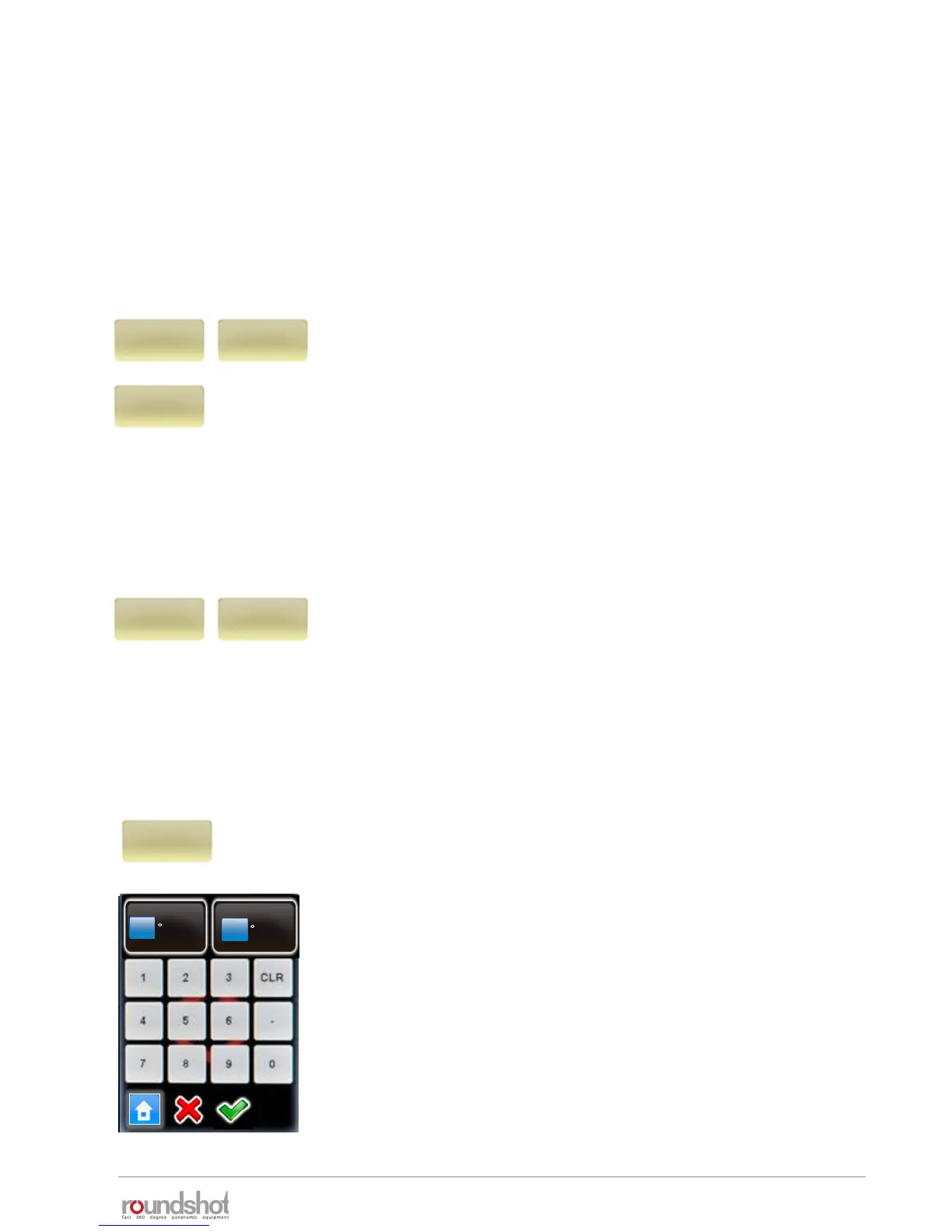
Click on “start” to change initial position from which the VR Drive
launches the video sweep.
By default, the VR Drive starts from 0° / 0° to reach the first point
defined in the “Program Wizard”.
Enter the “X” and “Y” coordinates of the starting point.
Confirm with “OK”.
The Hardware parameter allows to define the type of hardware
used to generate the time-lapse or the video sequence. As
shown in the “Setting up the VR Drive hardware” section the
choices are:
• 360: when using the standard VR Drive with X and Y motor
• Linear: when the VR Drive is attached to the linear rail
hardware. In this configuration the X motor is used to rotate
the camera and the Y motor to slide along the rails
• Dolly: when the VR Drive is attached to the special dolly. In this
configuration the X motor is used to change direction and the Y
motor to rotate the front wheel.
Hardware
360
Hardware
linear
Hardware
dolly
The parameters for the video and timelapse modes are very specific. This is why they cannot be
changed into another mode (such as quality, speed or turntable).
In the edit menu, the parameters shared with quality mode can be modified in the same way. For
example, it is possible to change the program info text, the camera, the focal length…
In addition, the video and timelapse modes allows to edit specific parameters. For example the
starting position, points for the video sweep… only these specific parameters are described in this
section.



 To Next Page