23/05/2019Roundshot VR Drive Instruction Manual – Firmware Version 2.023 46
In the “Home” menu click on “start” to launch your first VR Drive image sequence:
The VR Drive will start executing the active program – in this example “P1” in “quality mode”.
In this example it will rotate 360° horizontally to take 10 images spaced at exactly 36°.
The VR Drive stops and releases the camera in every position.
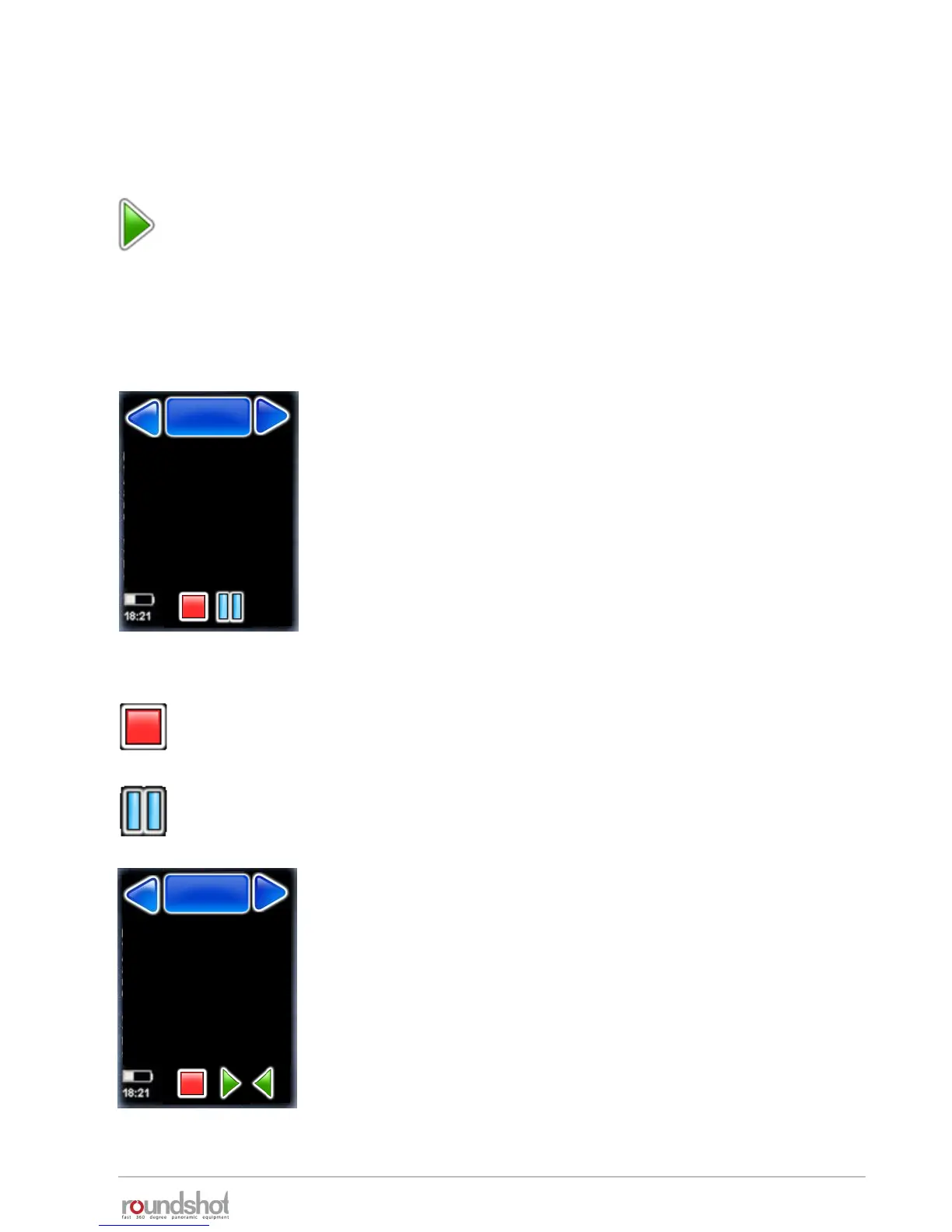
While the VR Drive is running, the touch screen display shows
the progress of image taking:
• Row
• position X
• position Y
• Current image / images in row
• Current image / total number of images
• Number of times the program was repeated
• Timer
• Remaining time
Stop the program any time by pressing the “stop” button.
The VR Drive will return to its initial position and the software
displays the “home” menu with the currently active program.
2.5 Starting/stopping the VR Drive
Pause the program any time by pressing the “pause” button.
The VR Drive will pause at its current position.
Once the program is paused, it is possible to
• Completely stop the image sequence by pressing “stop”
• Resuming the image sequence by pressing “start”
• Returning to any image and by pressing “back” and resuming by
pressing “play”
Nikon D3
row : 2/2
position X : 60°
position Y : 45°
positions/row : 2/10
positions/total : 12/20
Repeat : 0
timer : 0
remaining time : 0min 36s
P1
quality
P1
quality
Nikon D3
row : 2/2
position X : 60°
position Y : 45°
image/row : 2/10
Image/total : 12/20
Repeat : 0
Timer : 0
Remaining time : 0min 36s
P1
quality
P1
quality



 To Next Page