23/05/2019Roundshot VR Drive Instruction Manual – Firmware Version 2.023 119
5.8 Conversion to web formats
After stitching the image out of the VR Drive, the resulting panorama is a tiff or jpeg image
displayed using the selected projection model.
The next step is in general to display this image on a local or online viewer. To achieve this the
image needs to be converted either into flash, into html5, in QTVR or other web compatible
formats.
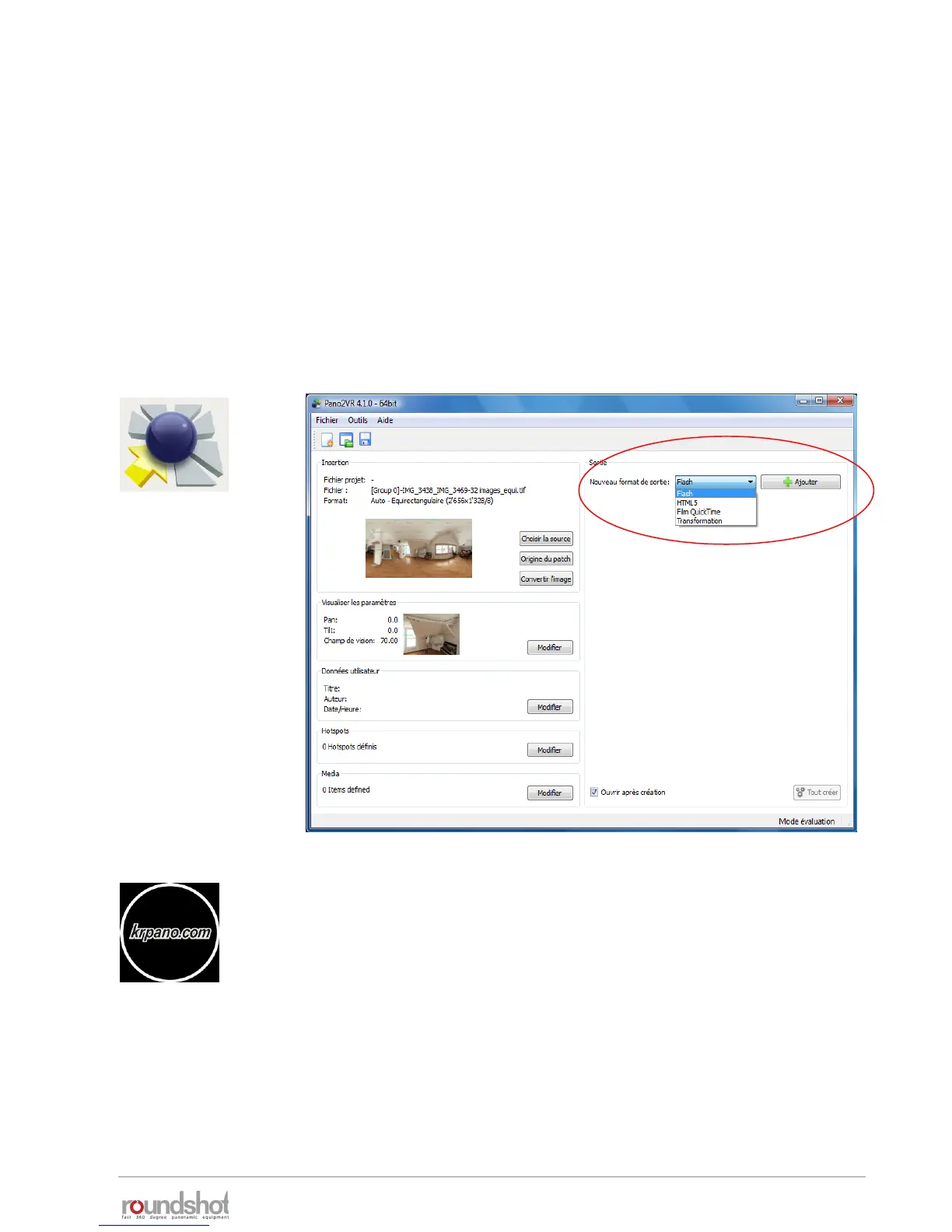
This conversion can be done very simply using for example Pano2VR.
Load the panorama and select the conversion type. Render the new image and add it to your
website.
Alternatively, use krpano to program a VR site in flash or html5. The
krpano Viewer is a small and very flexible high-performance viewer for
all kind of panoramic images and interactive virtual tours.



 To Next Page