23/05/2019Roundshot VR Drive Instruction Manual – Firmware Version 2.023 106
5.2 VR Drive image capture – speed vs. quality mode
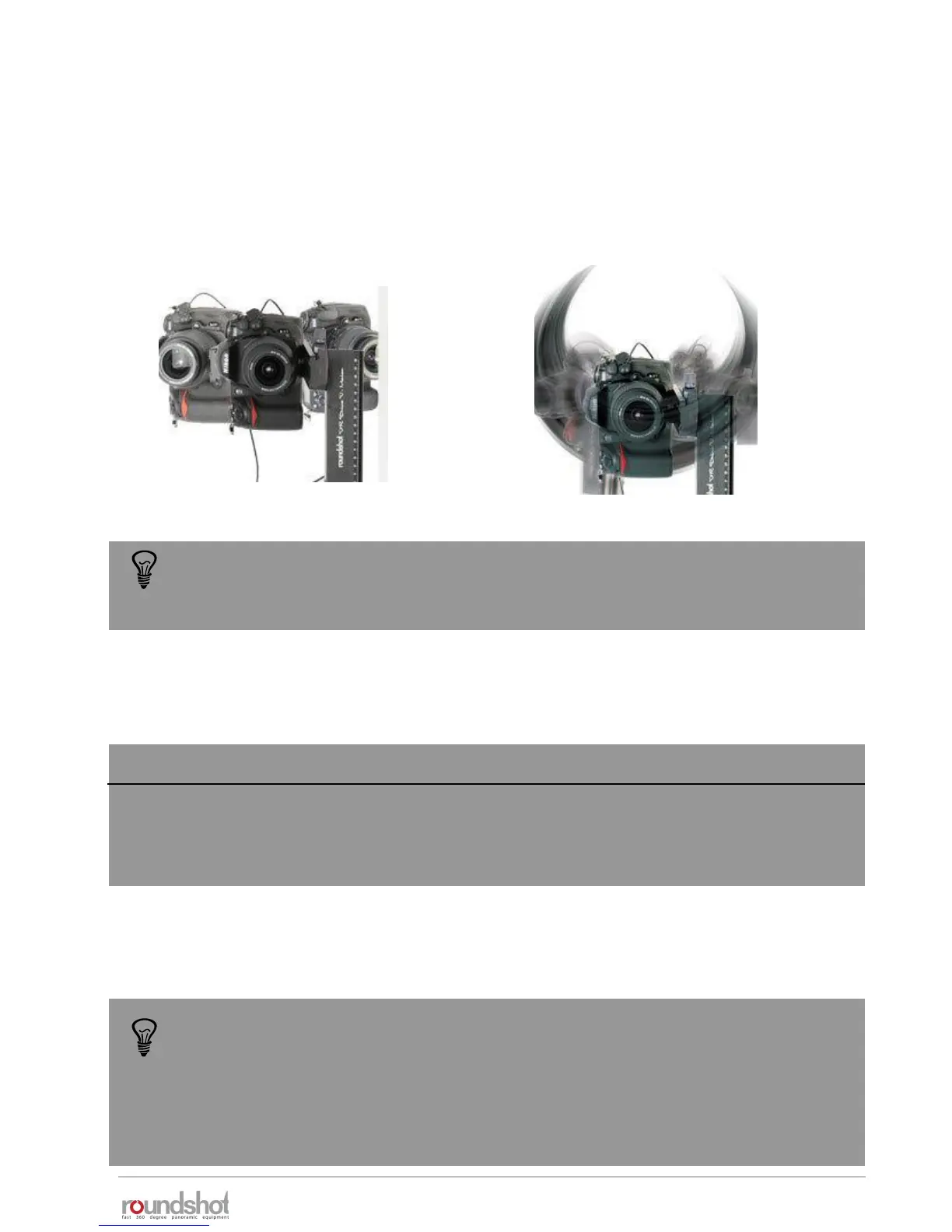
In “quality” mode the VR Drive stops and releases the camera in every position.
In “speed” mode the VR Drive releases the camera “on the fly” without stopping in every position.
“quality” mode:
stop + release
“speed” mode:
non-stop release
The following table indicates minimum exposure times (shutter speed) for a speed program
using a full format DSLR camera and a 20mm lens:
The faster the total rotation time, the faster the shutter speed of the camera
needs to be, otherwise the images will be blurred (unsharp).
When a fast shutter speed cannot be reached (i.e. under difficult lighting
conditions), it is possible to compensate in the following way:
• Increase ISO/ASA
• Open the aperture (use a lower f-stop) and save the image at a larger resolution –
the lower depth of field can be compensated by compressing the resolution
• Reduce the rotation speed
Rotation time (X, 360°)
6 s
10 s
20 s
Shutter speed
1/1500 s (or faster)
1/900 s (or faster)
1/450 s (or faster)
The minimum exposure time for a speed program is indicated in the “home” menu and when
having created a new speed program exiting the Program Wizard.



 To Next Page