23/05/2019Roundshot VR Drive Instruction Manual – Firmware Version 2.023 121
6.2 Reducing vibrations: mirror prerelease + Liveview mirror lock-up
Liveview
permanent
For selected USB-compatible cameras it is possible to
control the Liveview by activating this feature in USB
settings.
These cameras currently include:
• all USB-compatible Canon EOS cameras
• Nikon D5200, D5300, D5500, D5600, D7000,
D7100, D7200, D7500, D4, D5, D810, D810a, D850
aperture compensation
off
permanent
on
Set Liveview to “permanent”.
Setting Liveview to “permanent” means that the mirror will be locked up from the start to the
very end of the program, allowing a significant reduction in vibration.
Especially for gigapixel projects when large cameras and bulky lenses with long focals are used,
reducing vibrations is essential for success.
There are two techniques to reduce vibrations:
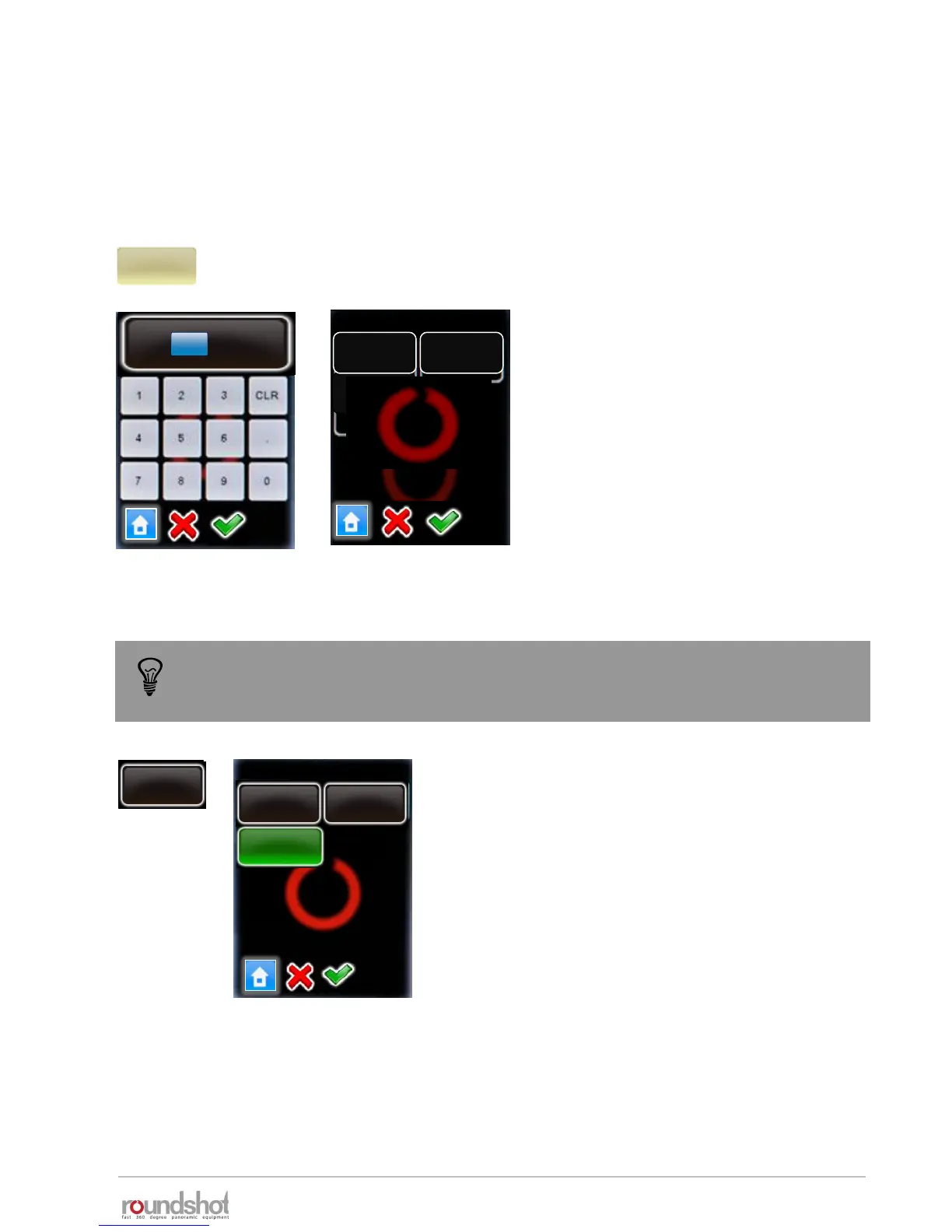
Click on “mirror release” to activate the
release of the camera mirror before
image taking.
Enter the duration of mirror release.
Confirm with “OK” or cancel with “X”.
Now choose whether to give a single or
double mirror release signal.
Typically, Nikon cameras require a
single, Canon a double signal.
Confirm with “OK” or cancel with “X”.
double
Release
mirror release
mirror rel..
0s
elev.
0
images
7
[-90..90]
[1..9999]
mirror rel.
s
0
[0.0..999.9]
single
Release
To use “mirror release” in HDR mode, it is necessary to release the images with the
electronic release cable and not with USB. Please use the USB cable for camera
control functions (HDR bracketing) only.



 To Next Page