23/05/2019Roundshot VR Drive Instruction Manual – Firmware Version 2.023 140
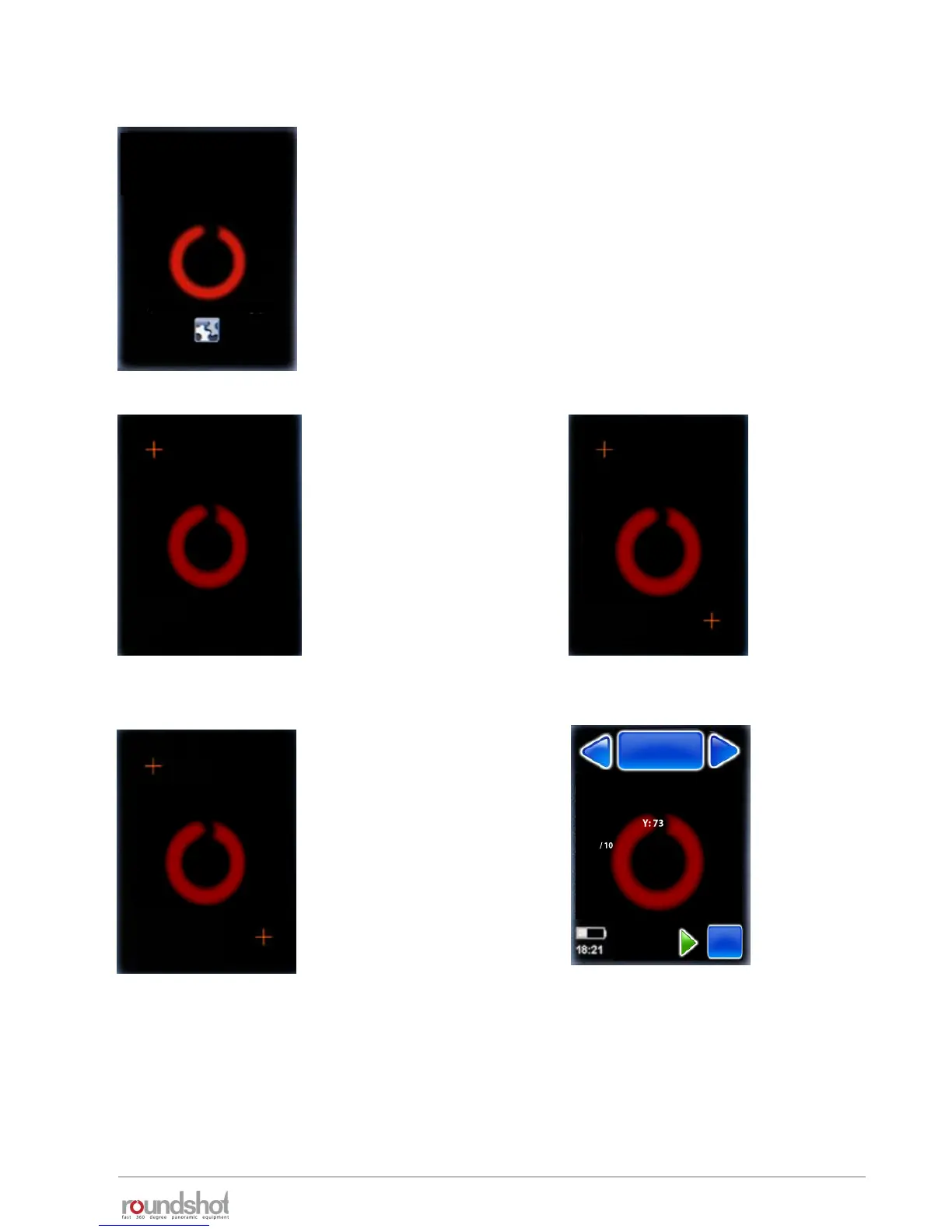
7.3 Touch screen calibration
When the touch screen positioning becomes less
precise, it is possible to calibrate it.
After start-up of the VR Drive, double click anywhere
on the touch screen.
For maximum precision use a sharp item such as a pen.
Click on the top/left cross. Now click on the bottom/right cross.
Click anywhere on the screen.
Check the touch precision (cross).
If OK, confirm with “OK”.
If not, repeat the test by clicking “repeat”.
After “OK” the VR Drive will start-
up with the “home” menu.
(Press to view settings)
press cross top/left
Ok Repeat
press cross bottom / right
Ok Repeat
please test touch
Ok Repeat
VR Drive
P1
quality
Nikon D3
focal length : 24 mm
A: 0mm B: 0mm
angle X:360° °
rows : 1
R1 °
Duration : 2min 5s
x/y



 To Next Page