EasyManua.ls Logo

Roundshot VR Drive - Settings;Database

Roundshot VR Drive
150 pages
Print Icon
To Next Page IconTo Next Page
To Previous Page IconTo Previous Page
Loading...
23/05/2019Roundshot VR Drive Instruction Manual Firmware Version 2.023 91
4.6.2 Settings/database
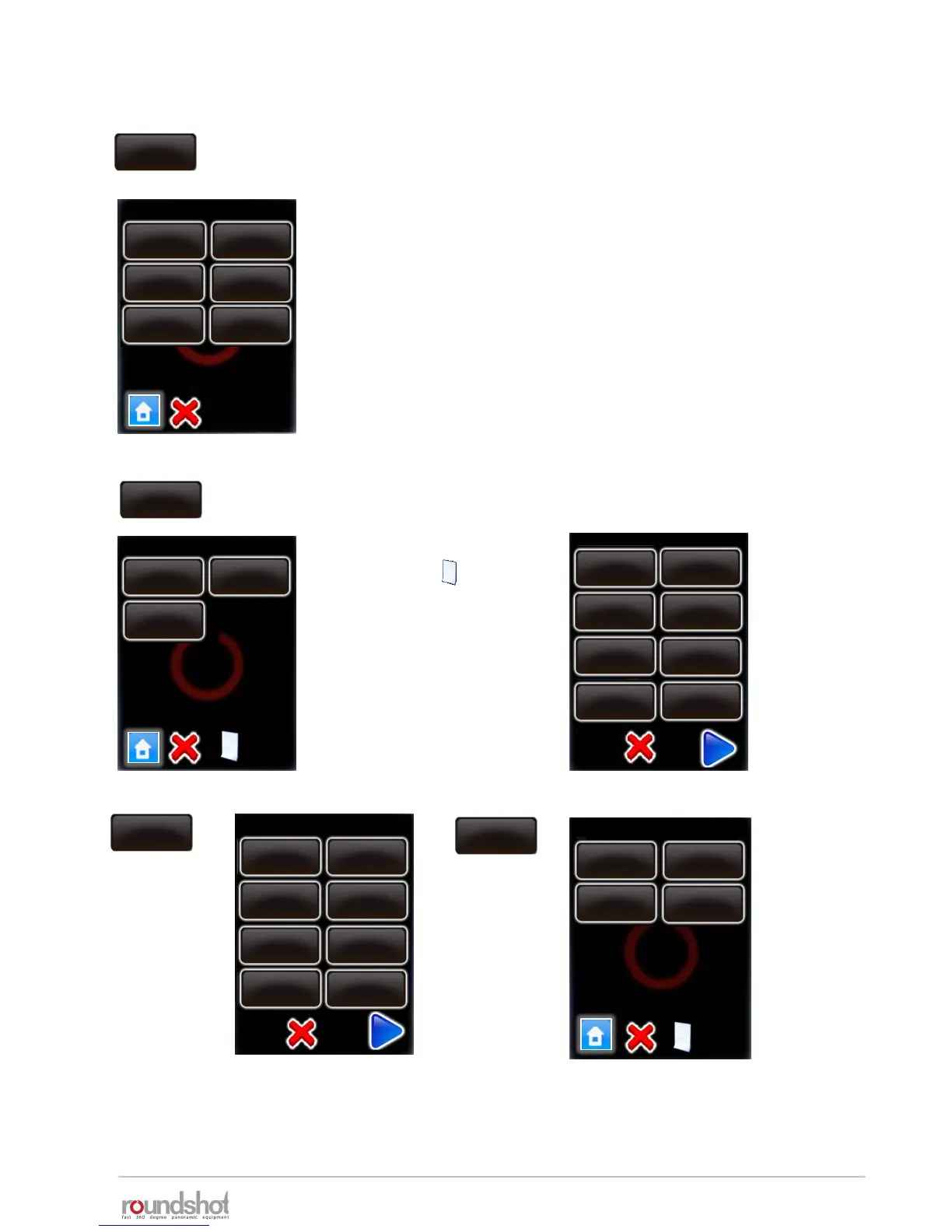
Click on “database” to access the database functions of your VR
Drive.
The “database” submenu consist of the following functions:
my cameras
presets
delete all programs
reset to factory
Import
export
Click on my cameras” to display the list of favorite cameras used
with your VR Drive.
Add a new camera by
clicking the button.
For example for
Nikon D700:
my cameras
database
my cameras / page 1
my cameras presets
delete all
programs
reset to
factory
export
import
Nikon
D3
Canon
5D
PhaseOne
P65+
Nikon
Kodak
Canon Fuji Finepix
SONY DSC
Olympus
Panasonic
Leica
Nikon
Nikon
D700
D1 D1H
D1X
D50
D70s D80
D90
D200
Nikon
D300
Canon
5D mk 2
Nikon
D700
PhaseOne
P65+
my cameras / page 1
database

Table of Contents