23/05/2019Roundshot VR Drive Instruction Manual – Firmware Version 2.023 71
4.3 Editing in HDR mode
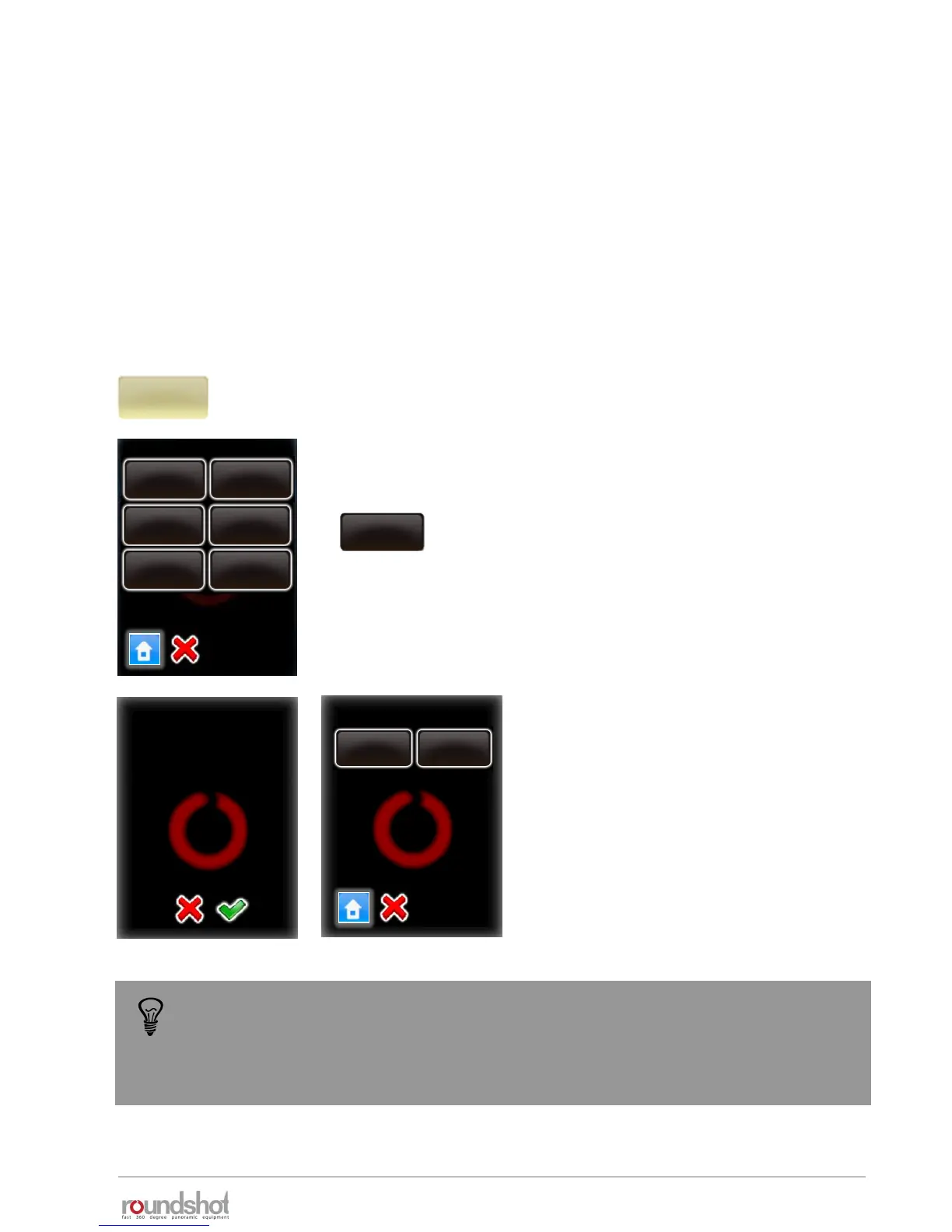
Click on “mode HDR” to access all HDR parameters for editing.
mode
HDR
Edit HDR
number of
pictures
exposure
reference
sequence
fast-slow
Aperture
steps
HDR steps
aperture
compensation
off
exposure
reference
By changing this value
you will overwrite the
HDR steps. Continue
anyway?
aperture steps
average exposure
move
edit
All parameters previously set up in the HDR Program Wizard can
be accessed and modified.
Click “exposure reference” to move or edit the
reference exposure speed of the HDR table.
Select “move” or “edit”.
Confirm with “OK”.
The parameters for the “HDR” mode are very specific. This is why it cannot be changed into another
mode (such as “quality”, “speed” or “turntable”).
In the edit menu, some parameters shared with “quality” mode can be modified in the same way.
For example, it is possible to change the program info text, the camera, the focal length…
In addition, the “HDR” mode allows to edit specific parameters linked to the bracketing sequence to
be taken at each position. For example the exposure reference, the aperture steps… only these
specific parameters are described in this section.
The bracketing of the camera in “quality mode” is limited to +/- 2 EVs (f-stops). For
32-bit HDR photography this is insufficient. With the VR Drive “HDR mode” it is
possible to eliminate this limitation. In the “HDR mode” the VR Drive controls the
camera software directly, allowing much larger bracketing steps and a larger dynamic
range.



 To Next Page