23/05/2019Roundshot VR Drive Instruction Manual – Firmware Version 2.023 122
6.3 Gigapixel photography
Lens and camera mounting
In gigapixel photography it is quite common to use heavy tele-lenses. These are some
recommendations for mounting the camera and lens on the VR Drive:
• The maximum weight that can be mounted on the VR Drive is 20 kg. Please make sure your
material does not exceed this limit as this might damage the system.
• When the size of the camera + lens exceeds the size of the L-bracket of VR Drive, it is very
important to switch on the VR Drive before attaching the camera and never create a program
capturing images close to the nadir or the zenith. This might damage either the lens, the
camera, the VR Drive or all of them.
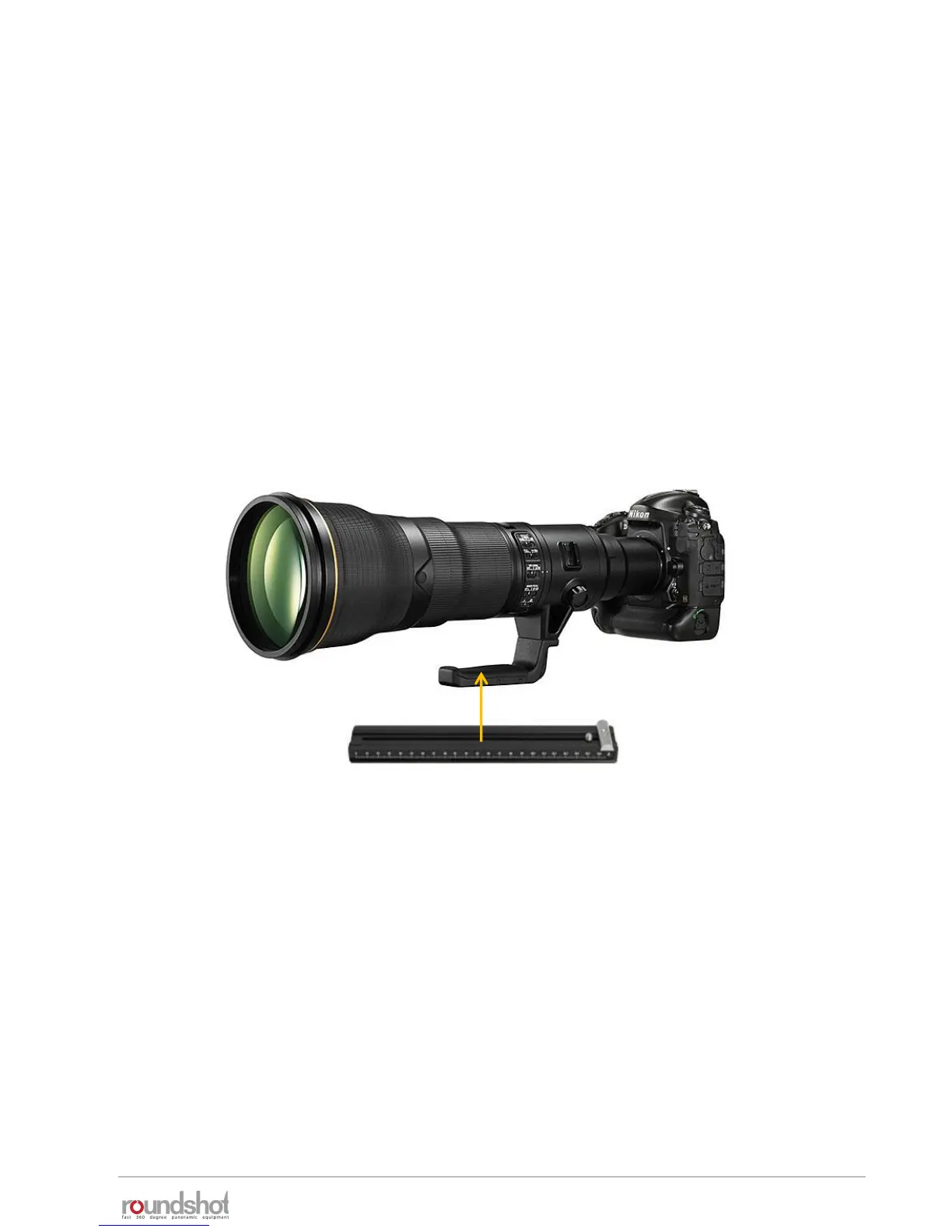
• When using long and heavy lenses, it is important to balance the weight according to the
centre of rotation. So whenever possible, attach the L-Bracket to the lens directly as shown in
the image below
Attach the lens directly
on the nodal bench
Software mode: quality vs. speed
Whenever the light conditions are sufficient, it is highly recommended to use speed mode in
gigapixel photography. This has two main advantages compared to quality mode:
• No vibrations due to motor start/stop
• Significant capture time reduction
If the light conditions do not allow the use of speed mode, it is necessary to use quality mode.
In this case please make sure to program a small anti-vibration pause before every image and a
low acceleration (10%).
Combining quality or speed mode with USB image release, Write IDs + Liveview mirror lockup
is essential for a smooth workflow. Please make sure to give enough time to the camera for
processing, either with a small “pause after image” (quality mode) or a slow rotation speed
(speed mode).



 To Next Page