23/05/2019Roundshot VR Drive Instruction Manual – Firmware Version 2.023 47
3. Program Management
3.1 Overview
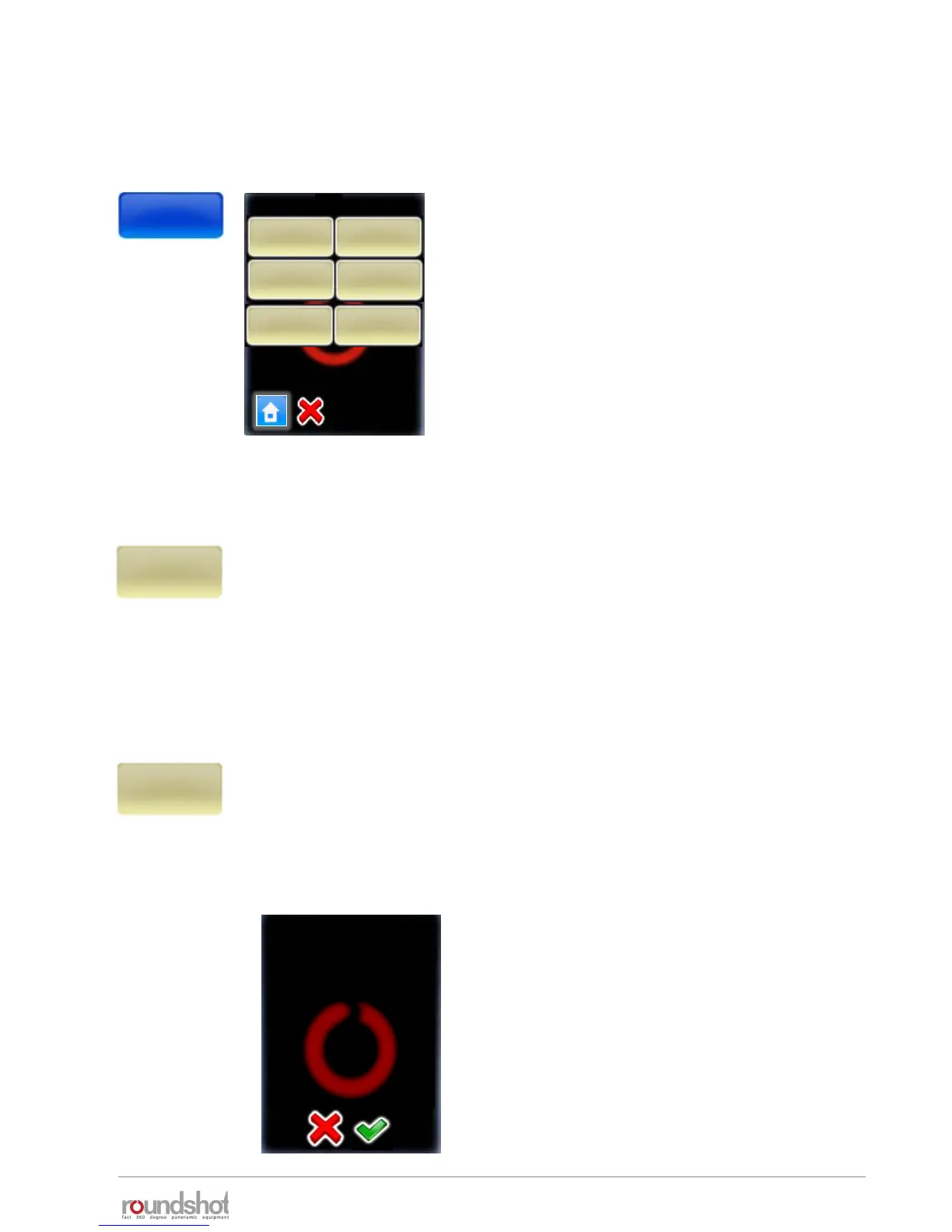
Click the “program management” button.
Besides creating new programs with the
Program Wizard the program management
menu allows to:
• Delete a program
• Copy a program
• Move the ID number of program and the
sequence of programs
• Export a program in Papywizard format.
Used in stitching programs
• Export a program in Seitz format. Used to
back-up program or load it in other units
Clicking the “new” button will launch the Program Wizard to set up new
VR Drive programs using various modes. The program wizard helps to
set-up program parameters in a logical sequence, based on the VR Drive
mode of operation.
See next section for more details about the workflow for each mode.
When clicking the “delete” button the currently active program will be
deleted. This is the program from which the “program management”
menu has been launched, in this example P1. All subsequent programs
(P2, P3, …) will move up and will get new program numbers assigned
(P1, P2, …).
Before deleting the program the program
asks for confirmation.
Cancel with “X”.
Confirm with “OK”.
new delete
copy move
new
delete
copy
move
P1
warning
Do you really want to delete
this program?
P1
quality
new
delete
export P1
Papywizard
export P1
Seitz



 To Next Page