23/05/2019Roundshot VR Drive Instruction Manual – Firmware Version 2.023 49
3.2 Program Wizard
When creating a new program, the VR Drive will launch the Program Wizard. The program
wizard helps to set-up program parameters in a logical sequence, based on the VR Drive
software mode.
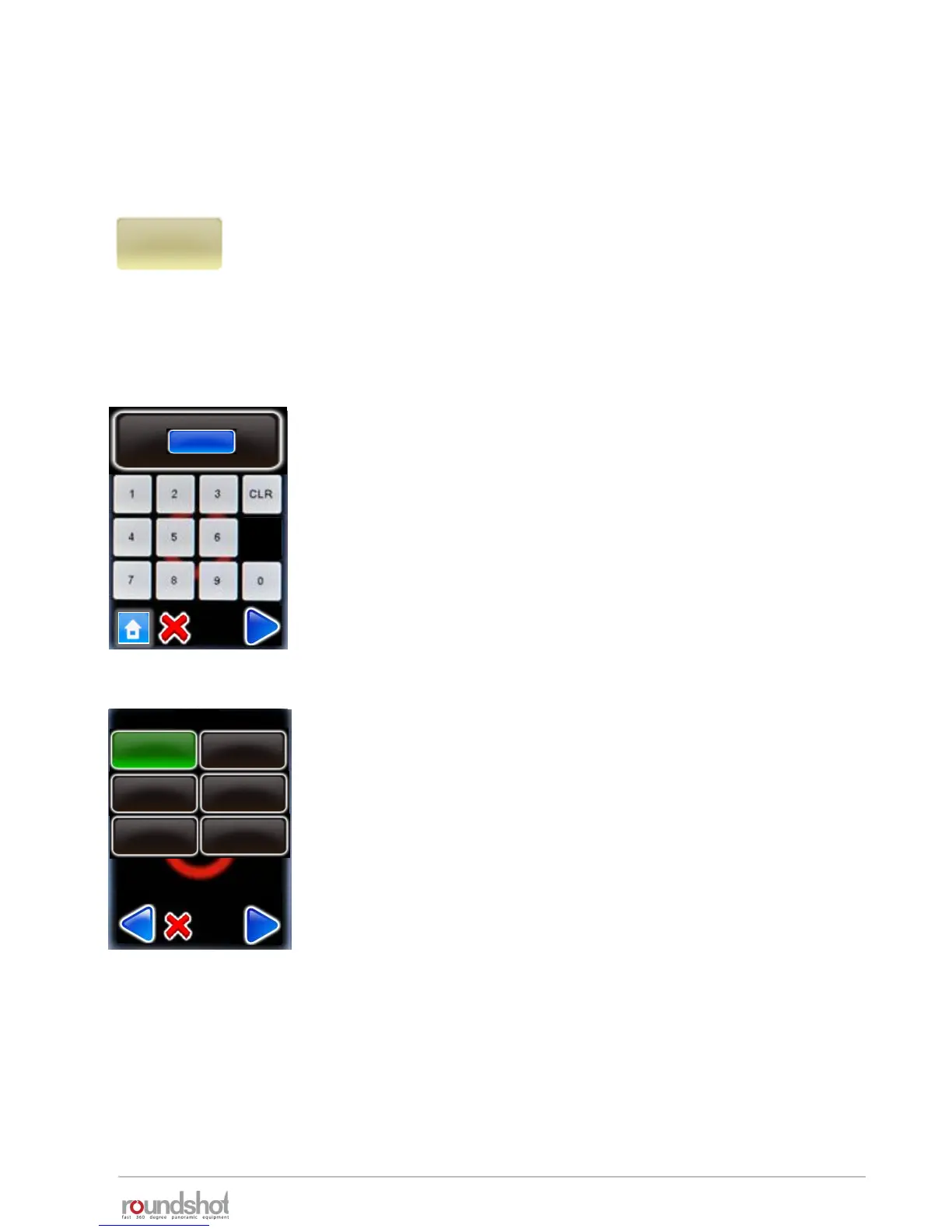
As a first step select the VR Drive mode which you would like to use for
the program.
All active modes are displayed in the list.
The navigation for the following steps in the Wizard is:
• “next” for confirming the choice and moving to the next step, or for
displaying more choices
• “confirm” for confirming the choice and moving to the next step
• “back” for undoing the choice and returning to the previous step
• “X” for cancelling the program and exiting the Program Wizard
Give the new program an ID number.
By default the new program will get the next available number after
the last program.
Confirm with “next”.
speed
turntable
timelapse
video
quality
mode
id
2
[1..2]
HDR
new
Launch the Program Wizard by clicking on “new”.
The Program Wizard will guide you step by step to set up a new VR
Drive program.



 To Next Page