23/05/2019Roundshot VR Drive Instruction Manual – Firmware Version 2.023 48
3.1 Overview (continued)
The “copy” command duplicates the currently active program.
This function is helpful when a new program needs to be created that is
very similar to an existing one. After copying the program, simply edit
the relevant parameters in the “program edit” menu.
The “move” command changes the sequence of programs by moving
the currently active program to a new position.
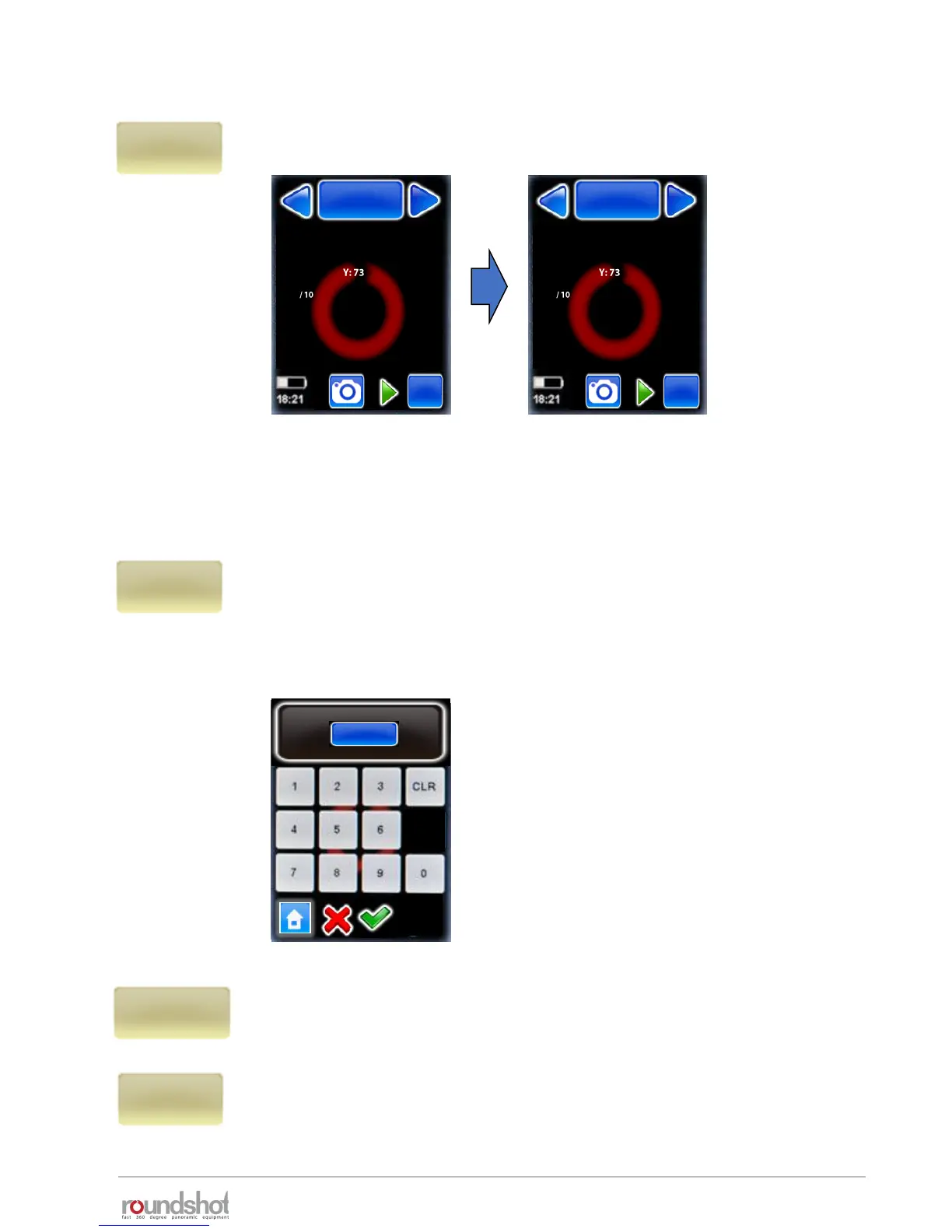
For example, when “P8” is selected and when clicking on “move”, the
program will ask for the new program ID:
After entering the new program number – in
this example “7” – all subsequent programs
will have a number increased by one, so the
previous “P7” will now become “P8”.
id
7
[1..8]
copy
move
export P1
Papywizard
export P1
Seitz
Export a program in Papywizard format. The file will be written on the
connected USB stick provided with the VR Drive. You can use this file with
stitching software to define image positions and their sequence.
Export a program in Seitz format. The file will be written on the
connected USB stick provided with the VR Drive. You can use this file
as a program back-up and load it later in any VR Drive unit.
P7
speed
Nikon D3
focal length : 24 mm
A: 0mm B: 0mm
angle X:360° °
rows : 1
R1 °
Duration : 2min 5s
x/y
P8
speed
Nikon D3
focal length : 24 mm
A: 0mm B: 0mm
angle X:360° °
rows : 1
R1 °
Duration : 2min 5s
x/y



 To Next Page