23/05/2019Roundshot VR Drive Instruction Manual – Firmware Version 2.023 79
4.5 Auto exposure settings
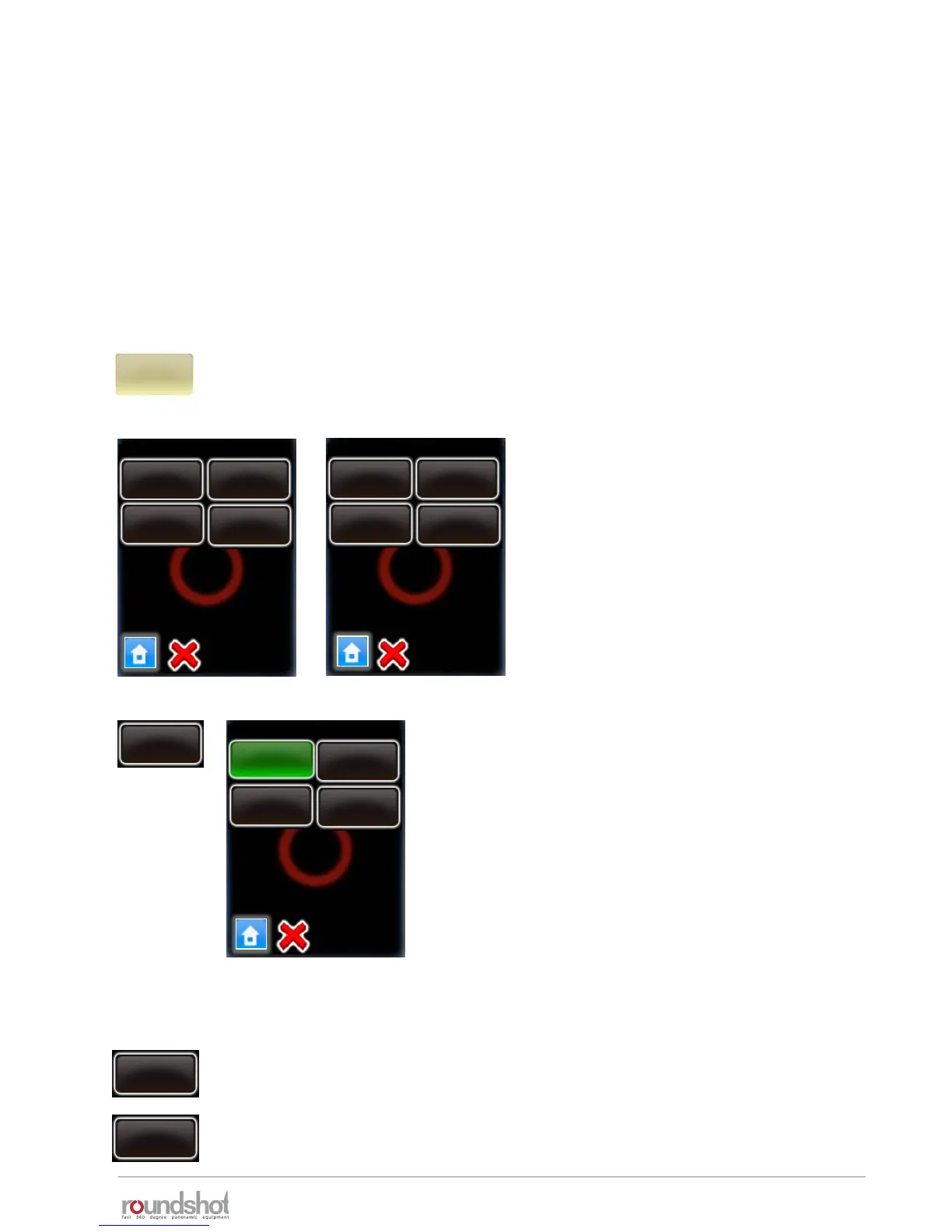
Click on “auto exposure settings” to access the automatic exposure settings
menu of the VR Drive.
Click on “auto exposure” to activate the
automatic exposure functionality with
light meter sensor.
Then set the following parameters:
Auto exposure settings
auto exposure
off
Variation
strategy
ISO/ASA
auto exposure
settings
Aperture
Click on “var. strategy” and select the variation strategy
to be used:
• exposure: only the exposure time will change
according to light. ISO/ASA and aperture will be fixed
• exposure/aperture: both exposure and aperture will
change according to light. ISO/ASA will be fixed
• exposure/ISO/ASA: both exposure and ISO/ASA will
change according to light. Aperture will be fixed
• all: The VR Drive will automatically select all three
parameters according to light
Auto exposure settings
var. strategy
Auto exposure settings
exposure /
aperture
exposure /
ISO/ASA
all
exposure
ISO/ASA
aperture
Select a ISO/ASA value to use if the selected strategy is to keep ISO/ASA fixed.
Select an aperture to use if the selected strategy is to keep the aperture fixed.
auto exposure
on
Variation
strategy
ISO/ASA Aperture
When the VR Drive light meter sensor is connected to the VR Drive, and the camera is compatible
with VR Drive USB control, it is possible to use the VR Drive in a fully automatic way. This option is
only available for “Quality” and “HDR” modes
The VR Drive is able to measure the light before starting the image taking. Then, according to the
selected strategy and options, the VR Drive will set the correct exposure time, ISO/ASA and aperture
on the camera. The image taking process will then start automatically.
This way there is no need to adjust manually the exposure time on the camera or change the HDR
reference exposure time before every project. The image taking process is now fully automatic.



 To Next Page