23/05/2019Roundshot VR Drive Instruction Manual – Firmware Version 2.023 50
3.2 Program Wizard (continued)
3.2.1 Wizard workflow for quality, speed and HDR modes
“Quality”, “speed” and “HDR” modes, are used to capture panoramic images. The camera is
placed on the nodal rail and the VR Drive releases the camera at predefined position.
The main differences between these 3 modes are:
• “quality” is the basic mode of the VR Drive. In this mode the VR Drive stops and releases the
camera in every position.
• “speed” mode is an optional mode used for fast image capture. In this mode the VR Drive
releases the camera “on the fly” without stopping in every position. No pause after or before
image taking is possible. This image capture mode is only possible in good light conditions
when using fast exposure times on the camera
• “HDR” is an optional mode used for capturing high dynamic range panoramas. It contains a
very advanced bracketing menu and allows the VR Drive to control the exposure time, the
aperture and the ISO/ASA settings of the camera through a connected USB cable.
This section presents the wizard workflow when selecting “quality”, “speed” or “HDR” modes.
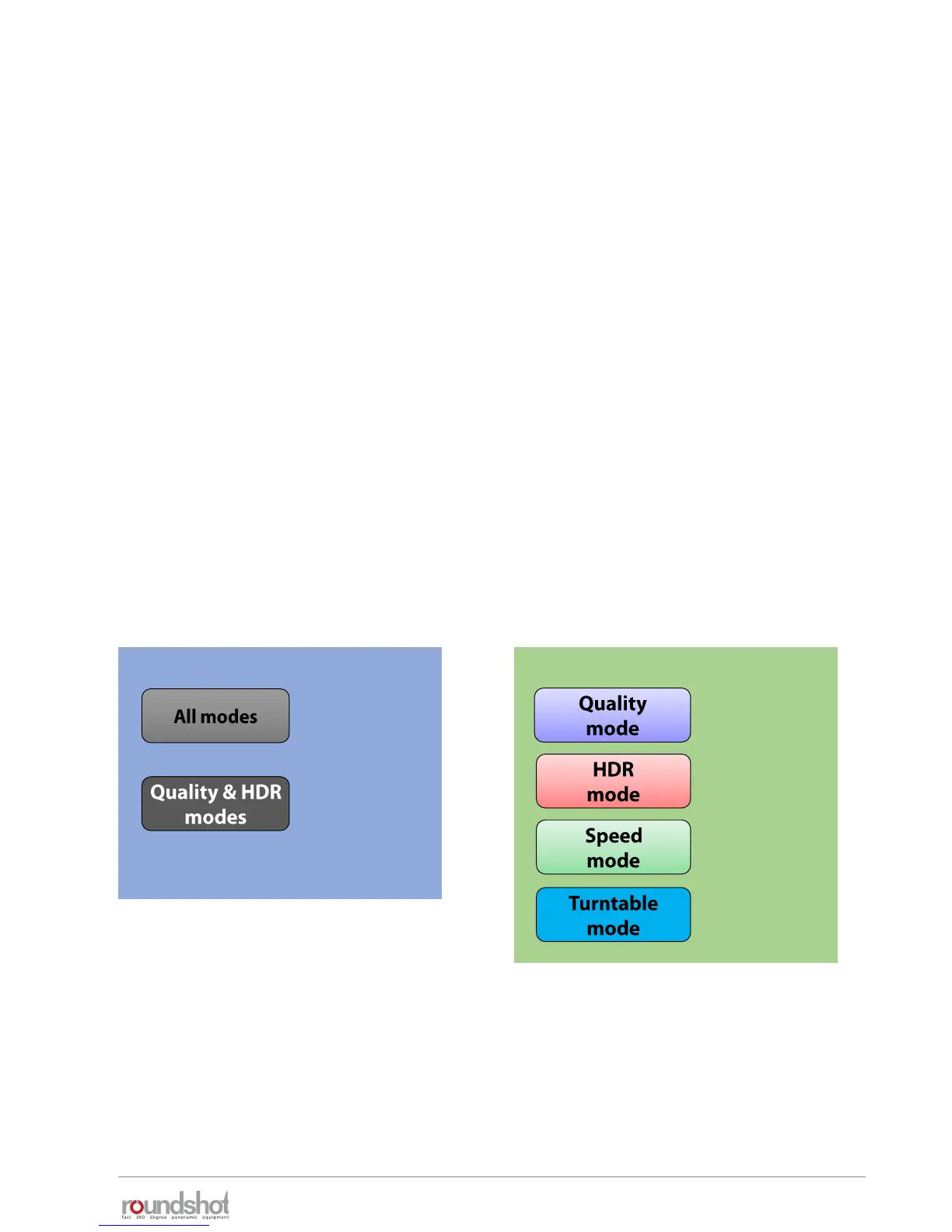
These modes were grouped in 1 diagram as they have many common parameters. Specific
parameters for every mode are shown in the following colours:
Common parameters Specific parameters



 To Next Page