23/05/2019Roundshot VR Drive Instruction Manual – Firmware Version 2.023 107
5.3 Creating HDRs – quality vs. HDR mode
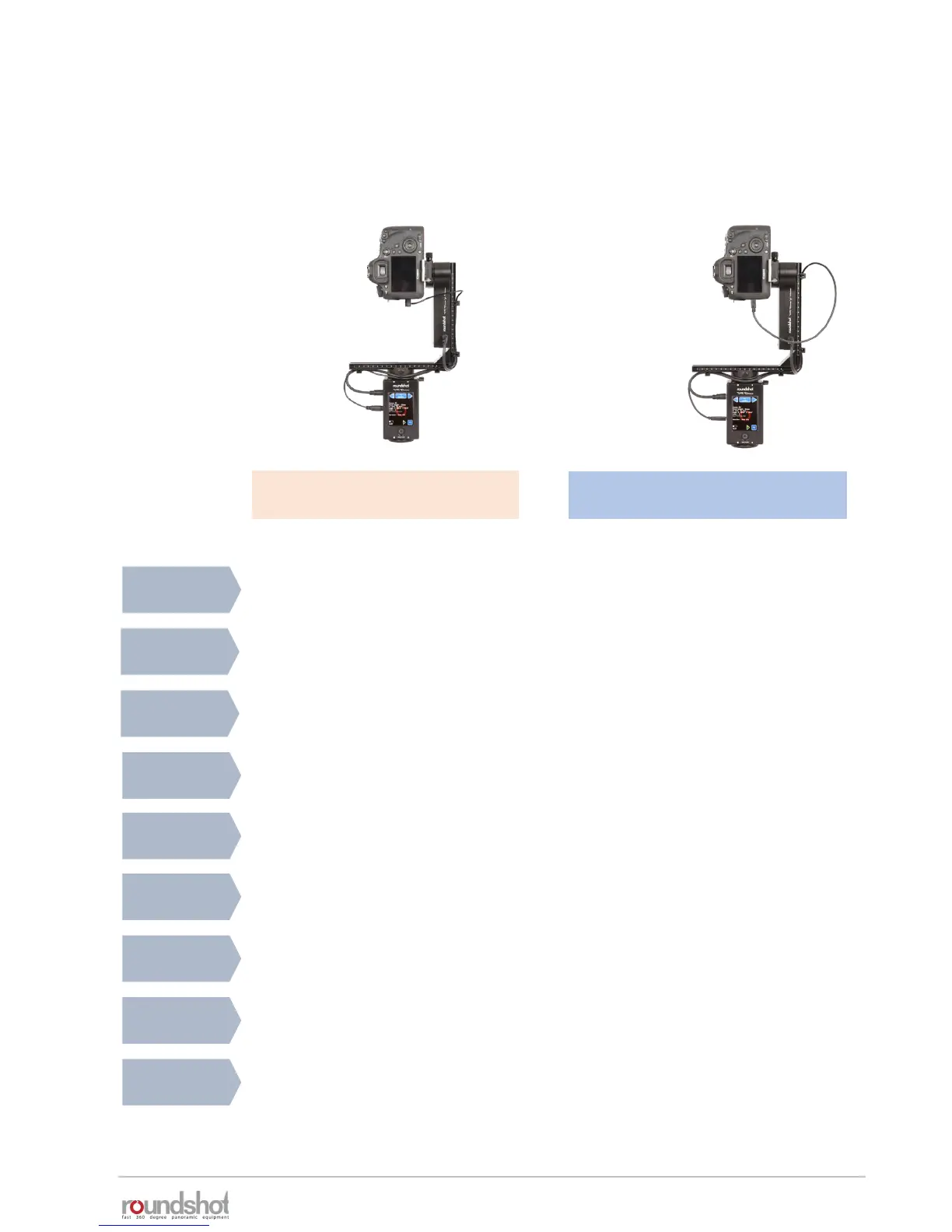
32-bit HDRs or tone-mapped HDR images can be created using either:
VR Drive full with motor and
USB cable
VR Drive full with motor and
electronic release cable
VR Drive quality mode +
camera-internal bracketing
VR Drive HDR mode + bracketing
control by VR Drive (via USB)
Image
release
Bracketing
limits
xml
USB control
Image
Bundler
Dynamic
range
Advantages
• With electronic release cable • With USB or electronic release cable
(optional)
• Camera-internal, limited to +/-
2EVs and max 3-7 images
• By VR Drive, no limits, only limited by
exposure range of camera
• No USB control • Image release, write IDs, Liveview
permanent
• -- • Yes, if USB feature “Write IDs” is
activated
• Yes, by manual export on
roundshot USB stick
• Yes, automatically generated by Image
Bundler if USB feature “Write IDs” is
activated
• Large, but limited to camera-
internal bracketing capabilities
• Very large, only limited by exposure
range of camera
• Very fast image release allowing
shorter program run-time
• Very large dynamic range
• Great flexibility to adjust bracketing table
• Compensation with f-stop possible to cut
down exposure times
• Easier + more automated workflow thanks
to Image Bundler + automatic exposures
VR Drive
bracketing
• VR Drive quality mode, bracketing
(3, 5, 7, 9 or “bracketing special”)
• By VR Drive HDR mode
Automatic
exposures
• -- • With external light meter



 To Next Page