23/05/2019Roundshot VR Drive Instruction Manual – Firmware Version 2.023 92
4.6.2 Settings/database (continued)
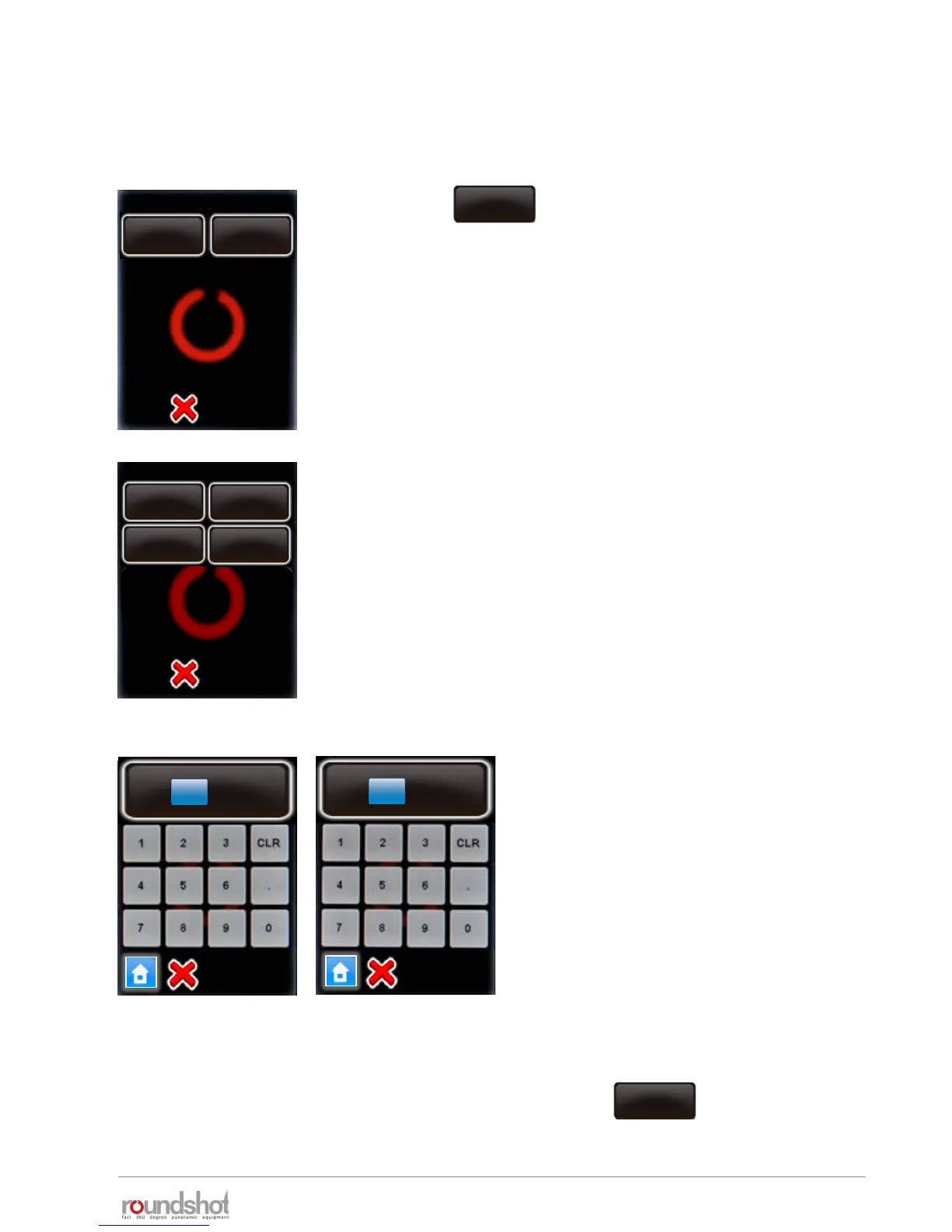
To edit the parameters of a camera, select the camera.
P2
It is possible to edit the sensor size in mm.
Select “X (mm)” and “Y (mm)”.
Enter the new values in mm.
Confirm with “OK”.
To delete a camera from the list, select the camera and click
The camera will still be in the database, but removed from the “favourites” list.
Click
The camera parameters are displayed as follows:
edit
P2
delete
edit
X (mm)
[0.0..400.0]
36 mm
Y (mm)
[0.0..400.0]
23.9 mm
delete
Nikon
D3
X (mm)
36mm
Y (mm)
23.9mm



 To Next Page