23/05/2019Roundshot VR Drive Instruction Manual – Firmware Version 2.023 93
4.6.2 Settings/database (continued)
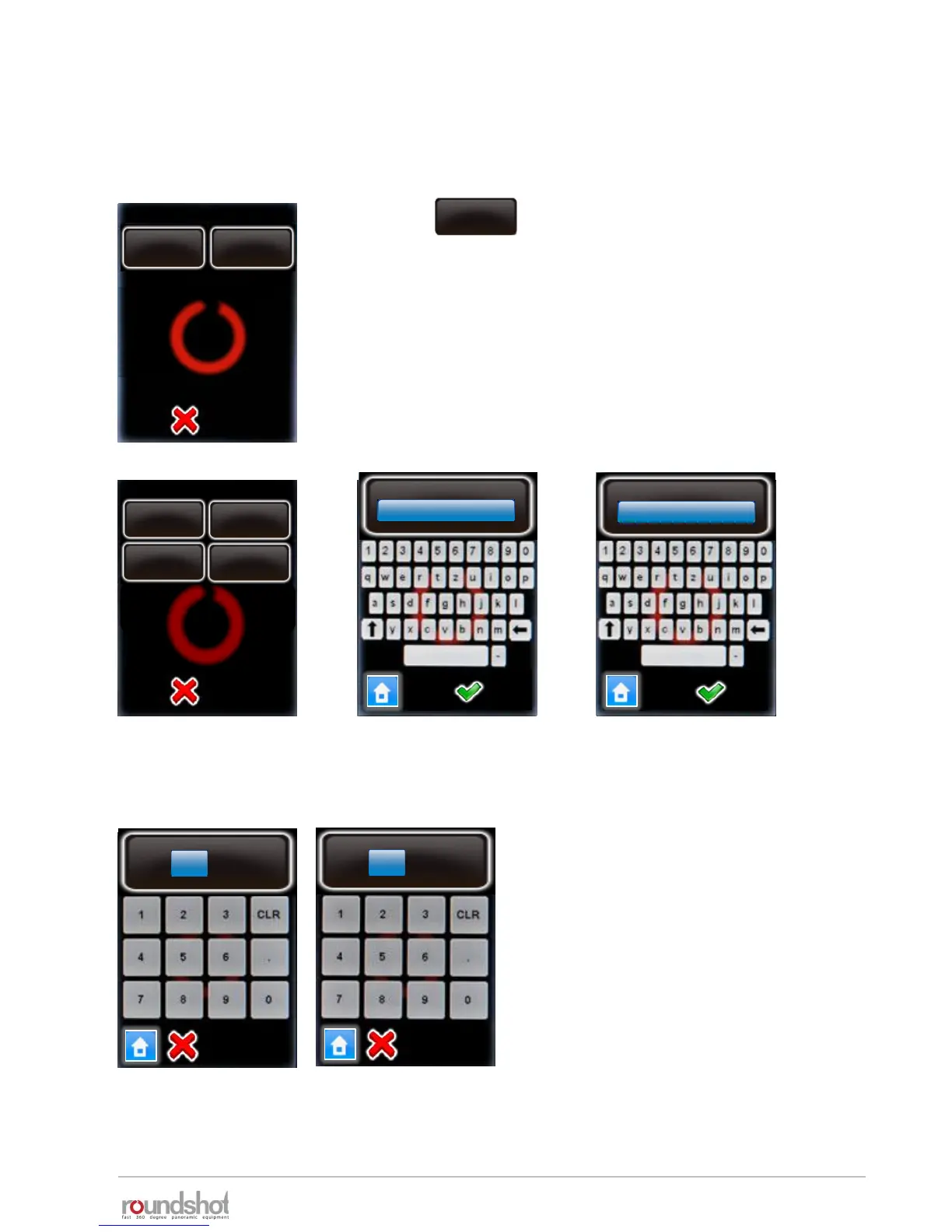
To add a new camera that is not in the database, select any camera in the list and overwrite its
values.
P2
Enter the camera brand, camera type and X/Y (mm).
Confirm with “OK”.
Click
The camera parameters are displayed as follows:
edit
P2
delete
edit
X (mm)
[0.0..400.0]
36 mm
Y (mm)
[0.0..400.0]
23.9 mm
camera
Nikon
type
D3
Nikon
Nikon
D3
X (mm)
36mm
Y (mm)
23.9mm



 To Next Page