23/05/2019Roundshot VR Drive Instruction Manual – Firmware Version 2.023 94
4.6.2 Settings/database (continued)
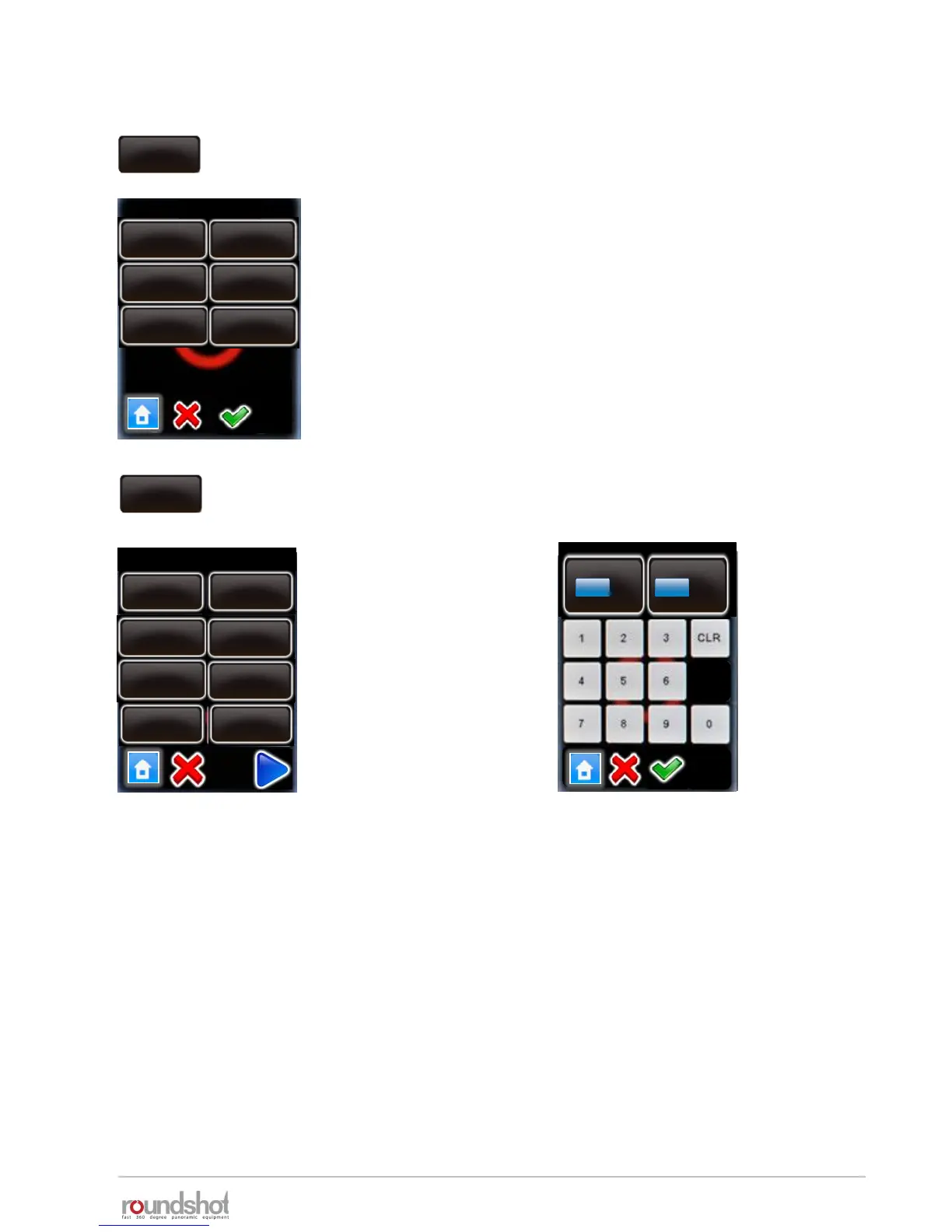
Click on “presets” to define the parameter preferences of your VR
Drive.
The “presets” are grouped by software mode:
• “quality”
• “speed”
• “turntable”
• “video”
• “HDR”
• “timelapse”
Click on “quality”, “speed”, “turntable”, “video”, “timelapse” or
“HDR” to set up the presets.
Click on the preset to
modify, for example:
When always using the same camera, it may be more efficient to set the A-value to a
preset. This way, this value will always be automatically loaded every time a new program is
created.
The table on the following pages summarises all program parameters created in the
“Wizard” or loaded as “presets” for the different VR Drive modes.
presets
presets
turntable
video
HDR
speedquality
presets
quality
info
Nikon
D3
focal lenght
24 mm
A/B value
0/ 0mm
angle mode
cylindrical
Edit P1 / page 1
A
mm
[1..999]
B
mm
[1..999]
0
0
info
Nikon D3
focal length
24mm
A/B value
1/1 mm
angle mode
cylindrical
Mode
quality
X
360°
Y
88°
timelapse



 To Next Page