23/05/2019Roundshot VR Drive Instruction Manual – Firmware Version 2.023 67
When “floor patch” is set to “on”, the VR Drive will display a
message at the end of the program to move the tripod by
approximately 1m sideways.
After pressing “play”, the VR Drive will then capture one
(bracketing=1) or several (bracketing>1 or HDR mode) images at a
predefined angle.
The floor patch feature is only available for quality + HDR modes for
panoramas with angle mode “spherical”.
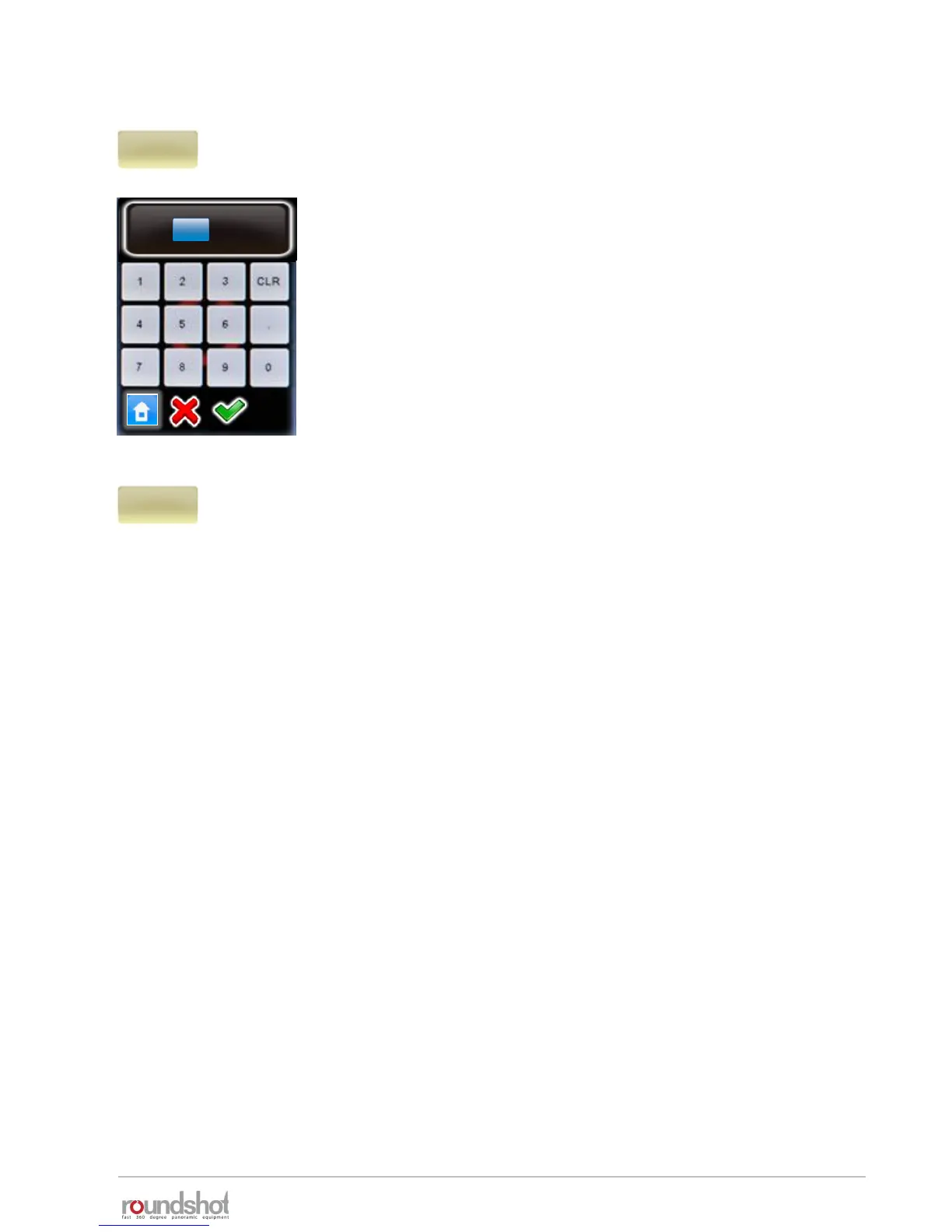
Confirm with “OK” or cancel with “X”.
When using a horizontal sequence (such as “zig-zac”), the “back to
start” option forces the x-motor to return back to its starting
position (for example: by 360°).
This feature can be useful when external devices (for example a
charger unit) are connected to the VR Drive x-motor to unwind any
cables.
Confirm with “OK” or cancel with “X”.
floor patch
-45.0°
elev.
0
images
7
[-90..90]
[1..9999]
floor patch angle
°
-45.0
[-90.0 .. 90.0]
4.1 Editing in quality, speed and turntable modes (continued)
back to start
on



 To Next Page