23/05/2019Roundshot VR Drive Instruction Manual – Firmware Version 2.023 66
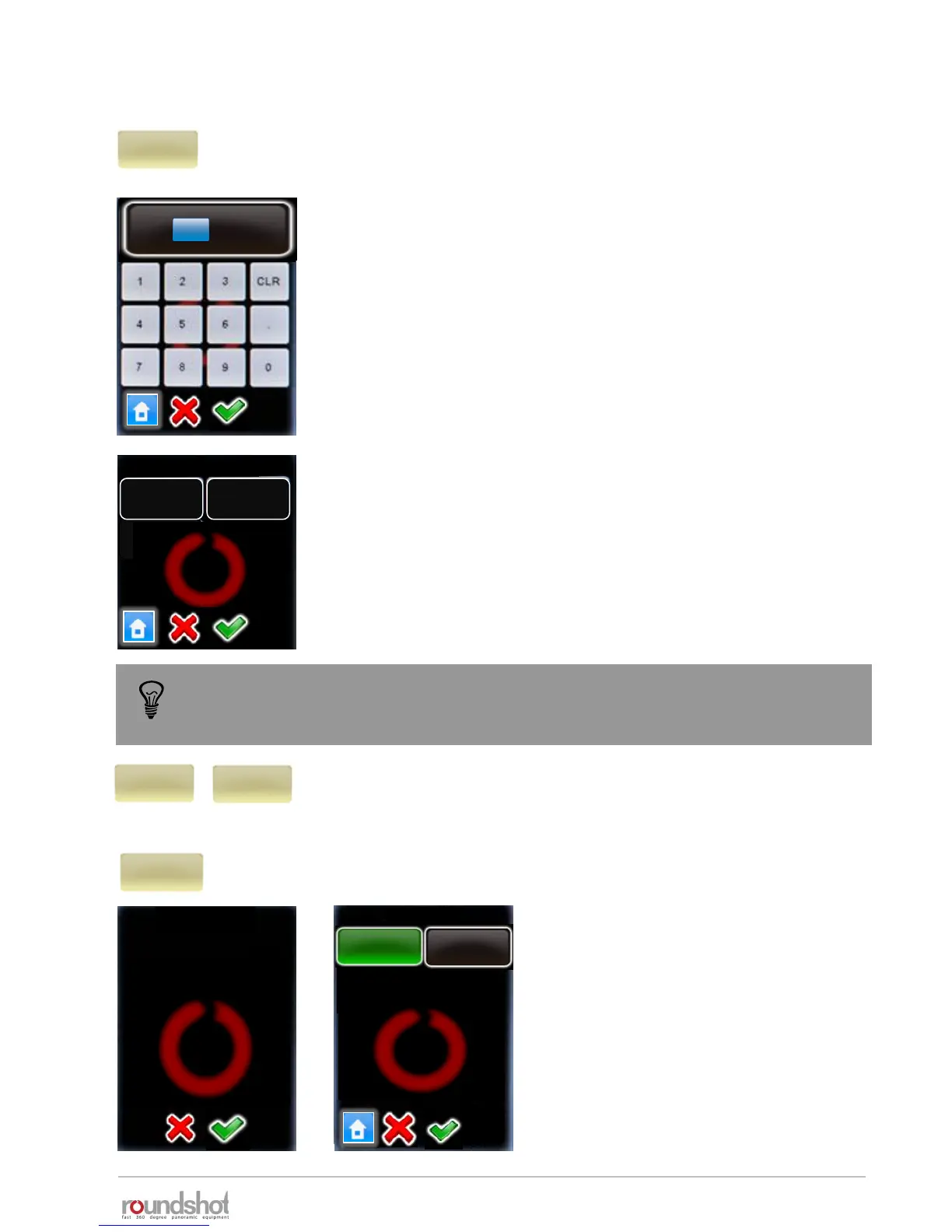
Click on “mirror release” to activate the release of the camera
mirror before image taking.
Enter the duration of mirror release.
Confirm with “OK” or cancel with “X”.
Click on “orientation” to change the direction in which the VR Drive
turns.
• Orientation“CW”: rotates clockwise
• Orientation“CCW”: rotates anti-clockwise
double
Release
mirror release
Now choose whether to give a single or double mirror release
signal.
Typically, Nikon cameras require a single, Canon a double signal.
Confirm with “OK” or cancel with “X”.
mirror rel..
0s
elev.
0
images
7
[-90..90]
[1..9999]
mirror rel.
s
0
[0.0..999.9]
single
Release
orientation
CW
orientation
CCW
lens type
By changing this value
you will overwrite the
rows. Continue anyway?
Lens type
No fisheye
Lens type
No fisheye
Fisheye
To use “mirror release” in HDR mode, it is necessary to release the images with the
electronic release cable and not with USB. Please use the USB cable for camera
control functions (HDR bracketing) only.
4.1 Editing in quality, speed and turntable modes (continued)



 To Next Page