4.2 Editing in timelapse and video modes (continued)
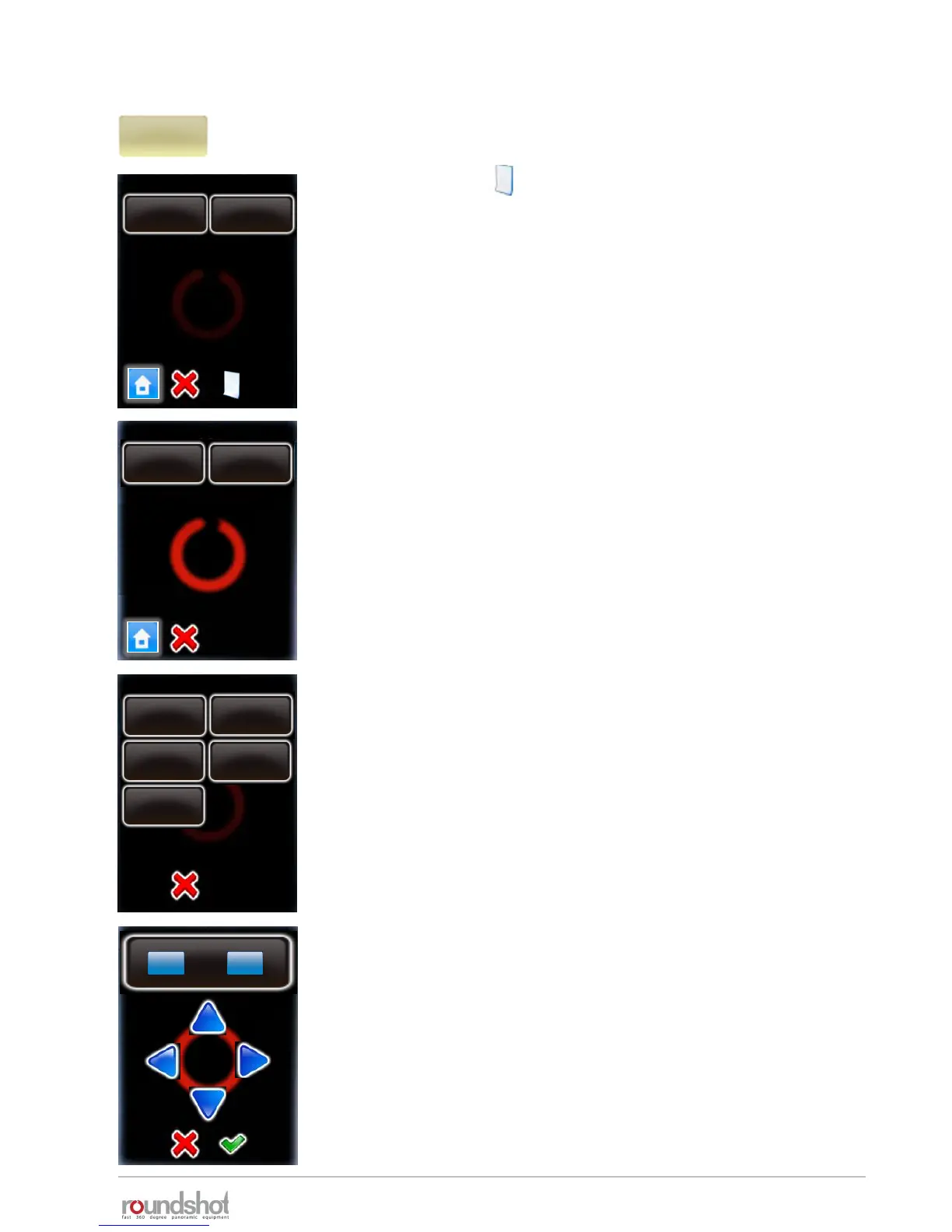
Click on “point” to edit the points through which the video
sweep navigates.
By clicking on the button additional point can be added to
the program
Click on a point to edit or delete it.
P6
Delete a point by clicking “delete”.
Edit a point by clicking “edit”.
The parameter of a point are displayed and can be edited one by one.
• Point coordinates (X/Y) (degrees or cm depending on hardware)
• Duration
• Acceleration
• Pause
• Image every … degrees (or seconds) (only for timelapse mode)
points / page 1
point 1
X-45°\ Y45°
point 2
X-88°\ Y13°
P6
edit
delete
point
points
duration
30
point
-45/45°
pause
1
acceleration
50
Image
every …
degrees
Click on “point” to change its X/Y coordinates.
Use the arrow keys to navigate.
The X and Y coordinate can be either degrees or centimeters
depending on the hardware configuration (360, linear or dolly)
Confirm with “OK”.
edit
delete
X
°
-45.0
[-999.9..999.9]
Y
°
45.0
23/05/2019Roundshot VR Drive Instruction Manual – Firmware Version 2.023 69



 To Next Page