23/05/2019Roundshot VR Drive Instruction Manual – Firmware Version 2.023 14
1.2 Software components (continued)
1.2.2 VR Drive firmware upgrades
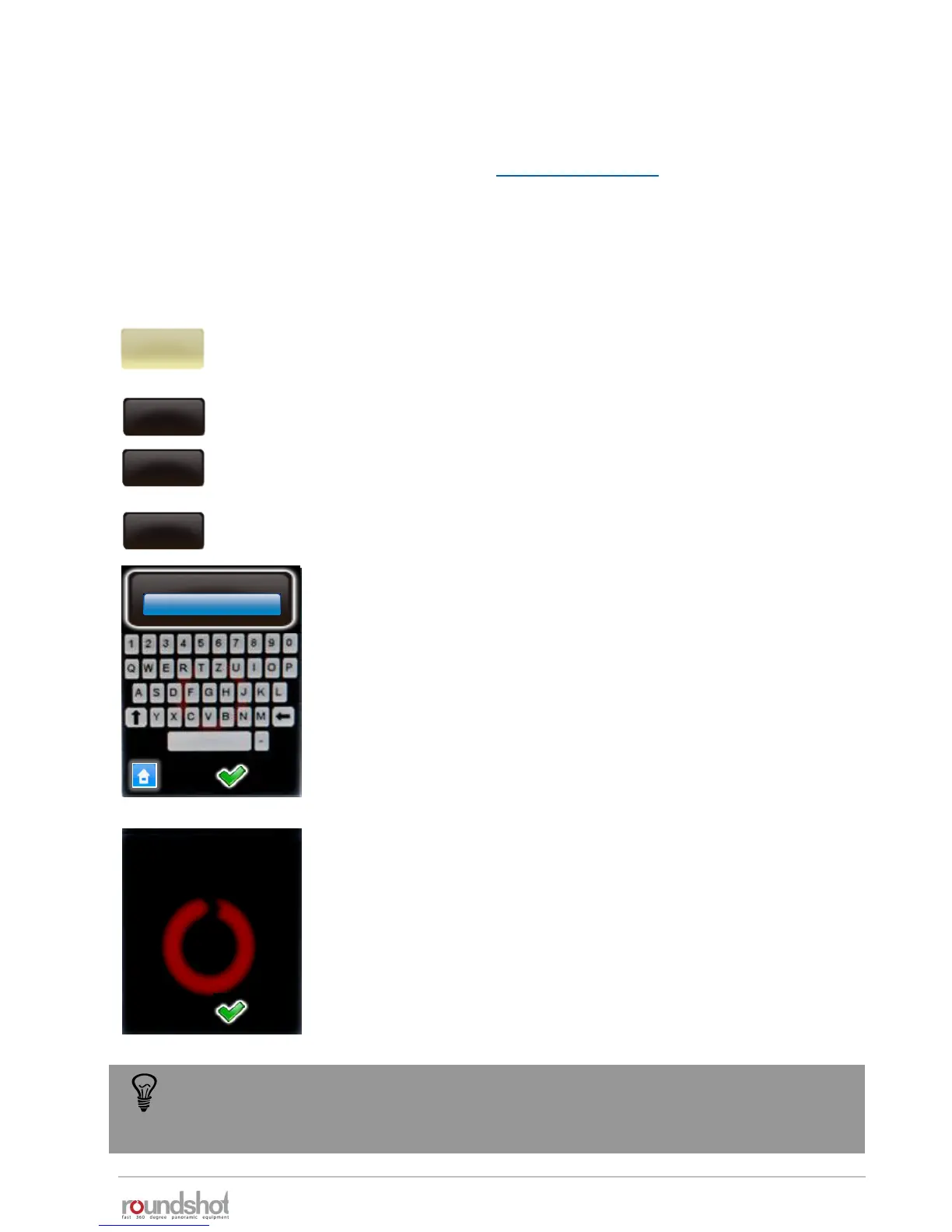
Click on “key” to display the software key.
Enter the new software key.
Confirm with “OK”.
After entering a valid key, the software displays the available
software modes.
When entering an invalid key, the last valid key will be loaded.
Confirm with “OK”.
Software upgrades can be ordered after initial purchase of your VR Drive from your distributor
or directly from Seitz Roundshot on our website www.roundshot.com.
Once your purchase is confirmed, we will send you a 16-digit key by email which is linked to the
unique hardware ID (serial number) of your VR Drive. This key activates the relevant software
modes.
Click on “settings” to access the VR Drive settings menu.
Click on “general”.
Click on “software”.
settings
general
software
key
key
A98DF1DB3C0D4655
key
The software key is
valid. The following
modes are now
available:
quality
speed
turntable
video
To try out a new software mode, request a temporary software key by Roundshot. It
will be valid for a limited time (30 days, 60 days…) and allows non-restricted use of
all software functions.



 To Next Page