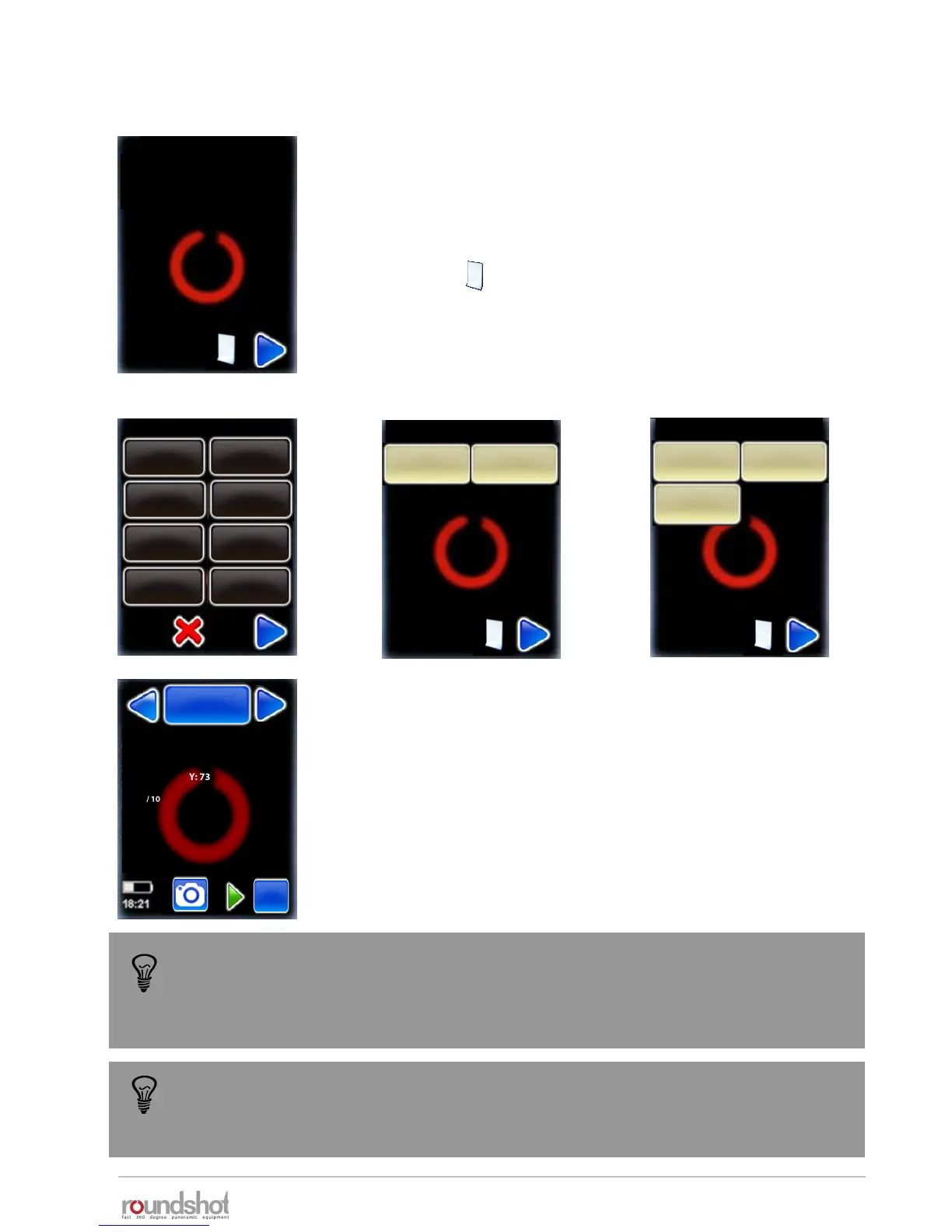
Load the cameras that you will be using with the VR Drive from the
data base, selecting the camera brand/type from the list.
These cameras will be loaded into your personal favourites list
which is required to program the VR Drive.
Click on the button to add more cameras from the database.
Additional cameras can be added later in the “settings” menu. If
your camera is not in the list, it can be added manually to the
database.
23/05/2019Roundshot VR Drive Instruction Manual – Firmware Version 2.023 37
2.3 Setting up the VR Drive software (continued)
The camera type (i.e. the sensor size) is required for automatic calculation of
rows/images in the “quality”, “speed” and “HDR” modes. For the “turntable” and
“video” modes the camera type is used for information only and has no computation
purpose.
When your selection is complete, confirm with the “next” button.
The set-up wizard is now complete.
A first default program in “quality” mode is displayed which uses
the camera data of the first camera in the favourites list and some
default values: “P1”.
“P1” can later be edited, copied, moved or deleted. It is created
only for setting up the VR Drive at this stage.
P1
quality
Nikon D3
focal length : 24 mm
A: 0mm B: 0mm
angle X:360° °
rows : 1
R1 °
Duration : 2min 5s
my cameras / page 1
Nikon
my cameras / page 1
my cameras / page 1
Nikon
D3
Canon
5D
Nikon
D3
Canon
5D
PhaseOne
P65+
Nikon
Kodak
Canon Fuji Finepix
SONY DSC Olympus
Panasonic
Leica
If the HDR mode of the VR Drive is active, an HDR compatible camera needs to be
selected in the favourite list. If it is not the case, the VR Drive will ask you to select
one during the set-up process.
x/y



 To Next Page