23/05/2019Roundshot VR Drive Instruction Manual – Firmware Version 2.023 61
Image number
variable
Image number
fix
variable
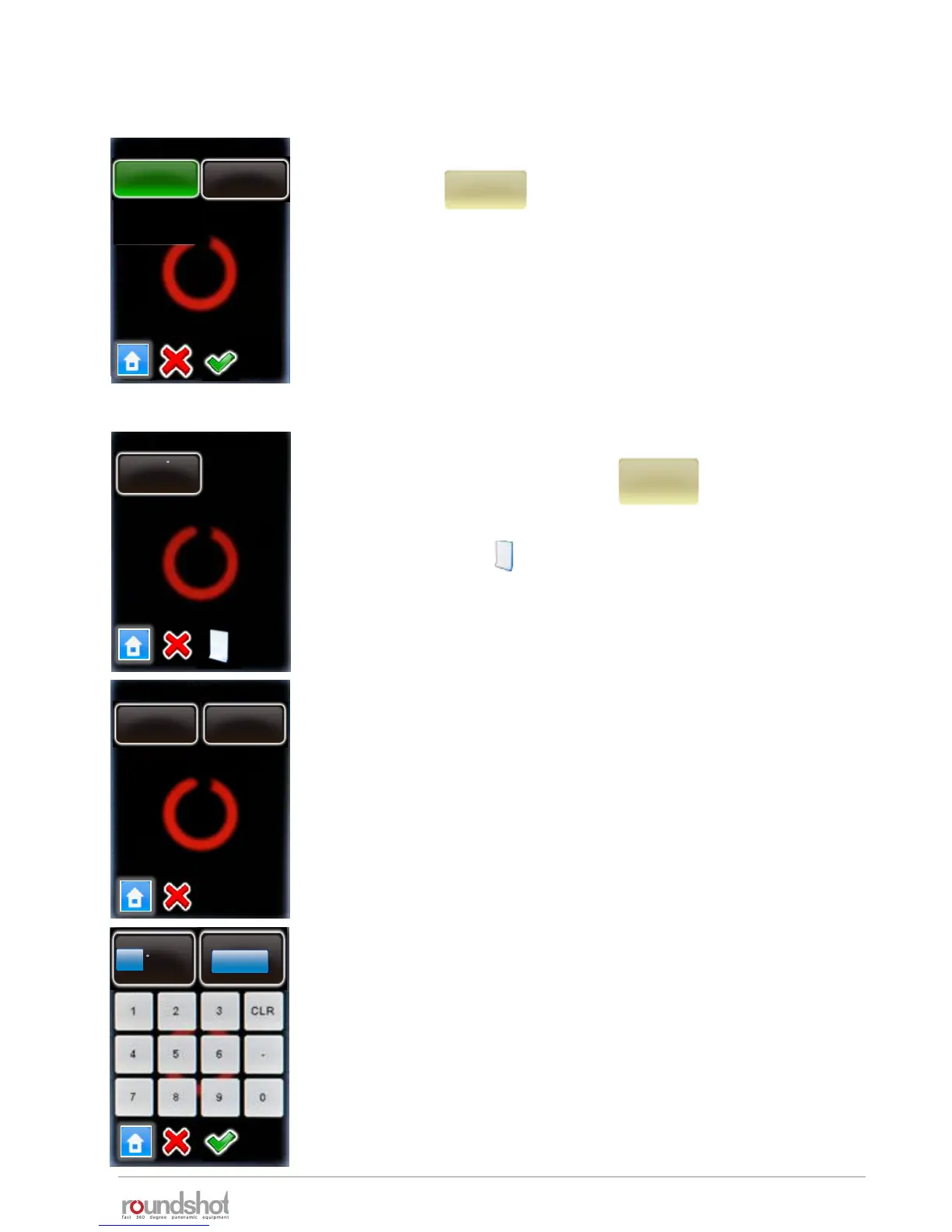
Click on “image number” to change the way the number of images per
row is calculated. This option is only available when using cylindrical
angle mode.
• Select “variable” to allow every row to have a specific number of
images. this option generate the minimum number of images.
• Select fix to have the same number of images for all rows. Select this
option when using vertical sequences to optimize VR Drive
movements. However the number of images will be higher.
Continue with “OK” or cancel with “X”.
Click on “rows” to create new rows, delete existing rows or edit a
row (elevation, number of images).
By changing the rows any previous automatic computation will be
overwritten.
By clicking on the button additional rows/images can be
added to the program
Select the row by clicking on it.
Select “edit” or “delete”.
When creating a new row or editing an existing one, enter the
desired elevation in degrees and the number of images per row.
Confirm with “OK” or cancel with “X”.
rows
rows / page 1
elev. : 1
images : 10
P2P2
edit
delete
elev.
1
images
10
[-90..90]
[1..9999]
4.1 Editing in quality, speed and turntable modes (continued)



 To Next Page