PROGRAM CONFIRMATION REPORT (Continued)
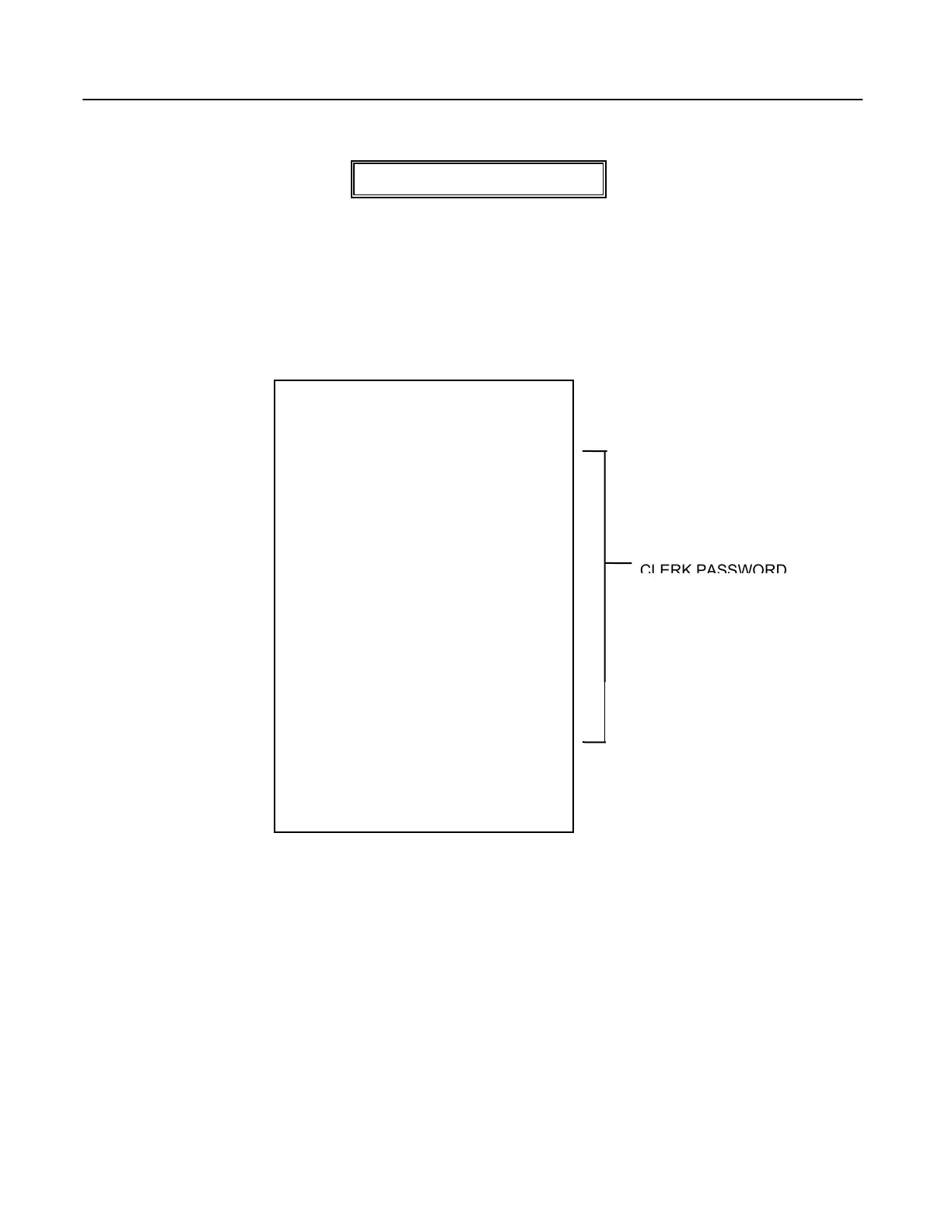
TO TAKE A CLERK CONFIRMATION REPORT
"PRG" + [PLU/ALT] + [CLERK]
1. Turn the key to the "PRG" position as desired.
2. PRESS [PLU/ALT], then PRESS the [CLERK] key.
Important: A Clerk Reading must be closed out in the "Z" position.
65
CLERK PRESET
CLERK 1 1111
TOM 1
CLERK 2 2222
CLERK 2
CLERK 3 3333
CLERK 3
CLERK 4 4444
CLERK 4
CLERK 5 0005
CLERK 5
CLERK 6 0006
CLERK 6
CLERK 7 0007
CLERK 7
CLERK 8 0008
CLERK 8
CLERK 9 0009
CLERK 9
CLERK 10 0010
CLERK 10
01-05-1999 02:42PM
0142 CLERK 1



 To Next Page