X/Z MANAGEMENT REPORTS
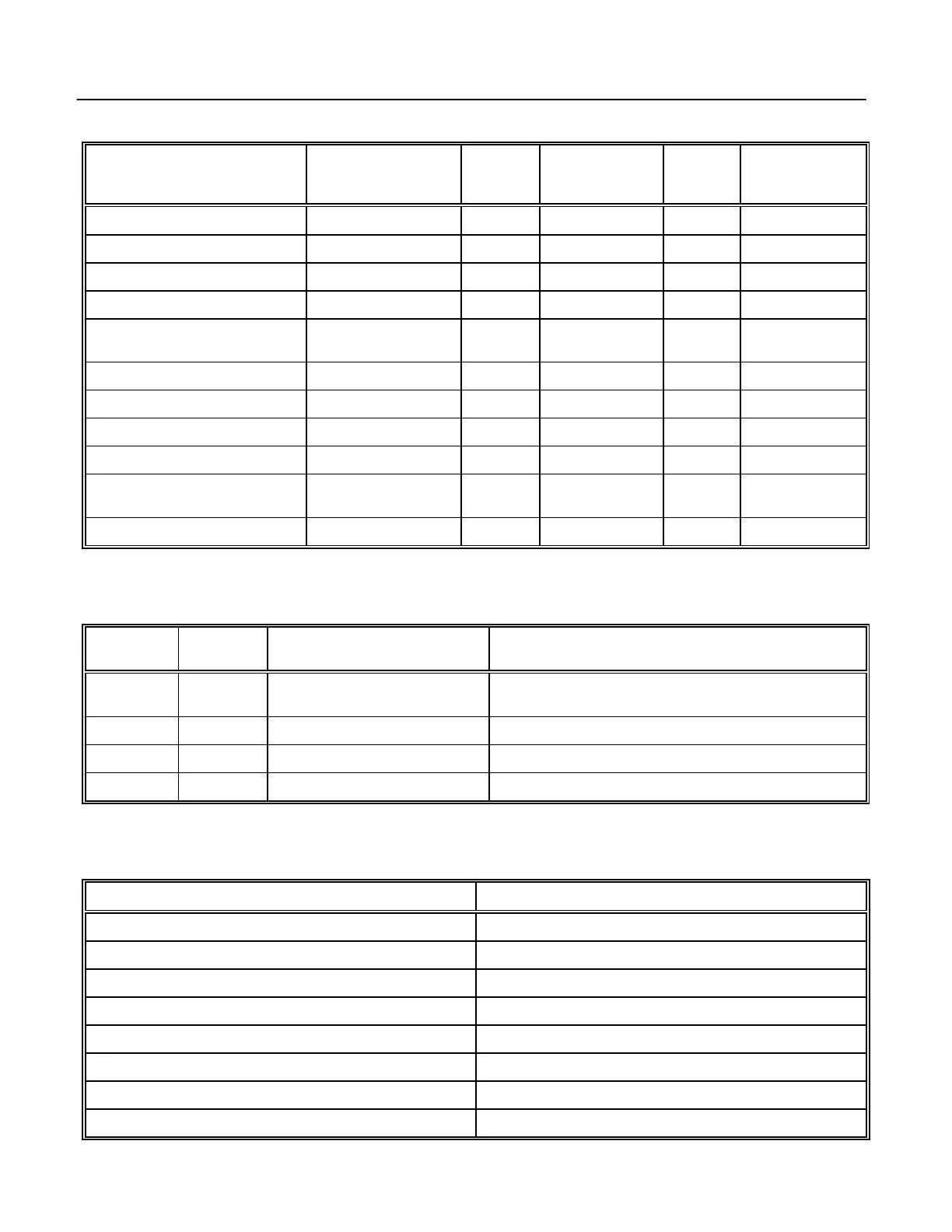
SUMMARY OF MANAGEMENT REPORTS
Report
Description
Operation
Key
X Report
Sy mbol
Weekly /Periodic
X Report
Sy mbol*
Reset
Report
Sy mbol
Weekly /Periodic
Reset Report
Sy mbol*
Full Report AMT TEND/TOTAL X1 ... 1 X2 ... 1 * Z1 ... 1 Z2 ... 1 *
PLU Report PLU/ALT + PLU X1 ... 2 X2 ... 2 ** Z1 ... 2 Z2 ... 2 **
Hourly Report PLU/ALT + QTY/TIME X1 ... 3 N/A Z1 ... 3 N/A
Cash and Check In Drawer Report CHK X1 ... 4 N/A N/A N/A
Individual Clerk Report PLU/ALT + CLERK #
+ CLERK
X1 ... 5 X2 ... 5 * Z1 ... 5 Z2 ... 5 *
Group Report ANY DEPT KEY X1 ... 6 X2 ... 6 * N/A N/A
Training Report CHG X1 ... 0 X2 ... 0 * Z1 ... 0 Z2 ... 0 *
Department Report PLU/ALT + DEPT # X1 X2
Grand Total Report PLU/ALT + EC/VOID X1
PLU Range Report START # + PLU/ALT +
END # + PLU
X1 ... 2
Cash Declaration Report Z1
* To issue Periodic Reports in either "X" or "Z", press [PO/-%] before pressing the appropriate operation key.
** Periodic PLU Reports are available only when maximum PLU is set to 500 (Flag 7).
The following lists the different Management Reports that are offered in the "X" and "Z" positions:
Key
Positions
Report
Sy mbols
Reports
Know n As
Management
Reports Available
X X1 Mid-Day Full, PLU, Clerk, Hourly, Cash-In-Drawer, Group, Training,
Department
X X2 Mid-Week or Mid-Month Full, PLU*, Clerk, Group, Training
Z Z1 End-Of-Day or Daily-Close-Out Full, PLU, Clerk, Hourly, Cash Declaration, Training
Z Z2 Weekly or Monthly Full, PLU*, Clerk, Training
* Weekly or Monthly PLU reports are available for PLU #1-500 only.
In addition to the printed reports, the following totals can be displayed for quick reference at any time but not printed
by turning the key to the "X" position and pressing the appropriate keys.
To Display Press
Net Total 1 + [QTY/TIME]
Cash Total 2 + [QTY/TIME]
Charge Total 3 + [QTY/TIME]
Check Total 4 + [QTY/TIME]
No Sales Total 5 + [QTY/TIME]
RA Total 6 + [QTY/TIME]
PO Total 7 + [QTY/TIME]
Cash-In-Drawer Total 8 + [QTY/TIME]
85



 To Next Page