X/Z MANAGEMENT REPORTS (Continued)
TO TAKE A DEPARTMENT RANGE REPORT
"X" + (Department Start #) + [PLU/ALT] + (End Department #) + [DEPT]
1-40 1-40 (2 digits) (any key)
TO TAKE CLERK REPORT
"X" + [PLU/ALT] + [CLERK]
1. Turn the key to the "X" or "Z" position as desired.
2. PRESS [PLU/ALT], then PRESS the [CLERK] key.
87
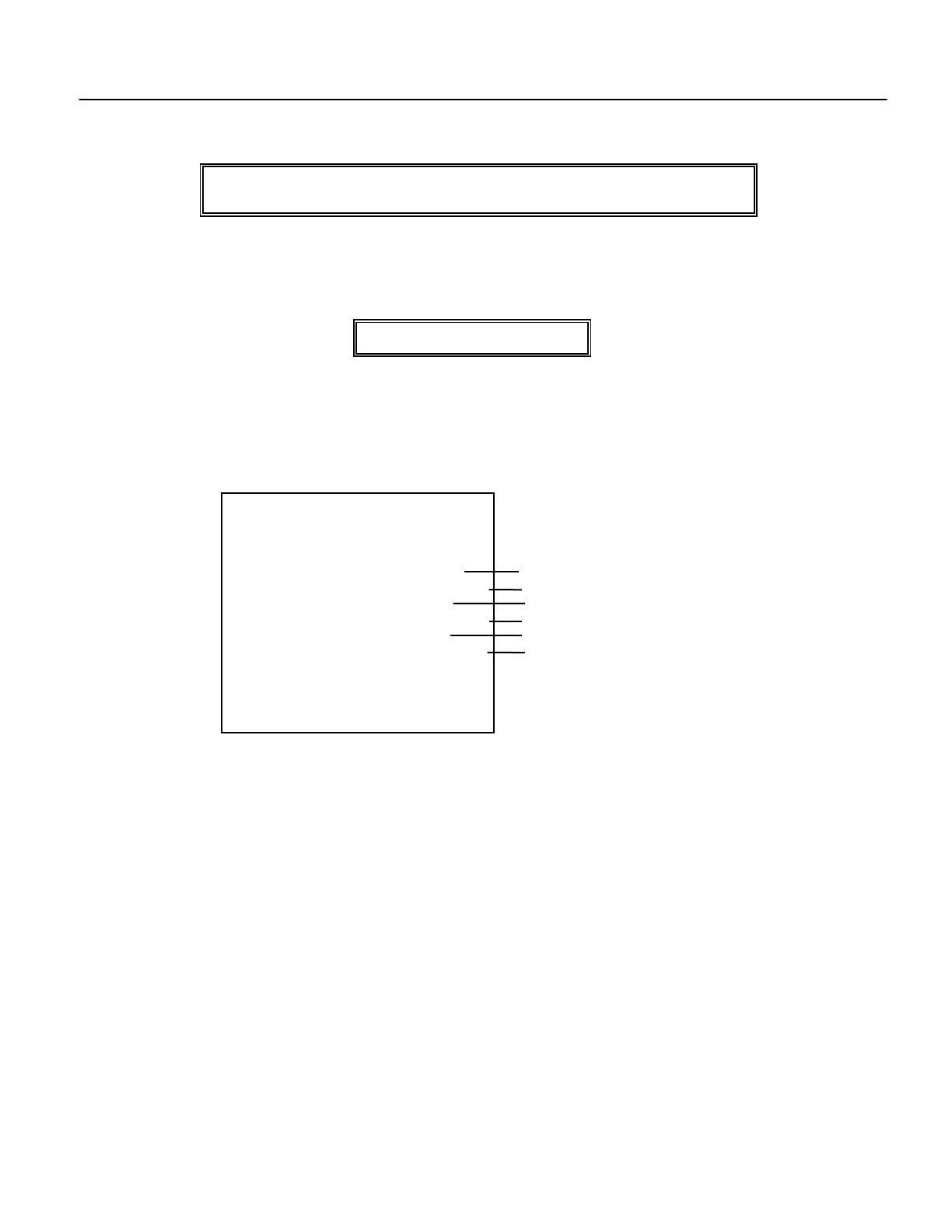
* X 1 *
CLERK REPORT
TOM
NET TL 30N
167.25
VOID 10N
5.50
TAX 28N
5.60
01-05-1999 01:37PM
0031 TOM
# OF TRANSACTIONS
AMOUNT OF SALES
# TAXABLE SALES
AMOUNT OF VOIDS
# TAXABLE SALES



 To Next Page