11
Alpha5000ML owner’s manual
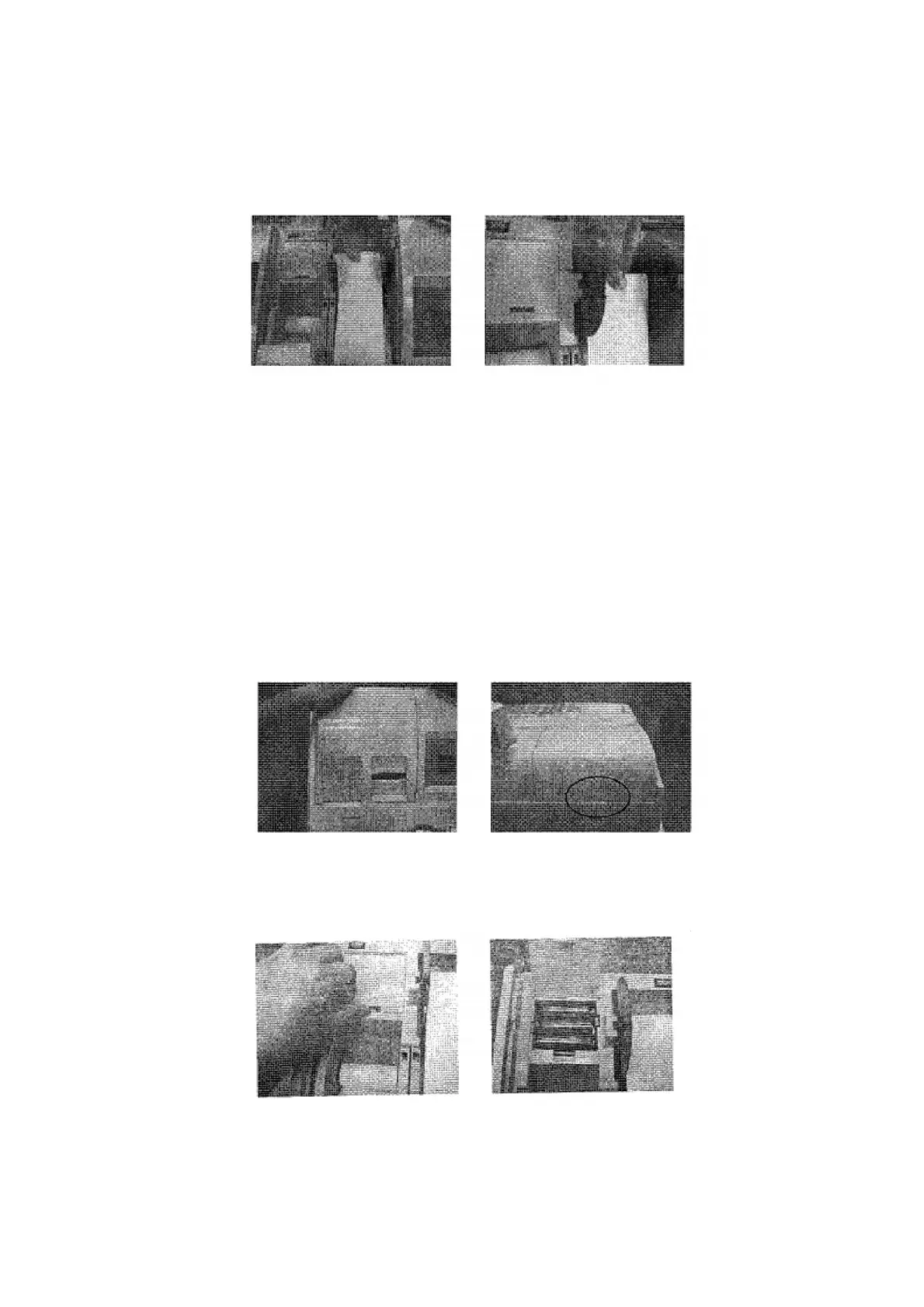
6 Once the paper is attached, place the winding wheel into the holder in the back
of the printer compartment. The portion the winding wheel with two disks
should be situated on the right side. This will allow for contact with the winding
motor and spinning of the wheel during operation.
Installing the Memory Backup Batteries
The alpha5000ML cash register uses 3 x AA (1.5 volt) batteries for the memory
backup protection. In the event of a power loss, these batteries should be installed at
all times during usage of the cash register. Starter batteries should have been included
with your shipment.
Caution
Make sure to install the backup batteries AFTER supplying power to your cash
register. If you put the batteries in the cash register first, they can damage
your cash register. Put the batteries in when you are prompted.
1 Open the printer compartment by lifting up on the tabs located towards the back
of the register. This will expose the battery compartment.
2 With the printer cover removed, find the battery compartment towards the back
left the cash register. Push in on the tab and lift up to open the printer
compartment. Install the batteries in the proper orientation (+ and -) as directed
by the instruction in the compartment.
3 When finished, close the battery compartment cover, and re-install the printer
cover.



 To Next Page