Alpha5000ML owner’s manual 82
Half System Clear
If you cannot get the cash register to respond, try a half system clear.
To do a half system clear
1 Unplug the cash register from the power source.
2 Wait 30 seconds.
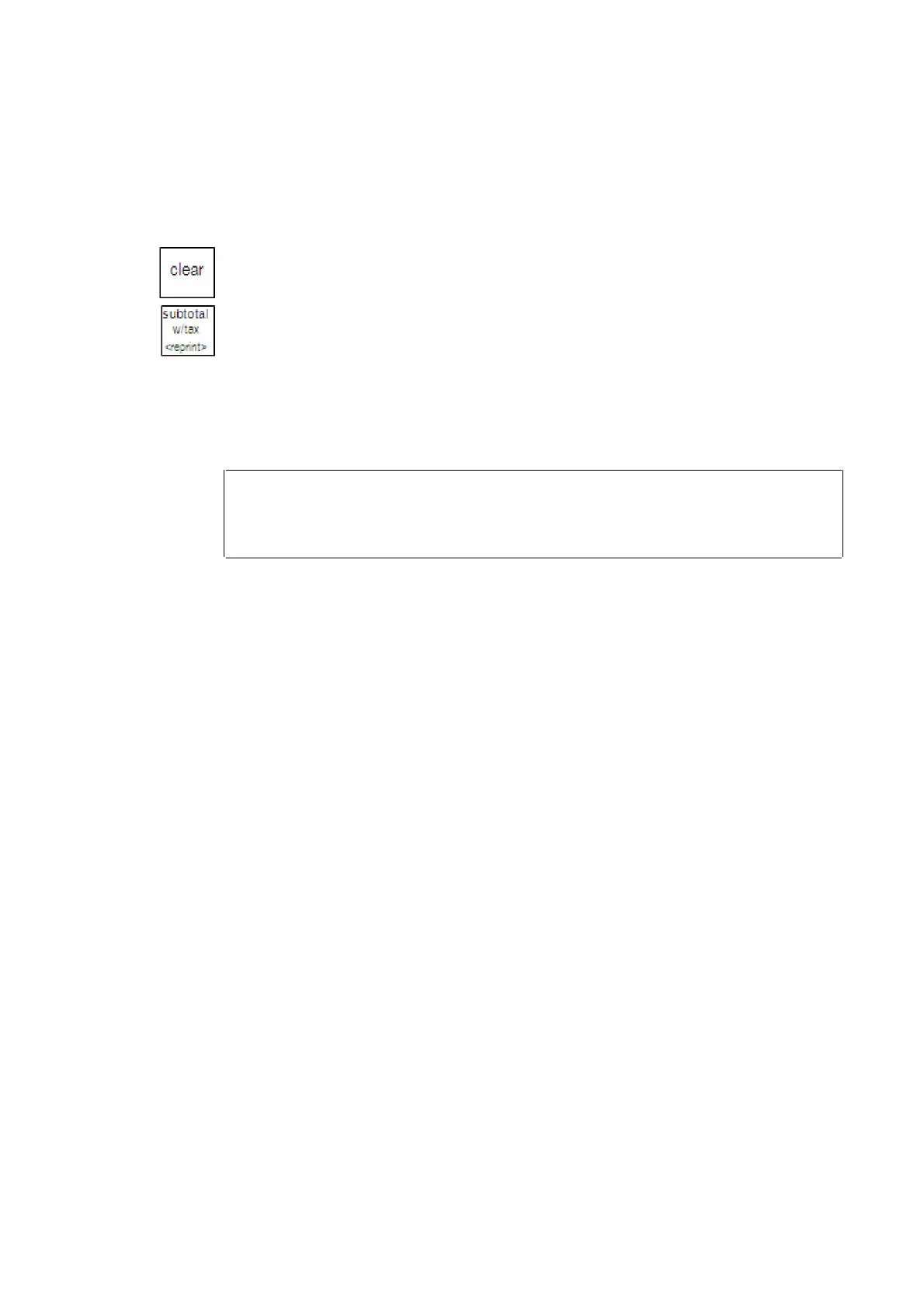
3 Press clear key and Plug the cash register in again.
4 Press the subtotal key.
Full System Clear
If nothing else works, perform the following procedure.
Caution
This procedure resets the cash register to the factory settings. You lose all
your transaction information and programming information.
To do a full system clear
1 Unplug the cash register from the power source and
wait 30 Seconds.
2 Press 1379and Plug in the cash register.
3 Press enter to confirm.
4 Continue with normal operations.
If Nothing Helps
If a problem still persists, call our Customer Service Support Line toll-free at
1-800-272-6229.



 To Next Page