67
Alpha5000ML owner’s manual
•24 - Clear all Report
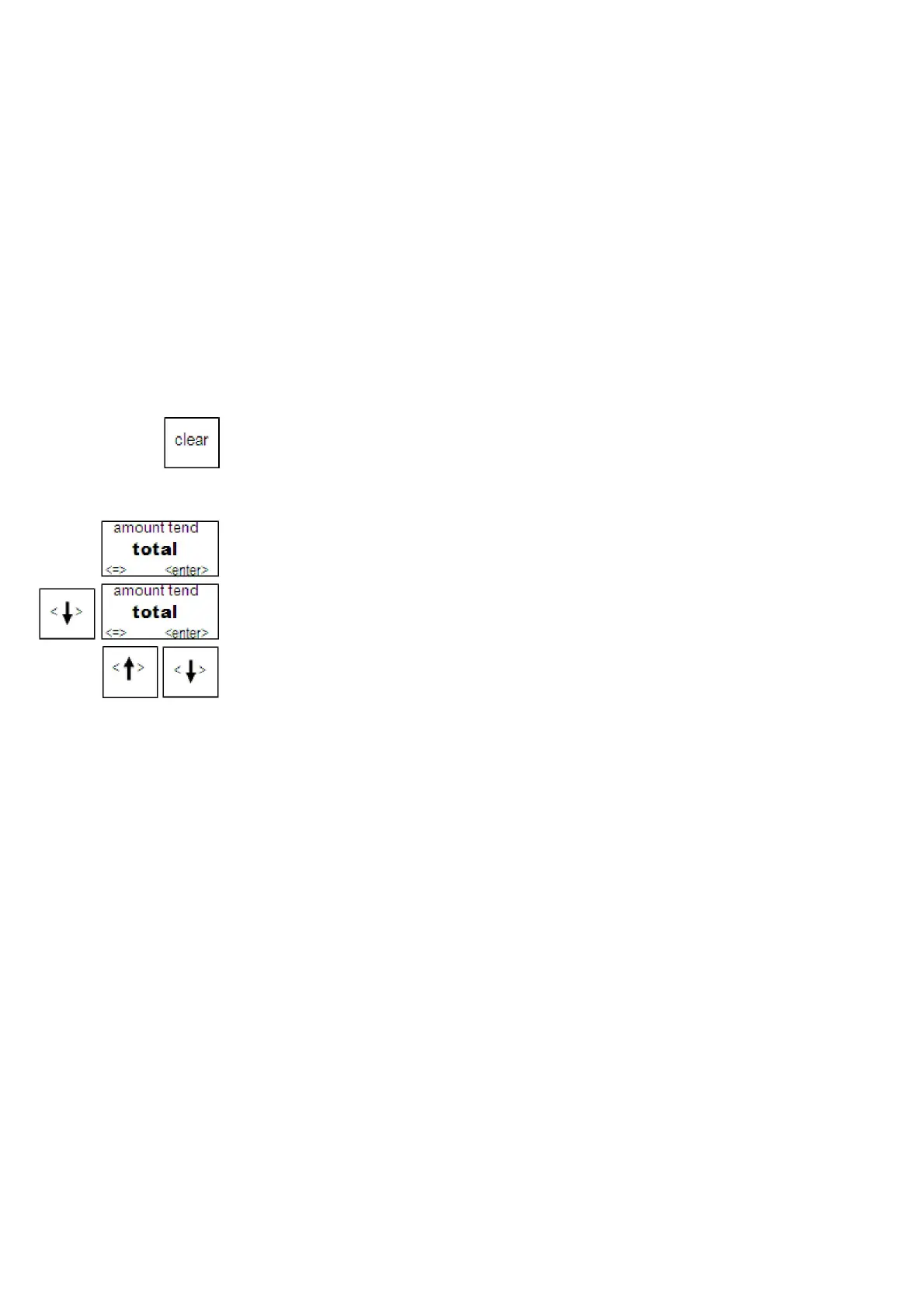
Press
key to select
it.
Press enter to clear all report
except EJF report.
•25 - Clear EJF Report
Press
key to select
it.
Press enter to clear the NRGT
Running Reports
Running reports is easy - just follow the prompts on the screen. You can view or print
a report.
Note
Make sure you have a lot of cash register paper installed before you start printing any
report. You can stop printing a report by pressing the clear
key
.
To run reports
1 Switch the control lock to X or Z mode
2 If you are prompted for a Manager Password, type the password number and then
press enter key. If you did not program a Manager Password, go to the next
step.
3 Press the Arrow Down key to select the report you want. Press the enter key.
4 The report appears on the screen. Use the Arrow keys to move through the report.
You can print there port or clear it, using the options on the screen.
Financial Report Example
Totals are calculated for the Management Reports in the following way.
NET SALES AMOUNT - Shows the total of all sales registered.
The Net Sales Amount includes all:
department sales totals (Total), coupon (Coupon)
percentage add-ons/discounts (%1, %2, %3),
tax totals (Tax1-4)
return (R.M.)
voids (C.E., Transvoid).
Minus percentage discount (-%/ +%), voids (void/EC) and returns (return) are all
deducted from the department totals and the plus percentage (ADD ON) is added to
the department totals, depending on the parameter settings.



 To Next Page