13
Alpha5000ML owner’s manual
Programming the Sales Tax
Now you need to select and program the sales tax for your area. You can use 1 of 2
tax types in the US:
• Straight tax: The sales amount is multiplied by a flat percentage rate such as
5%. For example, on a $1.00 item, $.05 is added for tax.
• Table tax: The tax is charged based on a tax table you obtain from your local or
state government tax office.
Straight tax is the easiest and most commonly used tax rate. Most states and areas
use straight tax. To find out which sales tax type and percentage rate you should use,
contact your local government office.
This section explains setting simple sales tax in the United States. See
Selecting the Tax System on page 53 for other sales tax systems.
To set Straight USA (add-on tax)
PRG TAX SETTING
1 Switch the control lock to PRG.
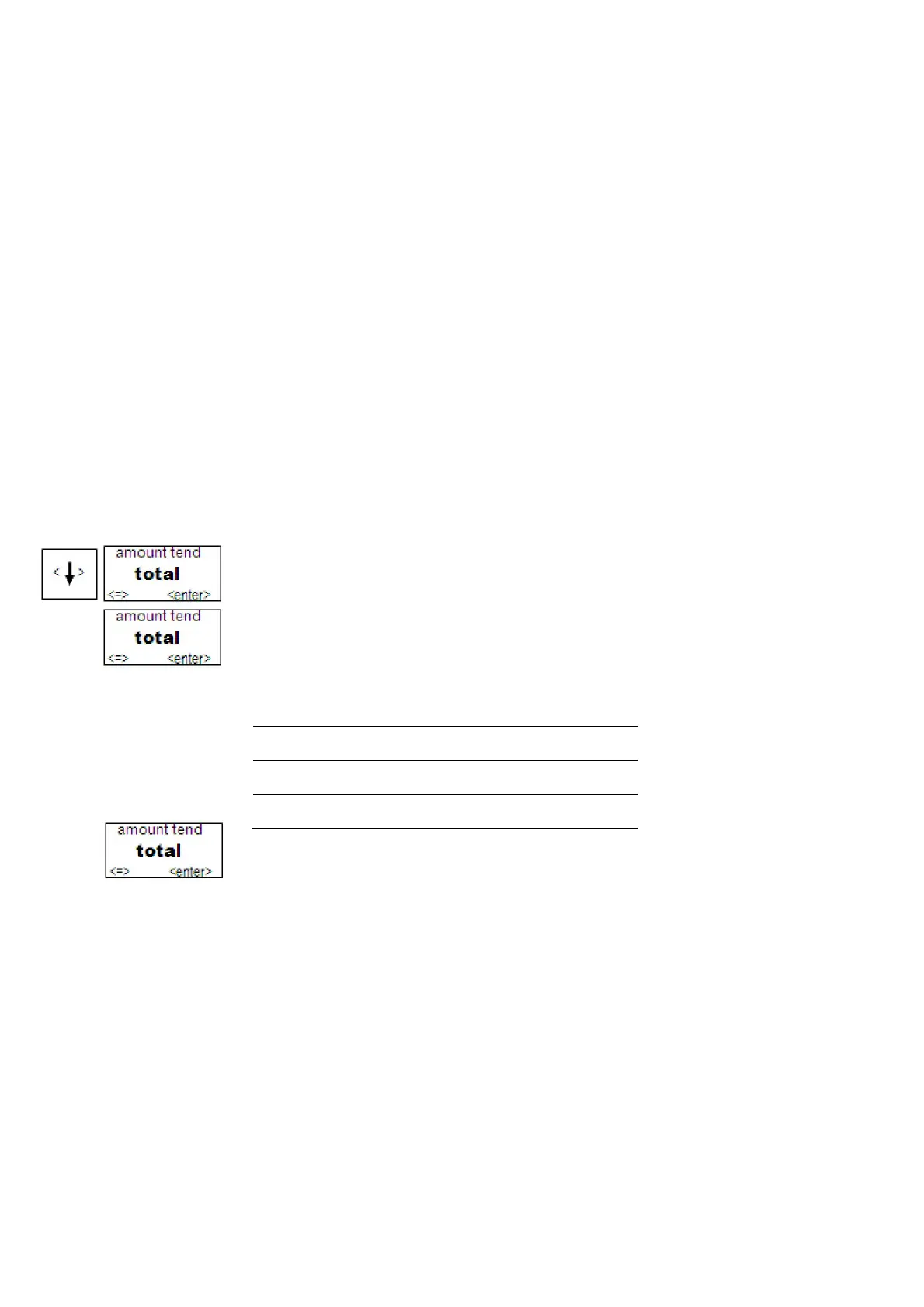
2 Press Arrow Down key to select TAX SETTING. Press enter.
3 Tax1: Straight Tax and press the enter key.
4 For straight tax, use the Number keys to enter the sales tax rate for your area. For
example, if your local sales tax rate is 10%, enter 10000. To program other tax
rates, press the following:
For this tax rate... Press these keys...
7.75%
7750
5.5%
5500
10.5%
10500
5 Press the enter key.
For tax tables and more advanced tax rate programming, see
Programming Complex Tax Rates on page 52.
For more information about the other features of your cash register, see Setting Up
Your Cash Register - the Basics on page 23 and Setting Up Your Cash Register
Parameters on page 38.



 To Next Page