93
Alpha5000ML owner’s manual
You can also use the Arrow Up key to scroll the clerk display, select the entry
you want to void and then press the clear key. Press the subtotal key and then
continue with the transaction.
Error-Correct a Department Preset with a Minus Percentage
Discount
Example 21: Assume Department 1 is programmed for $1.00, Department 2 is
programmed for $2.00, and the 1% is pre-programmed for 10%. Ring up
Department 1 and deduct 10%, ring up Department 2 and deduct 10%, then void
the Department 1 entry with the 10% discount.
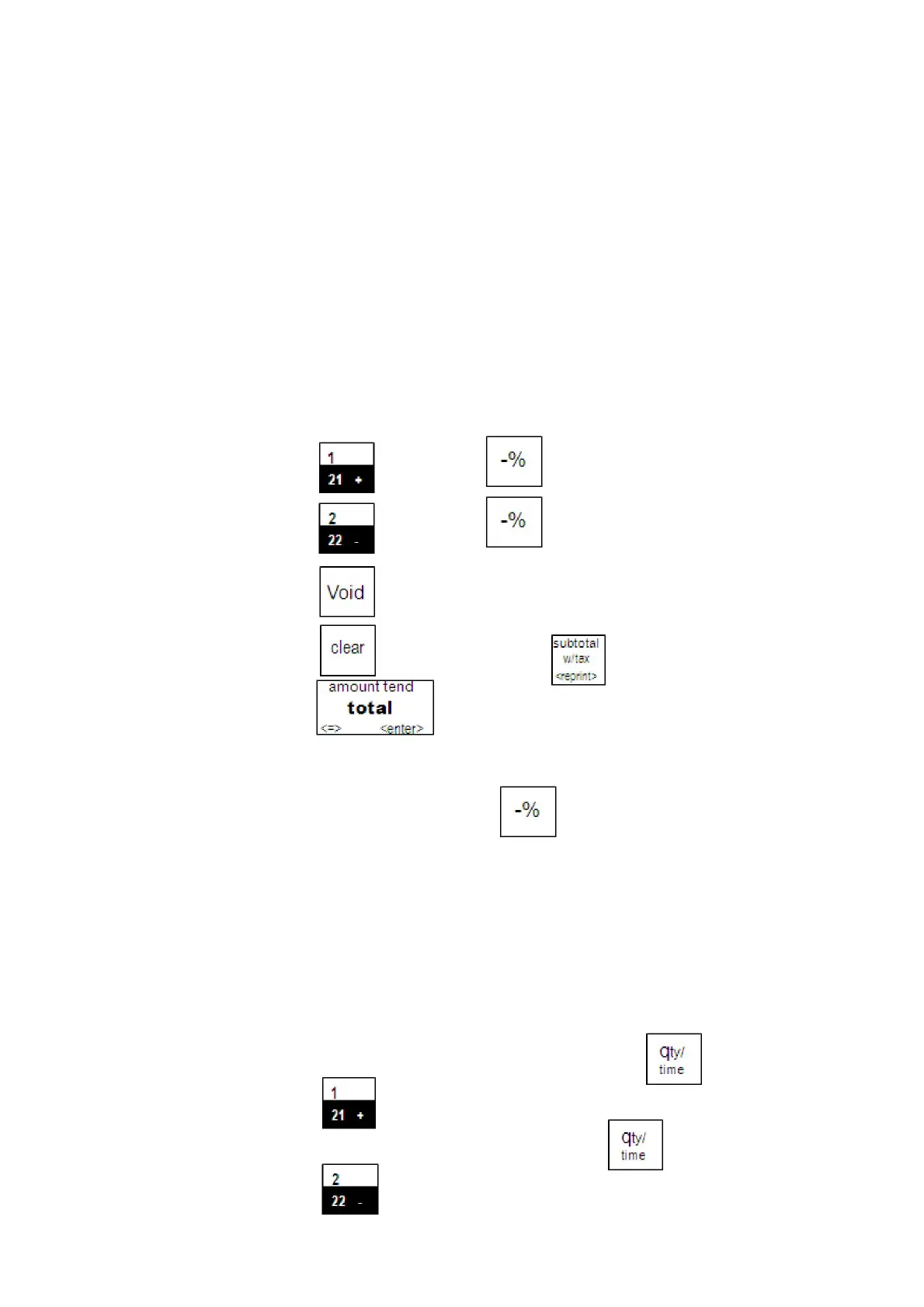
To void a department preset with a minus percentage discount
1 Press the key. Press the key and Select 1%
2 Press the key. Press the key and Select 1%
3 Press the key. Press Arrow Up key to select Department 1
4 Press the key and then press the key.
5 Press the key.
Note
If the Minus Percentage Discount Rate is not pre-programmed, type in the
discount rate before pressing the key. Applies only to 1%.
Error-Correct a Multiplication of a Department Preset Price
Example 22: Assume Department 1 is programmed for the price of $1.00 and
Department 2 is programmed for the price of $2.00. Ring up Department 1
three times and Department 2 two times, then void the Department 1 entry
rung up three times.
To void a multiplication of a department preset price
1 In the Number keys area, press 3, and then press the key.
2 Press the key.
3 In the Number keys area, press 2, and press the key.
4 Press the key.



 To Next Page