47
Alpha5000ML owner’s manual
Reset Receipt Printer No. Daily Z
Specify whether to reset the receipt No. after Daily Z report.
Bell Active
Specify whether the bell ring is active.
Warn Out of Stock
Specify whether pop-up warning when out of stock.
Clear EJ (Full)
Specify either Manual or Auto to clear the EJF.
Parameter Print
This report contains all the parameter option settings for the cash register and in the
following order:
• Dept
• PLU
• Clerk
• Tax
• System Parameters
• Receipt Parameter
You can select one to print or all to print.
When you select all, the report can use a lot of paper. Before you print, make sure you
have enough paper installed in the cash register.
To print the Parameters
X REPORT Parameter Print
1 Switch the control lock to X mode.
2 If you are prompted for a Manager Password, type the password number and then
press the enter key. If you did not program a Manager Password, go to the next step.
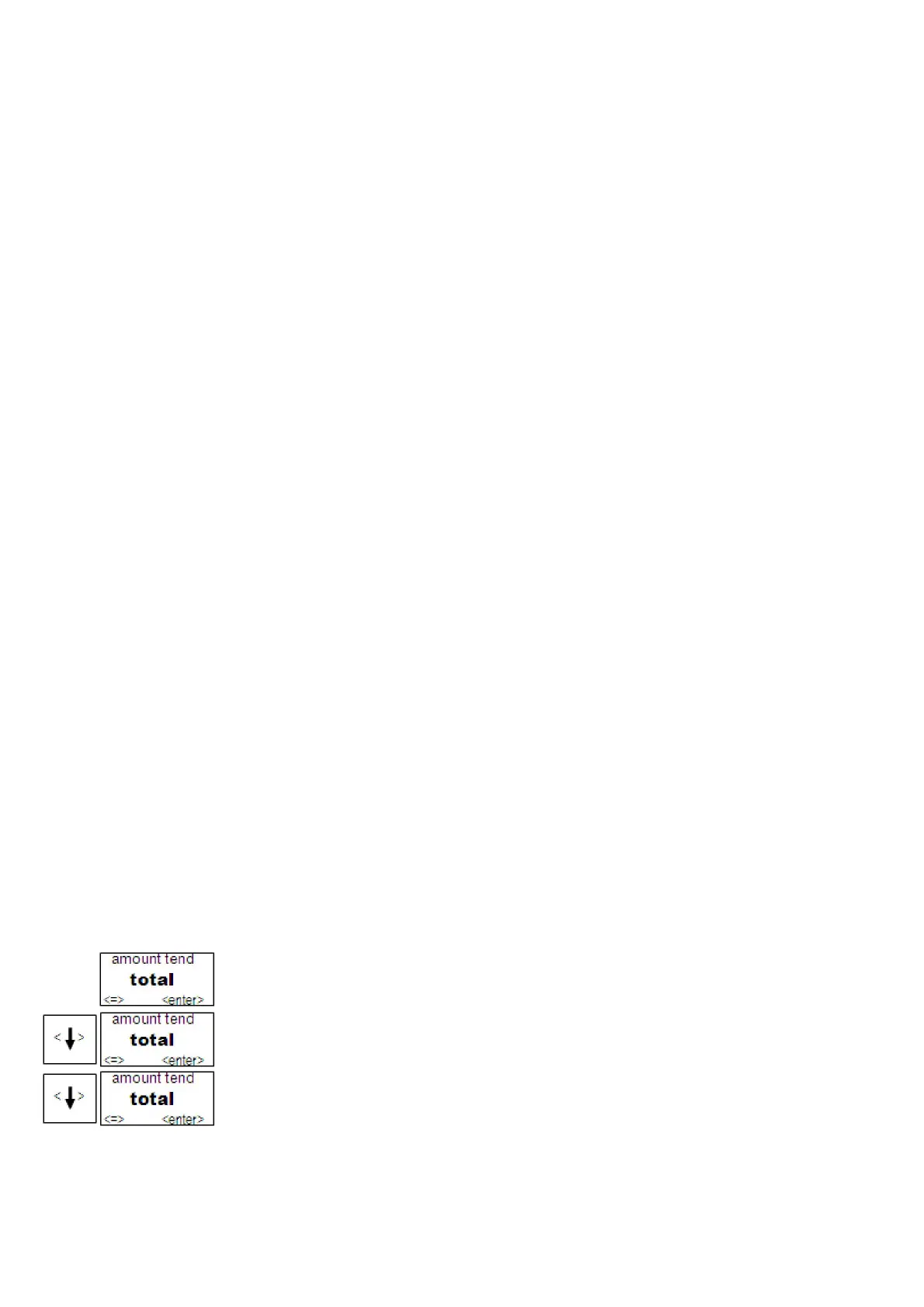
3 Press the Arrow Down key to select Parameter Print. Press the enter key.
4 Press the Arrow Down key to select all. Press the enter key to print all the
parameters.
5 Press the Arrow Down key to select single. Press the enter key to select one
parameter. Press the enter key



 To Next Page