Alpha5000ML owner’s manual 24
The Clerk Screen
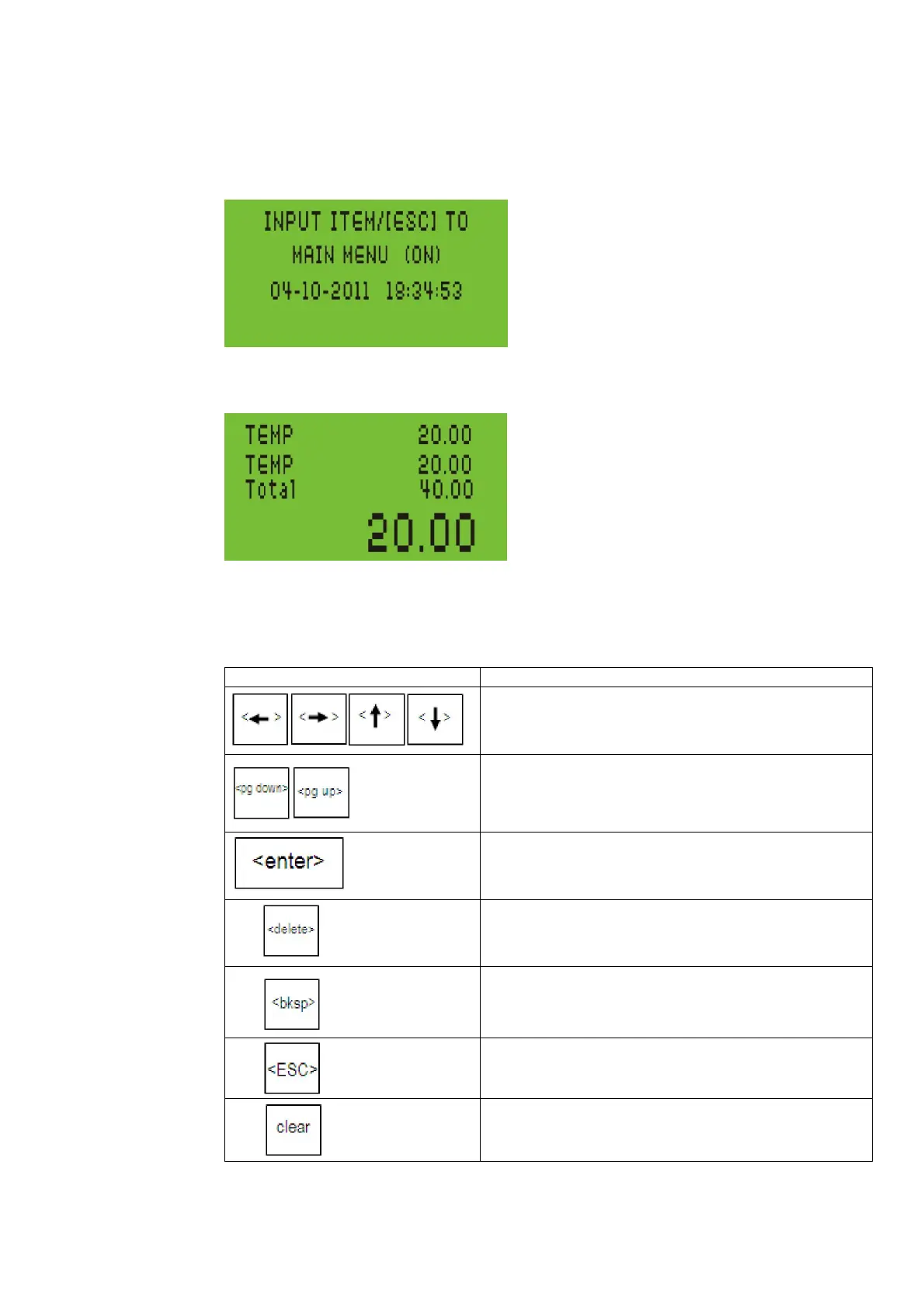
The clerk screen prompts you through setting up the cash register and using it to
ring up sales. The main screen on the display looks like this:
When ringing up sales, you see the department number or PLU number on the
clerk screen. If a description or name is programmed, this description appears.
Navigating the Clerk Screen
Navigating the clerk screen is very simple. See the table below for assistance using
individual keys:
--move UP, DOWN, LEFT, and RIGHT through the
menus and system options
--move FORWARD and BACK through the menus
and system options
--confirm an entry and move to the next option
--to delete the highlighted character
--backspace and delete one character while
programming
--move back one menu level
--clear the typed entry and start over



 To Next Page