Alpha5000ML owner’s manual 76
To save the EJF Reports to the USB flash
X REPORT EJF/Receipt Report Search All
1 Switch the control lock to X mode.
2 If you are prompted for a Manager Password, type the password number and then
press the enter key. If you did not program a Manager Password, go to the next
step.
3 Press the Arrow Down key to select EJF/Receipt Report. Press the enter
key.
4 Select Search All. Press the enter key.
5 Press the Arrow Down key to select Save to USB flash. Press the enter key.
The ECR is writing the EJF report to USB flash, after writing over it will prompt
“Written completed”.
Note
Only the EJF report in the Search All interface can import to USB flash.
The same report imported to the USB flash, the latter report does not cover
the previous report. Just behind the file number is different
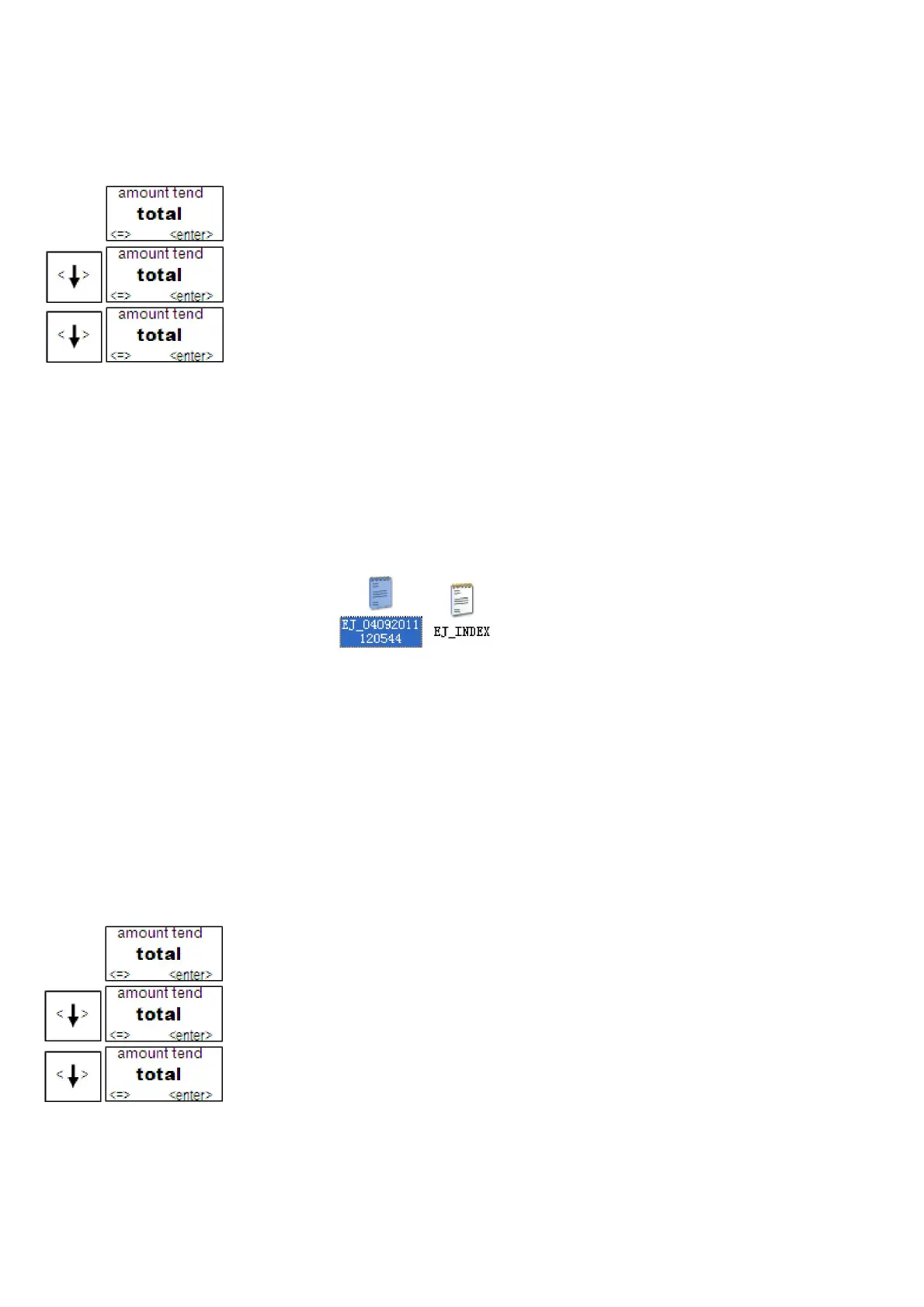
Export to EJ report files have the following documents
EJ-INDEX Indicate report the first time and the last one receipt time of a
receipt in the exported EJ file.
EJ-04092011120544
Indicate the EJF exported time is 2011-04-09-12:05:44
Data Loading
To load the programming data in USB flash to Cash Register
PRG SYSTEM PARAMETER Data Recovery
1 Switch the control lock to PRG.
2 If you are prompted for a Manager Password, type the password number and then
press the enter key. If you did not program a Manager Password, go to the next
step.
3 Press the Arrow Down key to select SYSTEM PARAMETER. Press the
enter key.
4 Press the Arrow Down key to select Data Recovery. Press the enter key.
5 Press the Arrow Down key to select Yes.
The ECR is reading programming data from USB flash, after reading over it will
prompt “Succeed!”



 To Next Page