Alpha5000ML owner’s manual 86
Cash Sale With Tendering Change
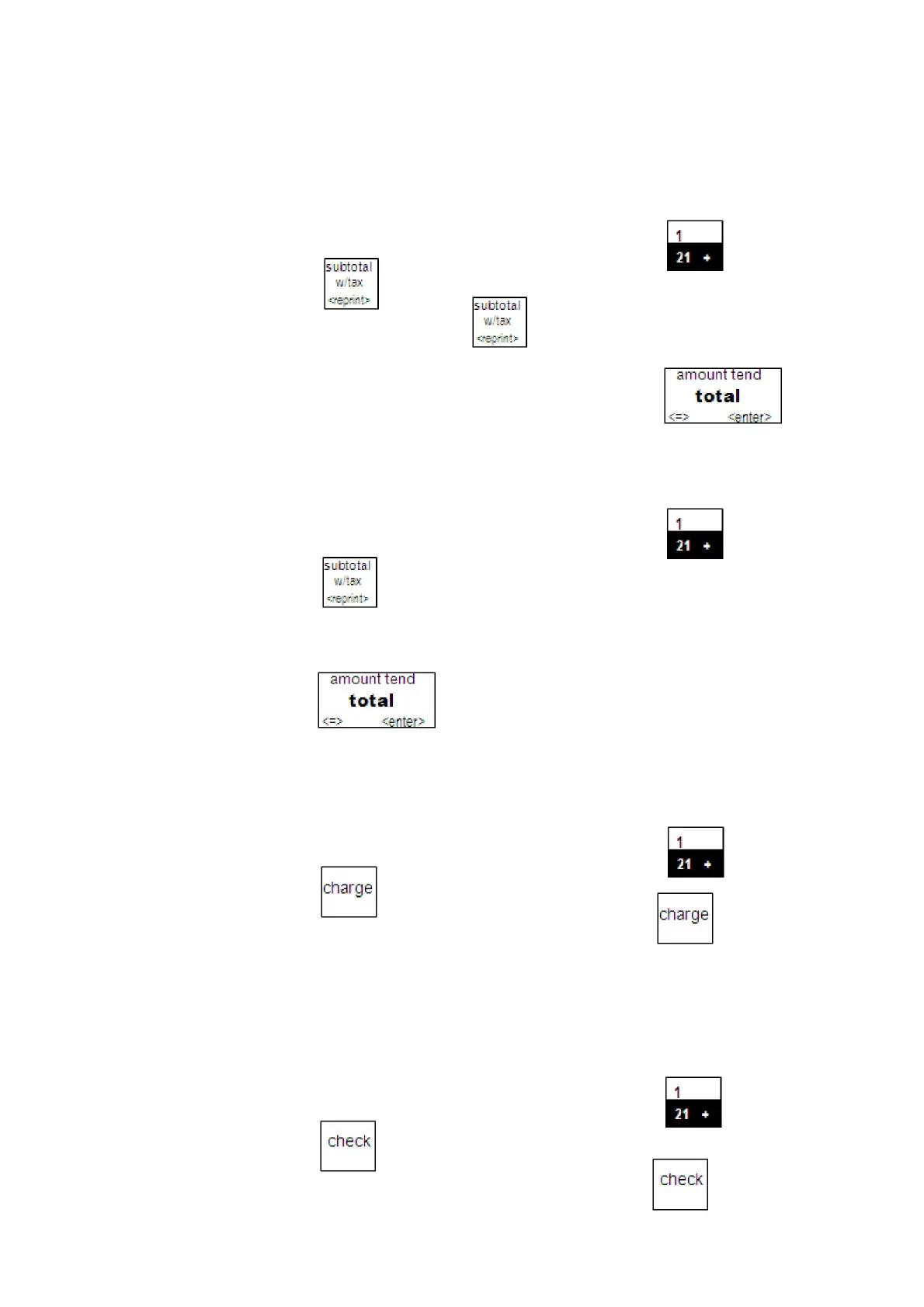
Example 2: Ring up a $1.00 item in Department 1 and compute change
from$5.00 cash tendered.
To ring up a sale with tendering change
1 In the Number keys area, press100, and then press the
key.
2 Press the key
You do not need to press the key if you do not want the subtotal with tax
amount to be shown on the bottom line of the screen.
3 In the Number keys area, press 500, and then press the key.
Cash Sale Without Tendering Change
Example 3: Ring up a $1.00 item in Department 1.
To ring up a sale without tendering change
1 In the Number keys area, press 100, and then press the key.
2 Press the key.
You do not need to press the subtotal key if you do not want the subtotal of the
sale to print.
3 Press the key.
Charge Sale
Example 4: Ring up a $1.00 item in Department 1 and finalize the sale with
the charge key.
To ring a charge sale
1 In the Number keys area, press 100, and then press the key.
2 Press the key.
You do not have to enter any amounts before pressing the key.
Check Sale
Example 5: Ring up a $1.00 item in Department 1 and finalize the sale with
theCheck key.
To ring a check sale
1 In the Number keys area, press 100, and then press the key.
2 Press the key.
You do not have to enter any amount before pressing the key.



 To Next Page