51
Alpha5000ML owner’s manual
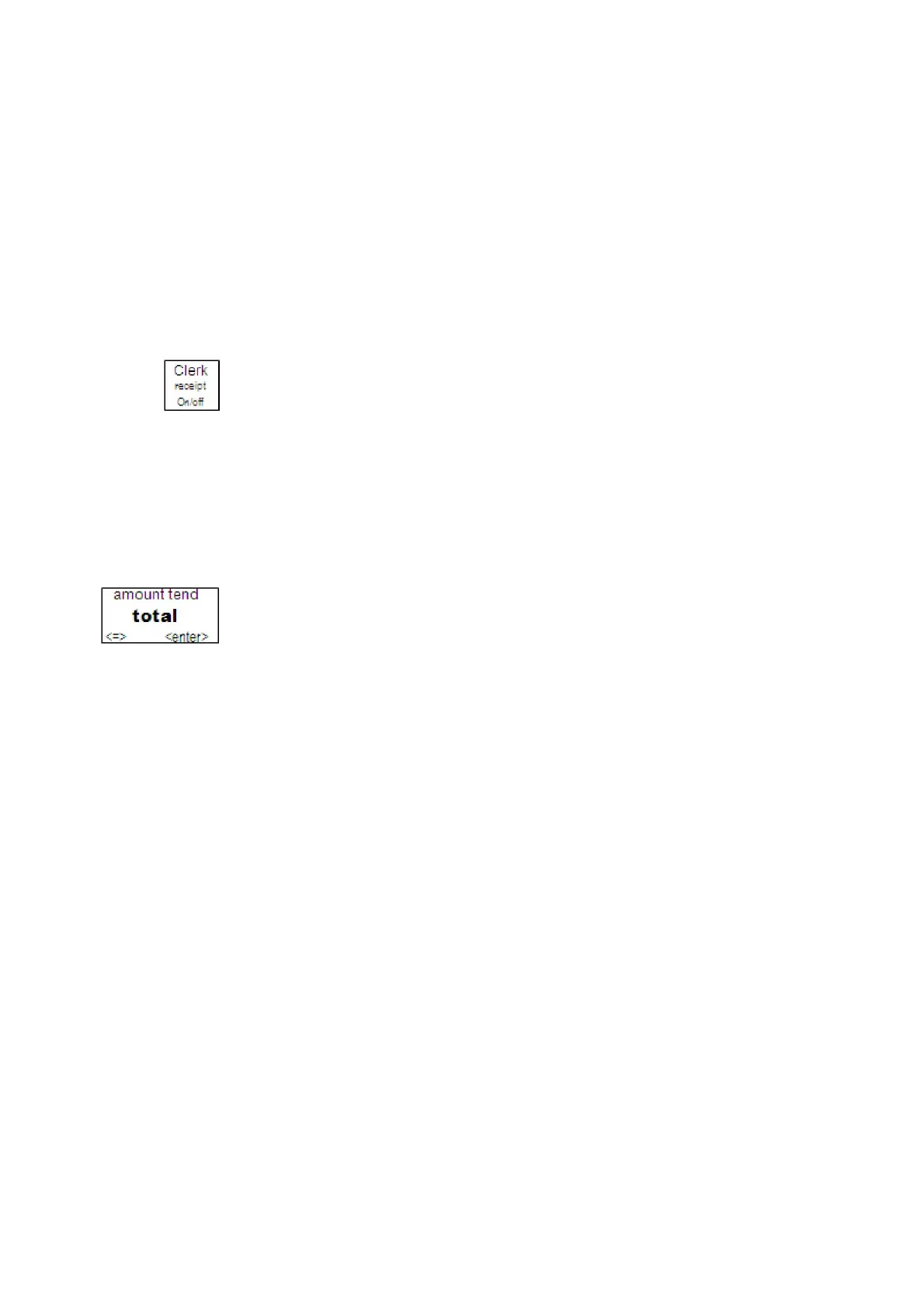
You can see the receipt printer is turned off by looking at the clerk screen. If you see
the (OFF) symbol, receipts are not automatically printed.
Note
You cannot change printing receipts in the middle of a transaction.
To turn printing receipt on or off
1 End any transaction.
2 Do one of the following:
• To turn receipt printing off, input 00and press receipt on/off key. The
(OFF) symbol appears on the clerk screen.
• To turn receipt printing on again, input 11and press receipt on/off key. The
(ON) symbol appears from the clerk screen.
Receipt on Demand
If the receipt printer is turned off, you can still print a receipt on demand if the
customer requests one after the transaction is completed but before you start another
transaction.
To print a receipt after a transaction is complete, press the enter key
Using Training Mode
We provide examples to help learn how to use this cash register. Using the
examples can help you learn to use the cash register and the available features.
You can enter the Training mode at any time in the REG mode because it does not
record activity in the machine totals. However, you cannot enter Training mode in
the middle of a transaction. Complete any transactions, running reports, or
programming before you enter Training mode.
When you are using the cash register in Training mode, you cannot use any of the
operations in the PRG, X, or Z modes. The transaction numbers and amounts do
not count in the Register mode until you exit Training mode.
Entering and Exiting Training Mode
You can enter and exit Training mode.
When the cash register is in Training mode, all transactions print Training Mode
on the receipt.
To start Training mode



 To Next Page