37
Alpha5000ML owner’s manual
Adjusting the Keyboard Layout
The alpha 5000ML allows you the ability to customize your keyboard in the
manner that serves your business best. For example, if you do not need the
three charge keys that are pre-programmed on the keyboard, you can adjust
one of these to be a foreign currency (FC) key. Programming of the keyboard
is available in the main programming menu under the heading Keyboard
Layout.
To adjust the keyboard and program a different key, you need to know its
function code. Please see the table on the next page for a listing of the
available functions and their respective codes.
To adjust the keyboard layout
PRG Keyboard Layout
1. Turn the key to PRG
2. If you are prompted for a Manager Password, type the password number and
then press the enter key. If you did not program a Manager Password, go to
the next step.
3. Press the Arrow Down key to select Keyboard Layout. Press enter key.
4. Select one key function and Press the key you want to change to be this
function.
5. To program the next key, press subtotal to select one key function and press
the key you want to change to be this function.
Printing the Program Confirmation Report
Now that basic programming is complete, check your results with a Program
Confirmation Report.
If any mistakes were found during the program confirmation report, only
reprogrammed the specific error. For example, if only the tax rate is incorrect, just
re-program the tax—you do not need to re-set the time, date, and so on.
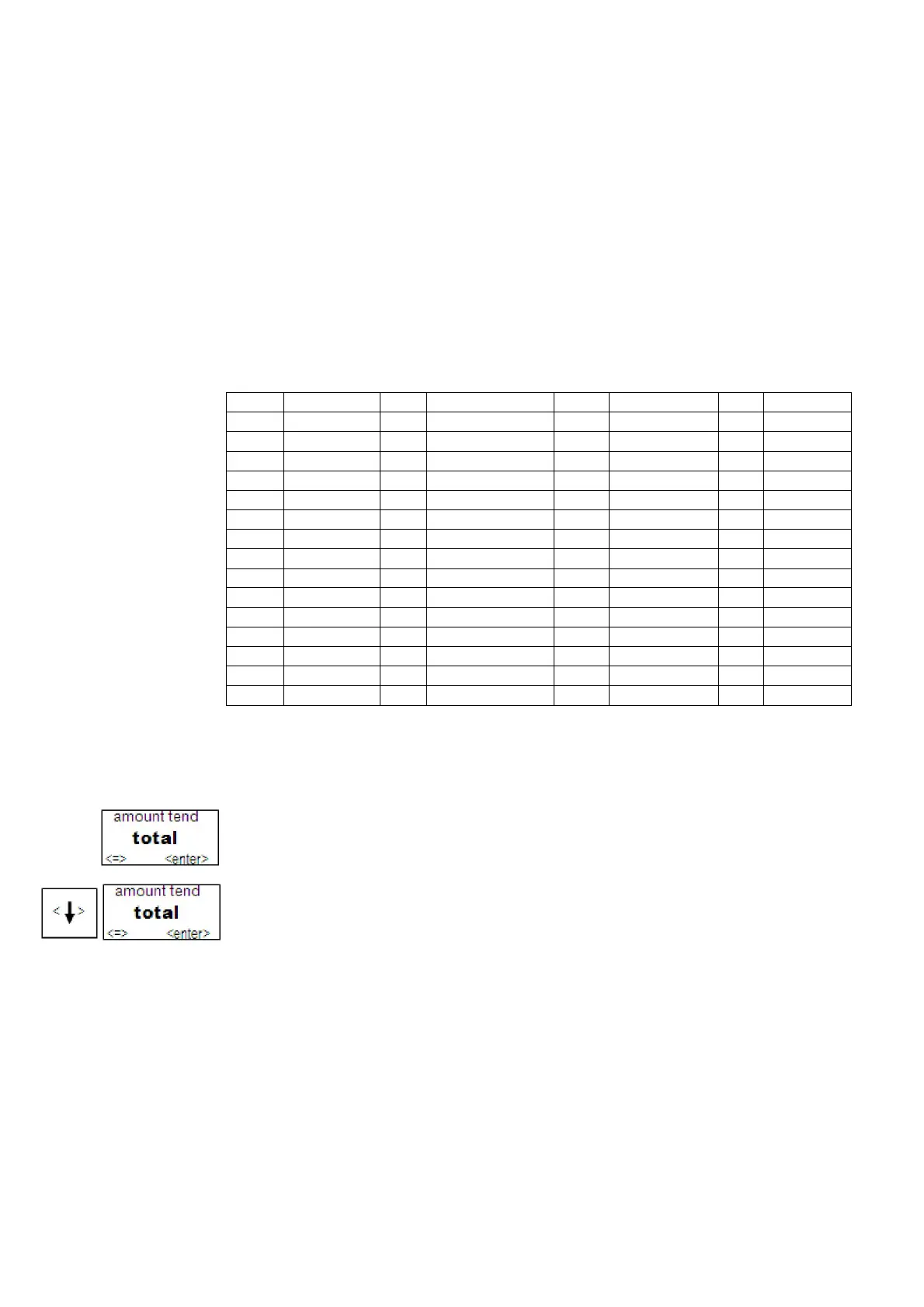
01 0 18 VOID 2F NS 8C DEPT12
02 1 19 RETURN 30 CHECK2 8D DEPT13
03 2 1A TAX EXEMPT 31 CHECK3 8E DEPT14
04 3 1B TAX1 32 CHECK4 8F DEPT15
05 4 1C TAX2 33 CHARGE2 90 DEPT16
06 5 1D TAX3 34 CHARGE3 91 DEPT17
07 6 1E TAX4 35 CHARGE4 92 DEPT18
08 7 1F RA 36 CREDIT2 93 DEPT19
09 8 20 PO 37 CREDIT3 94 DEPT20
0A 9 21 CLERK 38 CREDIT4 95 DEPT21
0B 00 22 -% 39 TAX FORCE
96 DEPT22
0C 000 23 +% 80 DEPT 97 DEPT23
0D . 24 CPN 81 DEPT01 98 DEPT24
0E CLR 25 X/TIME 82 DEPT02 99 DEPT25
0F PLU ALT 26 DEPT SHIFT 83 DEPT03 9A DEPT26



 To Next Page