18
Installing the Wireless Bridge
Preparing for Installation
Step 5: Log In to the Web Interface
1. Open a Web browser window from the admin computer.
2. In the address or location bar, type the following address:
Root Bridge: http://192.168.2.1
Non-Root Bridge: http:/192.168.2.254
3. Press <Enter> on the keyboard to connect to the Wireless Bridge’s Web interface.
A security alert message appears.
4. Click Yes or OK (depending on the browser) to continue. The Wireless Bridge’s
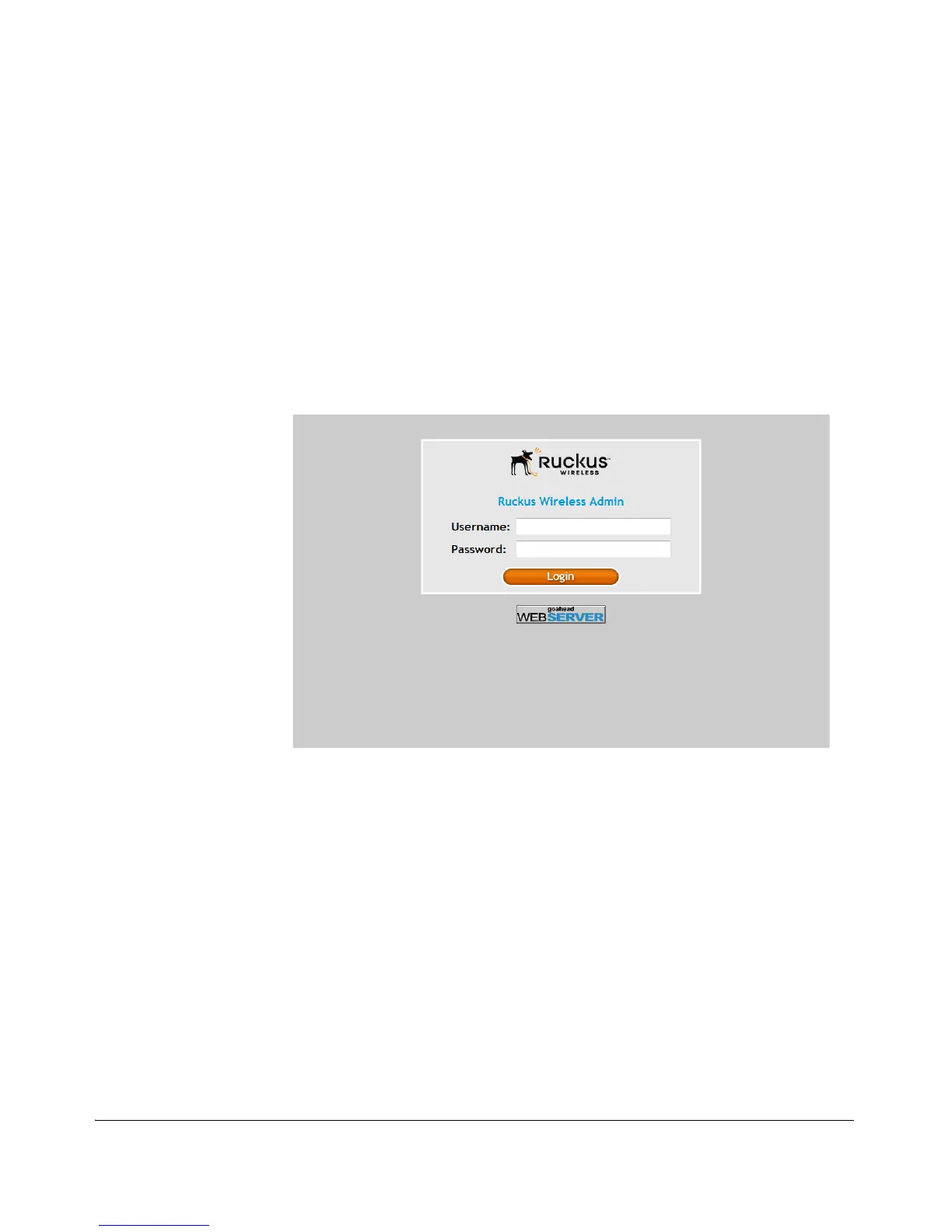
login page appears.
Figure 9. The ZoneFlex Wireless Bridge login page
5. In User name, type super.
6. In Password, type sp-admin.
7. Click Login. The Web interface appears, displaying the Status > Wireless page.



 To Next Page