19
Installing the Wireless Bridge
Preparing for Installation
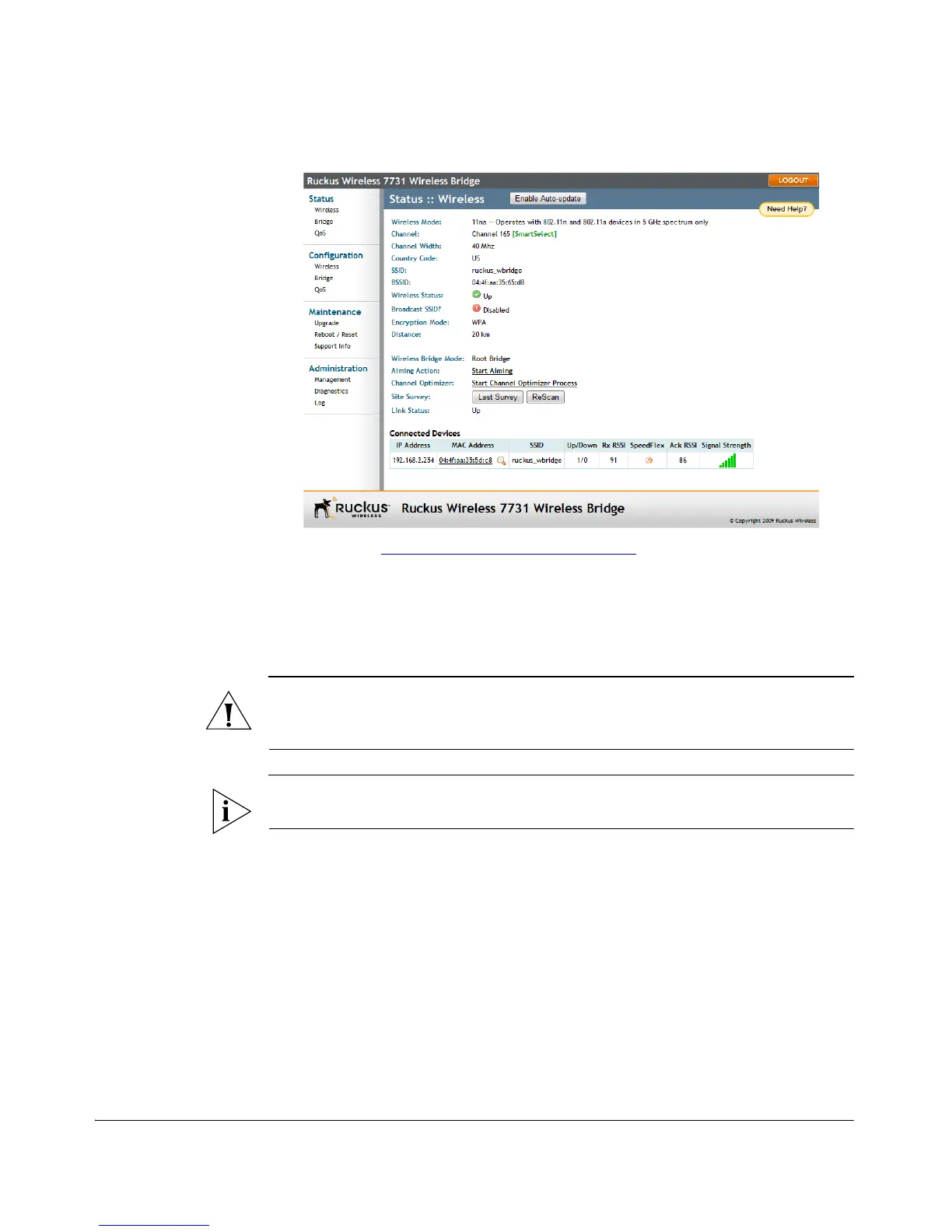
Figure 10. Ruckus ZoneFlex 7731 Wireless Bridge Status :: Wireless page
8. Continue to “Step 6: Change the Country Code”
.
Step 6: Change the Country Code
Change the Country Code setting to your location and reboot the bridge for updates
to take effect.
CAUTION: If changing the Country Code after the units have been mounted, you will
need to configure the remote units first followed by the local unit, to avoid loss of
connectivity.
NOTE: If you purchased the Wireless Bridge in the United States, this value is fixed
to “United States” at the factory and is not user configurable.
If you purchased the Wireless Bridge outside of the United States, verify that the value
is set to your country or region. Selecting the correct country code ensures that the
Wireless Bridge uses only the radio channels allowed in your country or region.
To set the country code to your location:
1. On the Configuration > Wireless page, select your location from the Country
Code menu.
2. The following warning message appears:



 To Next Page