20
Installing the Wireless Bridge
Preparing for Installation
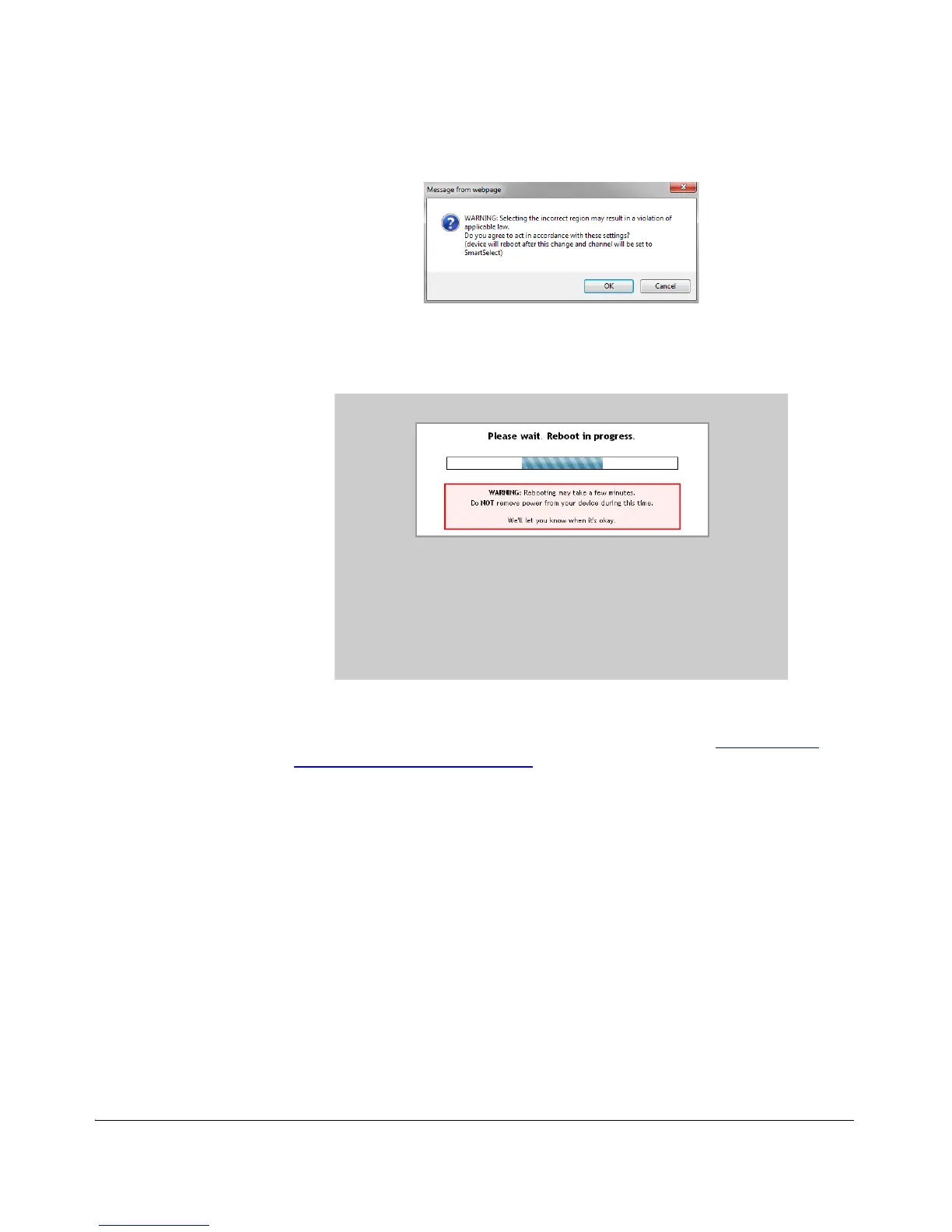
Figure 11. Country code warning message
3. Click OK to continue.
4. A reboot initiates immediately, and the Reboot in Progress screen is displayed.
Figure 12. Reboot in progress
5. When the reboot is completed, log in again to continue making configuration
changes.
6. You have completed setting the Country Code. Continue to “Step 7: Verify
Association between the Bridges”.
Step 7: Verify Association between the Bridges
Once the initial configuration procedures have been completed, verify that your
Wireless Bridges have associated with one another. If no association has been
established, the following will be displayed:



 To Next Page