34
Installing the Wireless Bridge
Physical Installation
WARNING: Do not apply power to the Wireless Bridge at this point. You should
connect the Wireless Bridge to a power source only after you finish connecting all
other components in “Step 3: Connect the Wireless Bridge to the Network”
on
page 35
.
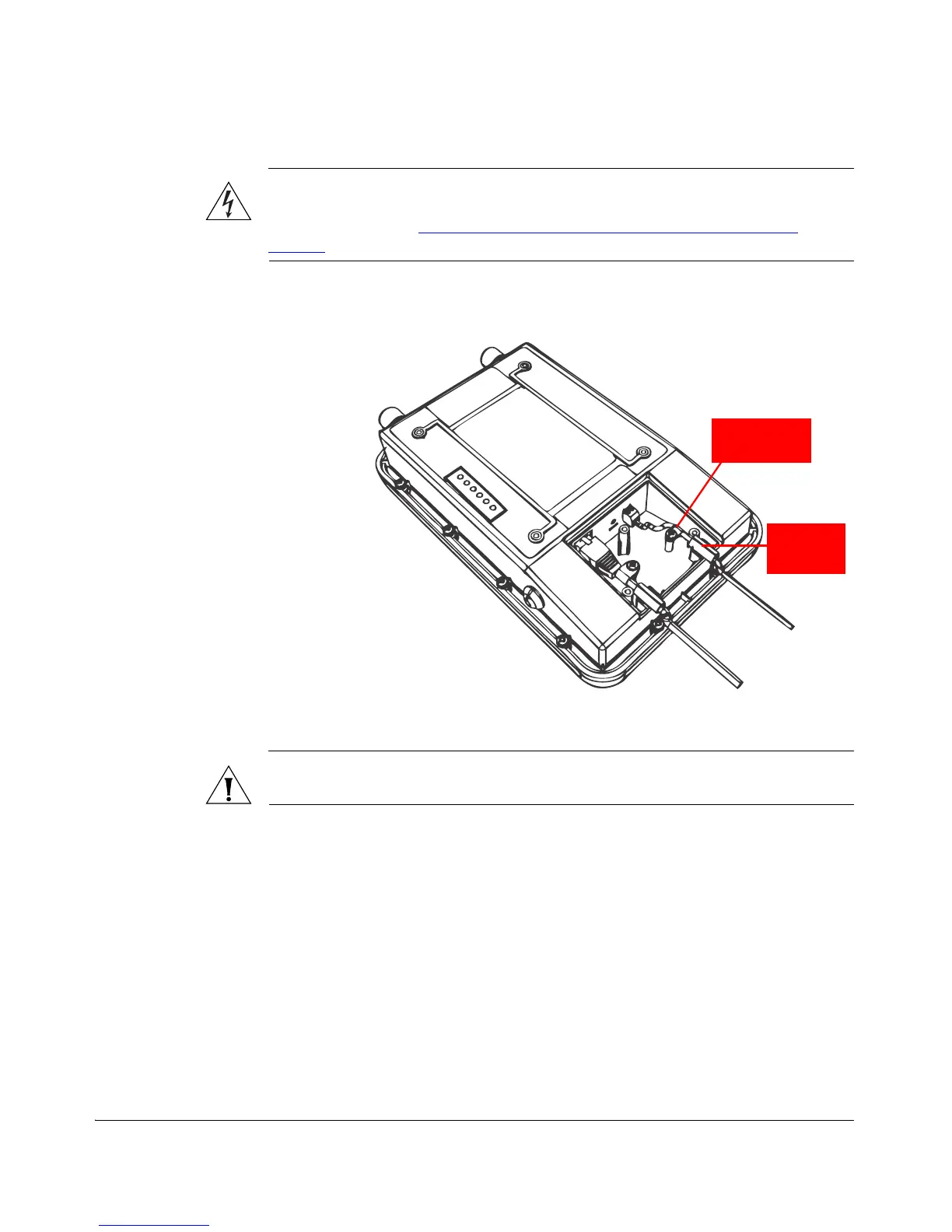
Figure 29. Install the white P-clip cable clamp
CAUTION: If you are not connecting the DC cable to the DC terminal block, make
sure you cover the right cable groove with the supplied sealing plug.
You have completed setting up the DC power connection.


 To Next Page
 Loading...

